
 EN
EN  DE
DE 
Rolla Casino Registration and Login Process
Getting started at Rolla Casino takes only a few minutes, but a smooth first session still depends on choosing the right sign-up method, confirming access, and knowing when verification is required.
This guide covers registration, Rolla login, mobile access, account verification, games, bonuses, and common account questions in a clear order.
How to Sign Up to Play at Rolla Casino
I completed my first Rolla Casino registration without any issues. The process is basic and familiar, since players only need to enter account details, personal information, and eligibility confirmation. The guide below shows each registration stage and the details required.
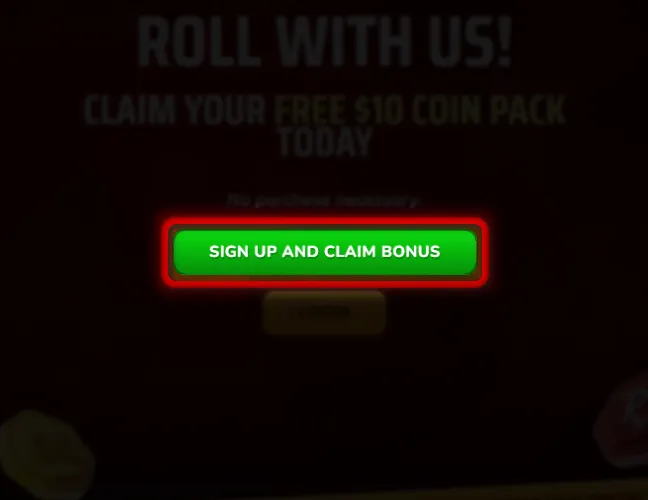
Click the Rolla sign up button and choose Google or email registration.
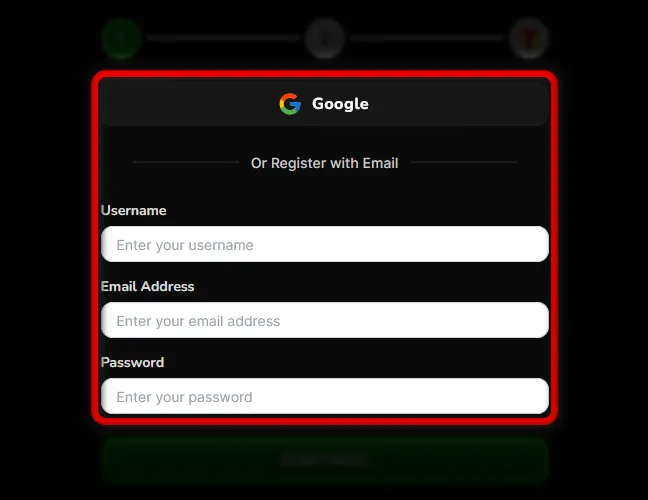
If you choose email registration, enter a username, email address, and password.
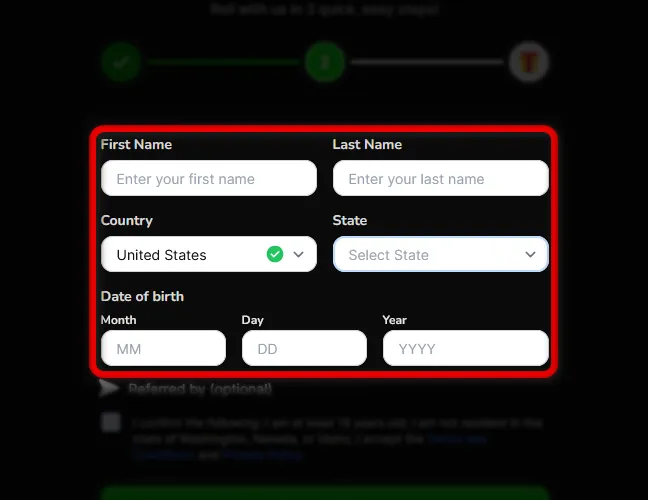
Enter your first name, last name, country, state, and date of birth.
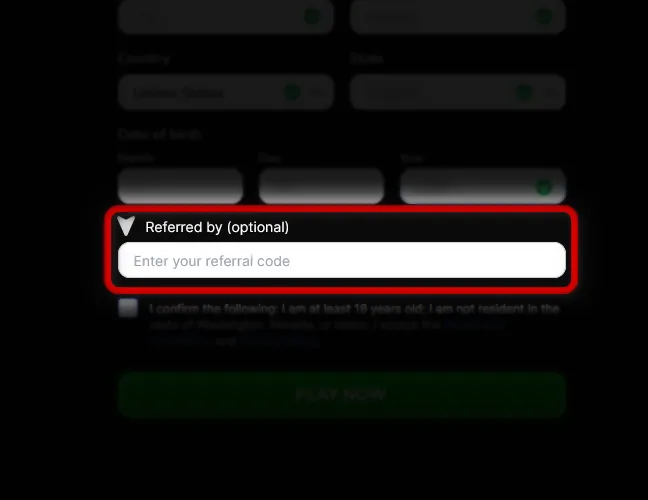
Use this optional field only if you have a code.
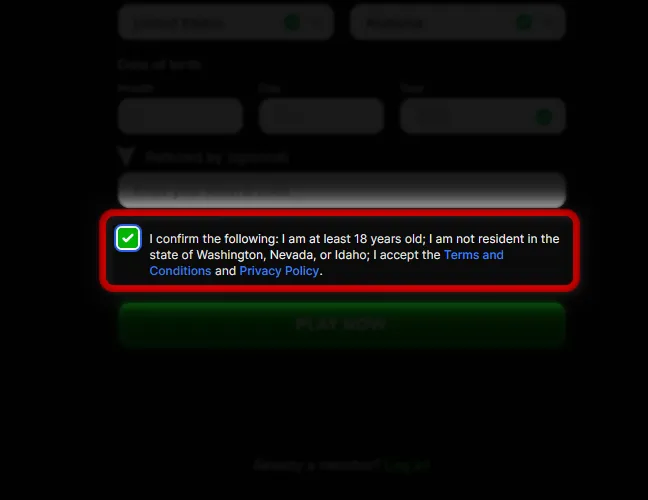
Check the box confirming that you are at least 18 years old, not located in Washington, Nevada, or Idaho, and accept the Terms and Conditions and Privacy Policy.
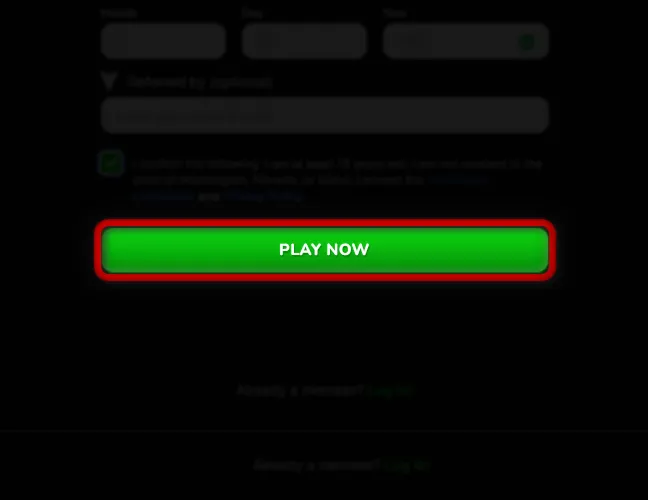
Click “Play Now,” then verify your email address from the message sent to your inbox.
Google registration is faster because it skips manual email and password entry. I completed registration through Google in less than 3 minutes.
Ways to Create Your Rolla Sweepstakes Casino Account
Rolla social casino supports two account creation methods. The options below help players choose the Rolla casino login style that fits them best.
- Google registration: The quickest route. Players select Google, choose their profile, and continue through the remaining account fields.
- Email registration: The manual route. Players create a username, enter an email address, set a password, and then complete the same personal details.
Both methods create the same Rolla Casino account type. After registration, players should keep using the same login method they selected during Rolla casino sign-up.
Verification of a Rolla Casino Account
Rolla Casino verification is tied to purchases and prize redemptions, so new players do not need to complete every check immediately after registration. First, the account profile must include a street address, city, and ZIP code.
Level 1 verification is required before the first purchase. This stage includes a liveness check and photo ID upload. Accepted documents include a driver’s license, national ID, passport, or residence permit.
Level 2 verification is required before the first redemption. This stage confirms the player’s address through a utility bill, bank or credit card statement, government letter, or a different government ID showing the current address. The document must be issued within the last 3 months and match the Rolla account details.
Players should upload clear, full documents without edits or cropped sections. Blurry files, screenshots, and unsupported documents delay verification.
How to Log In to Rolla Casino on Desktop
Logging in to Rolla Casino on desktop takes less than a minute if the account is already registered and the email address has been verified. The steps below show the full desktop login flow.
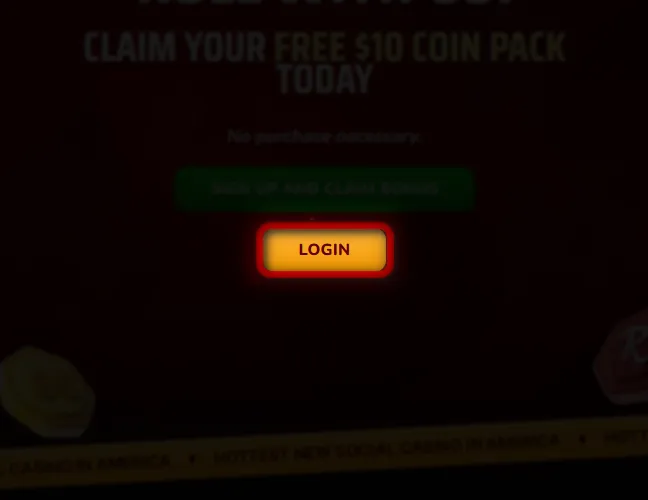
Go to the website in your desktop browser and click the login button.
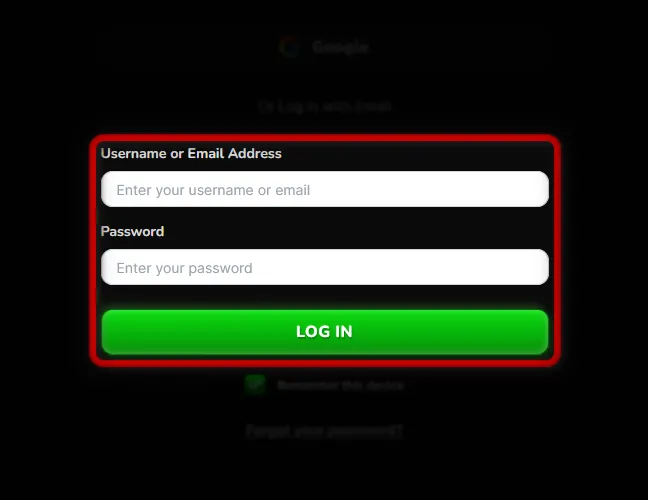
Select Google if you used Google registration, or continue with the email login form.
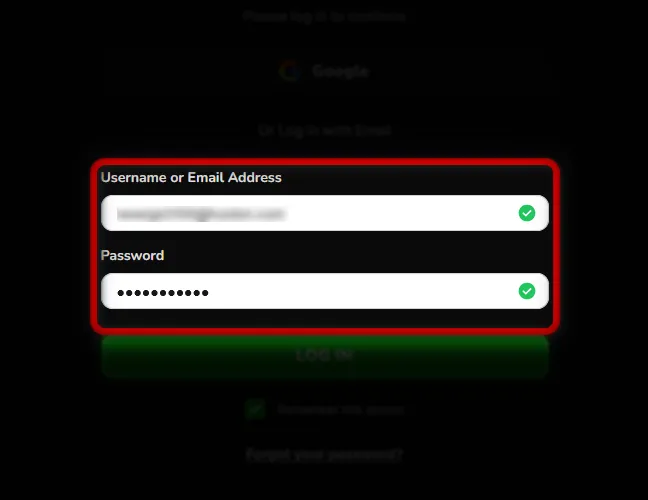
Type your username or email address and password.
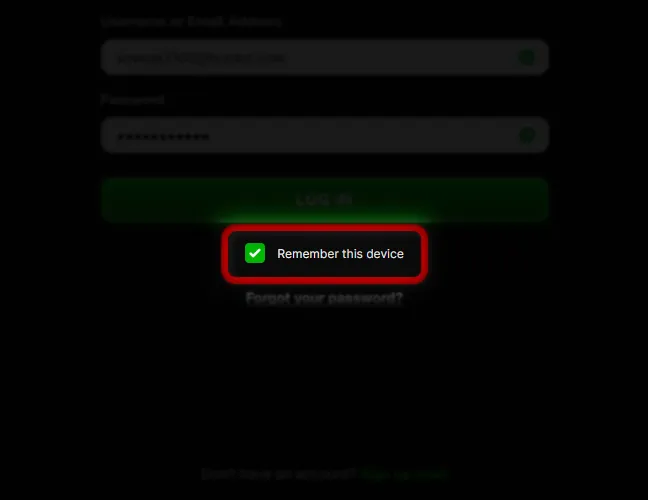
Enable this option only on a private computer.
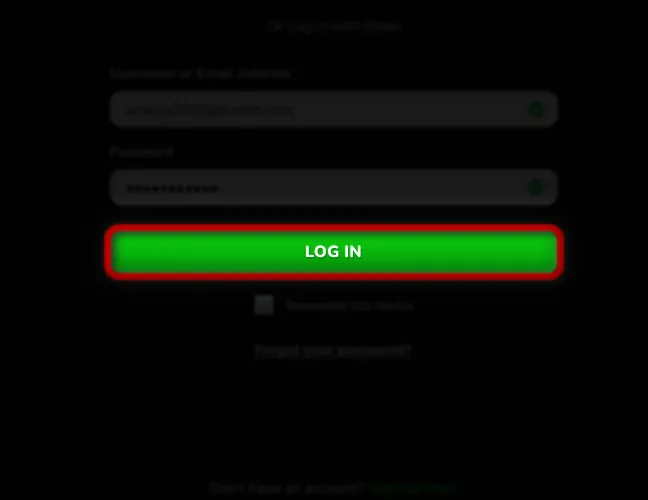
Submit the form to open your account.
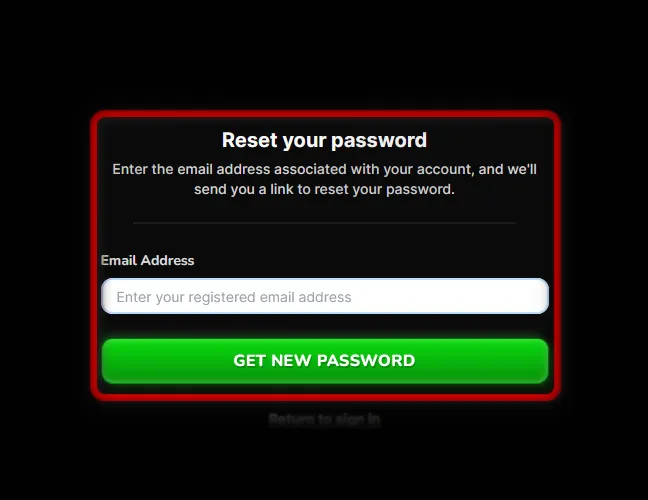
Use “Forgot your password?” if the login details are not accepted.
Rolla may request an email verification code when a player logs in from a new device, browser, or IP address. In that case, open the registered inbox, copy the one-time code, and enter it on the login screen.
Register at Rolla Social Casino via Mobile
Rolla Casino is well adapted for mobile screens and runs as a progressive web app, so registration follows the same flow as desktop but feels optimized for phone use. Players do not need to download an iOS or Android Rolla app.
Use Safari, Chrome, or another updated mobile browser.
Start registration from the mobile homepage.
Select Google for faster setup or email for manual registration.
Fill in login details, personal information, state, and date of birth.
Confirm eligibility and submit the form.
Open the confirmation message and activate the account.
The main difference is screen size, not the registration requirements.
Available Rolla Sweeps Casino Games
Rolla Casino has one of the stronger game lobbies in the sweepstakes casino space, with 2,100+ titles and 36 providers. The library focuses on slots, jackpots, scratchcards, and arcade-style games, with studios like Jili, Hacksaw Gaming, M2Play, 3 Oaks Gaming, BGaming, NetGaming, Evoplay, Betsoft, and RubyPlay. Live dealer games are not available.
The list below shows the main game categories and examples from each section.
- Shooting Games: Sparkle Fish Shooter, Lucky Shooter 2, Beast Shooter, Boar Rush.
- Low Spins Big Wins: Money Coming, Wild West Trueways, Mystic Alaska, Gems of Ra 3 Pots.
- Scratchcard Games: Old West, Scratch Match, Shave the Beard, Chaos Crew Scratch.
- Classic Slots: Gold Mine Express, Fortune Gems 500, Money Coming 2, Wild Whopper.
- Hold and Spin: Jump\! 2, Fireball Inferno, Pirate’s Awakening, Golden Treasures.
- Featured Games: Joker’s Fortune, Buffalo 250 Anniversary, Coins of Fruit, Rapid Gems.
- Popular Games: Wild Reel Royale, Super Pyramid of Gold, Yokai, Joker Jane.
Rolla Casino Sign-Up Bonuses and How to Claim Them
Rolla Casino gives new players free daily coins after registration and a discounted first-purchase pack. Players need to complete the required profile and identity steps before claiming the welcome bonus.
The list below shows what to do after creating an account.
Register with Google or email and confirm your email address.
Add the personal details required in the account form.
Take a selfie and upload a valid ID document when prompted.
Collect 250,000 GC \+ 1 FREE SC each day for the first 7 days, up to 1.75 million GC \+ 7 FREE SC total.
New players also get a one-time discounted purchase pack with 1,250,000 GC \+ 25 FREE SC for $9.99.
The Site does not require a promo code for the main Rolla casino sign-up offer.
Tips for Maximizing Bonuses on Rolla Sweepstakes Casino
Bonus value at Rolla depends on timing, account readiness, and regular promo checks. A new user should treat the first few sessions as a setup period, since early rewards are easiest to miss right after registration.
The tips below help players avoid common bonus mistakes during the first week.
- Finish account setup first: Complete the profile and identity steps so welcome rewards are not blocked.
- Log in during the first week: Claim the daily no-deposit bonus each day before the 7-day window ends.
- Use the first-purchase deal early: Check the Coin Store after registration and claim the discounted welcome pack while it is available.
- Skip promo code searches: The main Rolla sign-up offer does not require a promo code.
- Check promotions before playing: Open the promotions tab for Daily Reel Quest, Weekly Rollback, Coin Drop, and social offers.
- Opt in where required: Some promos need activation before play, so join the offer first.
Rolla Sweepstakes Casino Sign-Up FAQs
Is Rolla Social Casino legal to play in the US?
Rolla Casino is available to eligible US players in permitted states through a sweepstakes model. During sign-up, players must confirm they are not located in Washington, Nevada, or Idaho.
What is the minimum age requirement to sign up at Rolla Casino?
Players must be at least 18 years old to create a Rolla Casino account.
What games are available at Rolla Casino after registration?
Players get access to 2,100+ games, mainly slots, jackpots, scratchcards, Hold and Spin titles, Shooting Games, and other digital casino formats. Live dealer games are not available.
How do I get my welcome bonus when I sign up at Rolla Sweepstakes Casino?
Create an account, confirm your email, complete your profile, and finish the required identity verification. After that, the welcome bonus becomes available to claim.
Am I allowed to have multiple accounts at Rolla Casino?
No. Players should use one account with their own personal details. Duplicate accounts can lead to blocked bonuses, verification issues, or account restrictions.
What should I do if I’m having trouble logging in to Rolla Social Casino?
Check that you are using the same login method selected during registration. If needed, reset your password or enter the email verification code requested for a new device or browser.
How do I delete my Rolla Casino account permanently?
Open the Responsible Social Gaming page and choose the relevant account closure option. Permanent closure requires a written request and cannot be reversed once processed.
Who do I contact if I need help with my Rolla Casino registration?
Use Rolla customer support through live chat during business hours or email [email protected] for registration, login, verification, or account access questions.

 PokerListings



Log in to leave a comment
Takes a minute. Your rating counts toward the score.