
 EN
 DE

Funzpoints Casino Mobile App: How to Play on Mobile (2026)
Funzpoints is an online social casino with more than 100 in-house casino-style games and no traditional native app to install. Players can access it on desktop and mobile devices, while the Funzpoints app itself works as a Progressive Web App.
Our guide explains how the Funzpoints casino app works on mobile in 2026. We cover the setup process, the main mobile features, and what players should know before using Funzpoints on a phone or tablet.
How to Play Funzpoints Casino on Mobile
There is no need to download the app from an official store. Players can open Funzpoints directly in a browser or complete the Funzpoints casino app download process by adding the PWA to the home screen. The setup differs slightly depending on the device and browser.
The setup is almost identical on iPhone, iPad, and Android devices:
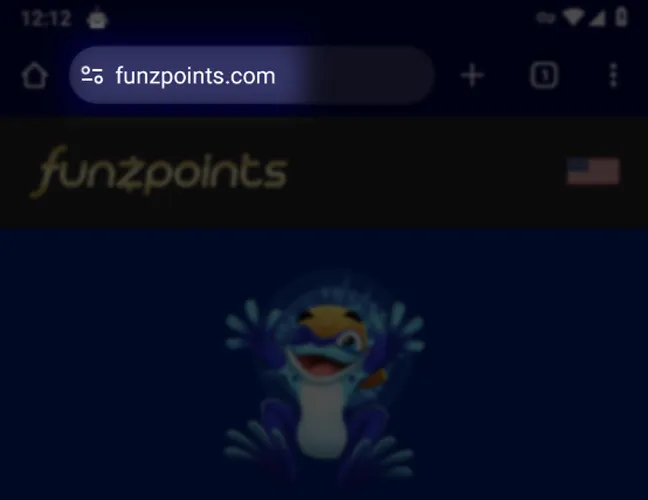
Open Funzpoints in Safari or Chrome.
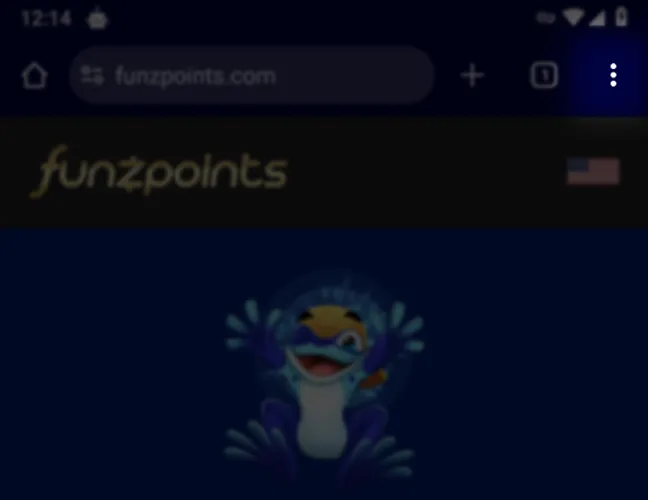
Open the browser menu. In Safari, tap Share. In Chrome, tap the menu beside the address bar.
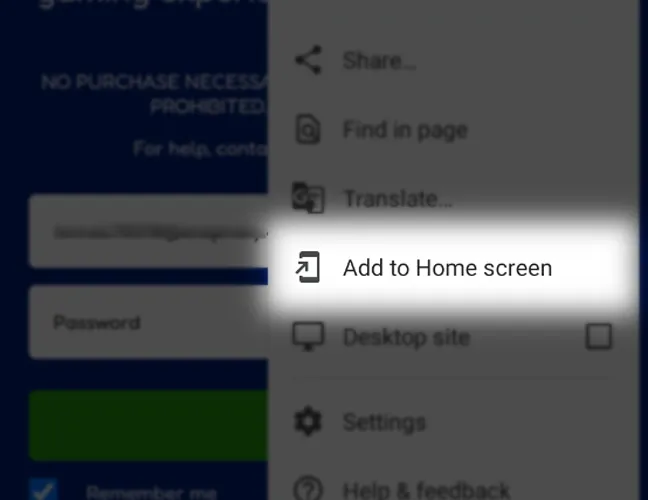
Select Add to Home Screen.
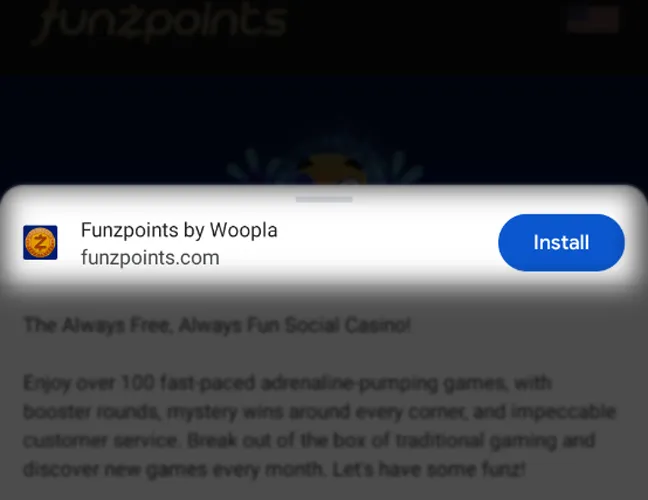
On Android, tap Install if prompted.
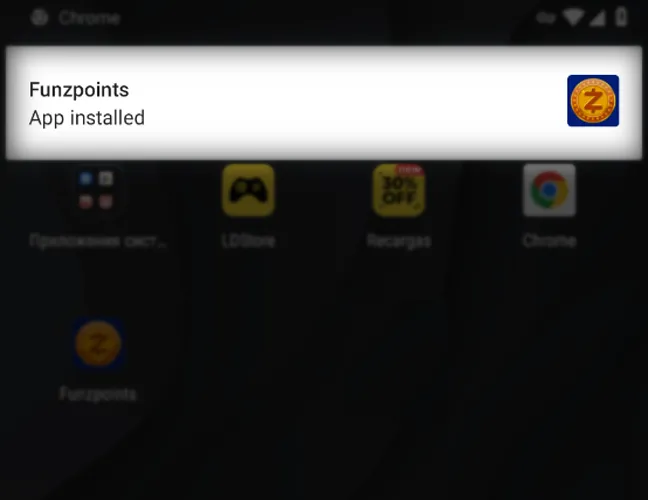
Confirm the website details and add the Funzpoints icon to the home screen.
Once the PWA is added, the Funzpoints icon provides direct access to the casino from the home screen. New players can register an account and start playing without opening the site manually in the browser each time.
Funzpoints App System Requirements
The Funzpoints app has minimal system requirements. Players only need a compatible iOS or Android device, a supported browser, and an internet connection to access the platform and add it to the home screen.
| Requirement | iOS | Android |
|---|---|---|
| Device type | iPhone or iPad | Android phone or tablet |
| OS version | iOS/iPadOS 17 or later | Android 10 or later |
| App type | Progressive Web App | Progressive Web App |
| Browser | Safari or Chrome | Chrome |
| Storage | Minimal free space for the shortcut and cached site data | Minimal free space for browser data and PWA files |
How to Update Funzpoints Casino on Mobile
You don’t need to repeat the Funzpoints casino app download process when the platform updates, as the PWA refreshes automatically through the website. If something does not load correctly or the interface appears outdated, try the following steps:
Close the Funzpoints PWA window.
Reopen Funzpoints and refresh it.
Check whether the browser has an available update.
Clear stored site data or cache if the problem continues.
Restart the browser or device and try again.
The home screen icon normally stays in place after updates, so you don’t need to add the PWA again.
Registration Process via Funzpoints Casino App
Creating an account through the Funzpoints casino app takes only a few steps and ends with email activation. Follow these steps to create an account:
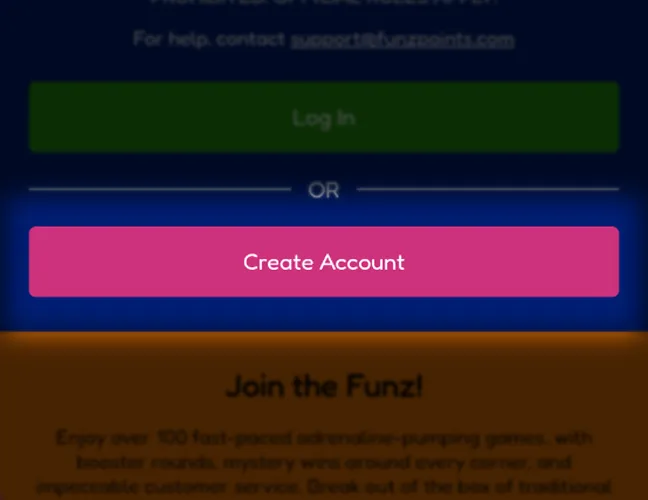
Open Funzpoints and select Create Account.
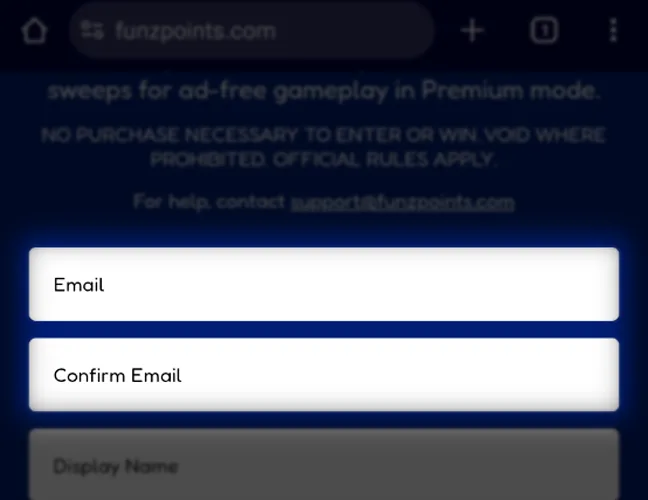
Enter and confirm your email address.
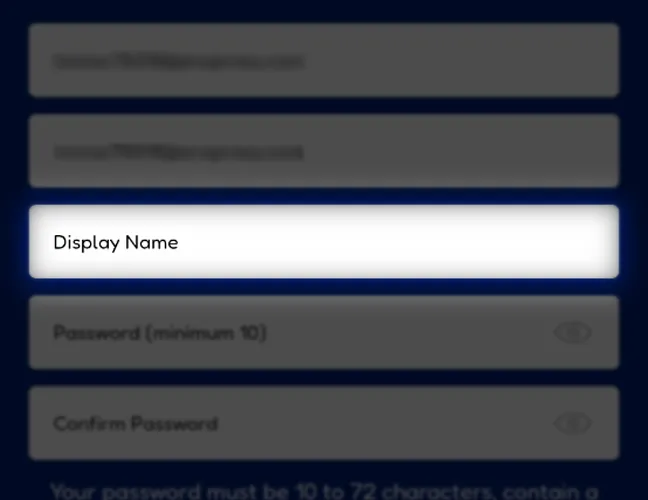
Choose a display name.
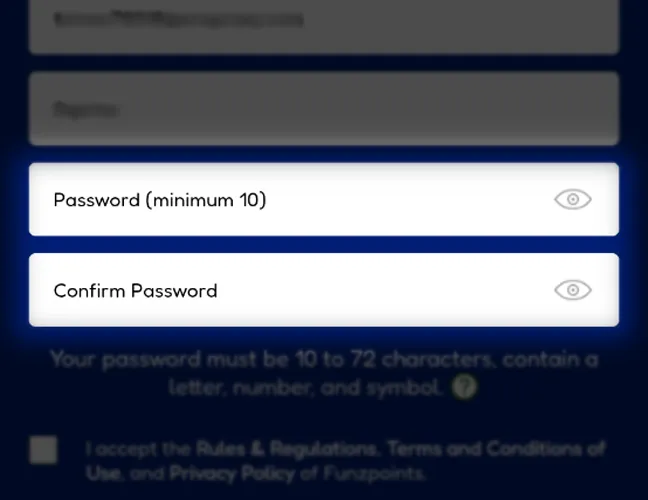
Create and confirm a password. It must contain 10 to 72 characters, including a letter, number, and symbol.
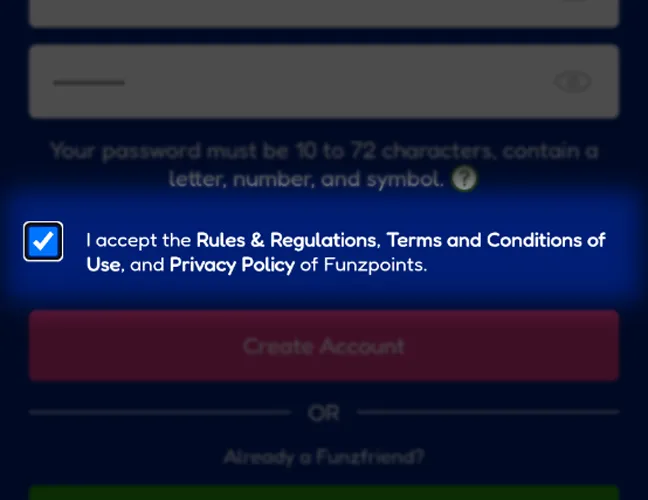
Accept the Rules & Regulations, Terms and Conditions of Use, and Privacy Policy.
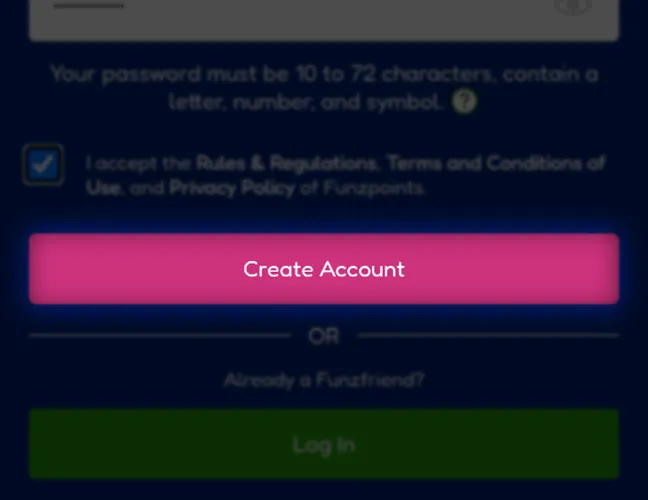
Tap Create Account.

Open the activation email from Funzpoints and follow the confirmation link.
After activation, login requires only the registered email address and password. Players can also enable Remember me for quicker access on the same device.
Casino Games Available in the App
Funzpoints offers more than 100 casino-style games, with the catalog focused on exclusive in-house titles. Players can switch between Standard and Premium play, depending on which type of FunzPoints they are using.
The main formats available include:
- Slots;
- Jackpot slots;
- Keno.
Slot Games
Slots make up most of the Funzpoints catalog and cover a mix of classic reel formats and feature-driven games. Available titles include Start Your Engines, Cherry Master Deluxe, Criminal Cash, All Powered Up, and Mega Jackpot Hits. Depending on the game, players can find mechanics such as free spins, jackpots, wilds, and bonus rounds.
Specialised Games
Funzpoints also has a keno category alongside its main slot catalog. One available example is Queen of the Nile, which follows a traditional 80-number keno format. The selection is much smaller than the slot library, so keno works more as an alternative format than a major part of the catalog.
Bonuses You Can Access in the Funzpoints Casino App
Funzpoints does not offer a traditional deposit bonus that requires players to fund an account first. Instead, new players receive 1,000 Standard FunzPoints after registration and another 250 Premium FunzPoints after completing their profile.
The conditions are straightforward, with no promo code required to claim these rewards. Other promotions include the FunzWheel, which can award free Standard FunzPoints and Tickets used for the daily jackpot draw.
Deposits & Withdrawals via the Funzpoints Casino App
Funzpoints uses purchases and prize redemptions rather than traditional casino deposits and withdrawals. Players can buy Standard FunzPoints packages, and some packages may include Premium FunzPoints as part of a promotional offer. Premium FunzPoints are the redeemable currency used in Premium mode, while eligible balances can be exchanged for cash prizes after meeting the playthrough and verification requirements.
| Transaction | Method | Minimum | Processing time |
|---|---|---|---|
| Purchase | Credit or debit card | From $4.99 | Instant |
| Prize redemption | ACH bank transfer | 2,000 Premium FunzPoints, equal to $20 | Around 1 business day |
A balance of 100 Premium FunzPoints has a redemption value of $1. Premium FunzPoints must be played through at least once in Premium mode before they become eligible for redemption, so the full redeemable balance has to be wagered once before a prize request can be submitted.
Identity verification is also required before players can cash out. Funzpoints checks the personal details in the account against a government-issued ID, and prize payments are only available after that verification has been completed successfully.
Players must use a credit or debit card in their own name for a purchase. Prize payments are then sent by ACH bank transfer to the bank account provided during redemption, which should belong to the same player.
Security Features of the Funzpoints Mobile App
Funzpoints monitors account activity using device and network data such as browser type, operating system, device fingerprint, and IP address. These checks help detect unusual access patterns and suspicious activity connected to an account.
The platform also restricts players to one account and one active game session at a time. If a player starts a game using the same account on another device, the previous session is closed automatically, while accounts flagged for fraudulent activity can be suspended or deactivated.
Funzpoints also provides Spend Limits and self-exclusion tools, allowing players to restrict spending or block access to the account for a selected period.
Mobile Experience in the Funzpoints Casino App
The Funzpoints PWA performed smoothly during our mobile testing, with stable access to games and account features from a phone or tablet. The format also keeps the setup lightweight, since it uses less storage than a full native app and does not require manual updates.
This makes the PWA a convenient option for regular mobile play, with quick home screen access and no extra maintenance after the initial setup.
FAQs About the Funzpoints Casino App
In which US states is Funzpoints Casino available?
Funzpoints is available to eligible players in most U.S. states. It is unavailable in California, Connecticut, Idaho, Indiana, Louisiana, Maine, Maryland, Michigan, Montana, Nevada, New Jersey, New York, and Tennessee.
Can I play Funzpoints Casino without downloading an app?
Yes. Funzpoints runs through a mobile browser and can be saved to the home screen as a PWA without installing a native application.
What slot games can I find at Funzpoints Casino?
Funzpoints has more than 100 casino-style games, with slots making up most of the catalog. Examples include Start Your Engines, Criminal Cash, and Mega Jackpot Hits.
Does Funzpoints Casino update automatically on mobile?
Yes. Platform changes are delivered through the website, so there is no separate application update to install from an app store.
Why is Funzpoints Casino not loading on my phone?
Check the internet connection and reload Funzpoints first. If the problem continues, restart the browser, clear stored site data, or update the browser.
How do I clear Funzpoints Casino from my browser?
Remove the Funzpoints home screen icon if one has been added, then clear Funzpoints site data through the browser settings. Removing the shortcut does not close the associated account.

 PokerListings




Log in to leave a comment
Takes a minute. Your rating counts toward the score.