EN
EN  DE
DE 

Clubs Poker App: How to Access for iOS and Android
The Clubs Poker App brings the excitement of online poker to your mobile device in 2026. Designed for both iOS and Android, it lets you join private poker clubs, participate in tournaments, and play real-time games wherever you are.
Unlike traditional real money poker apps, Clubs Poker does not require a download from the App Store or Google Play. It runs directly in your mobile browser, providing a smooth, secure, and lightweight experience for all devices.
Access Clubs Poker on iOS via Safari
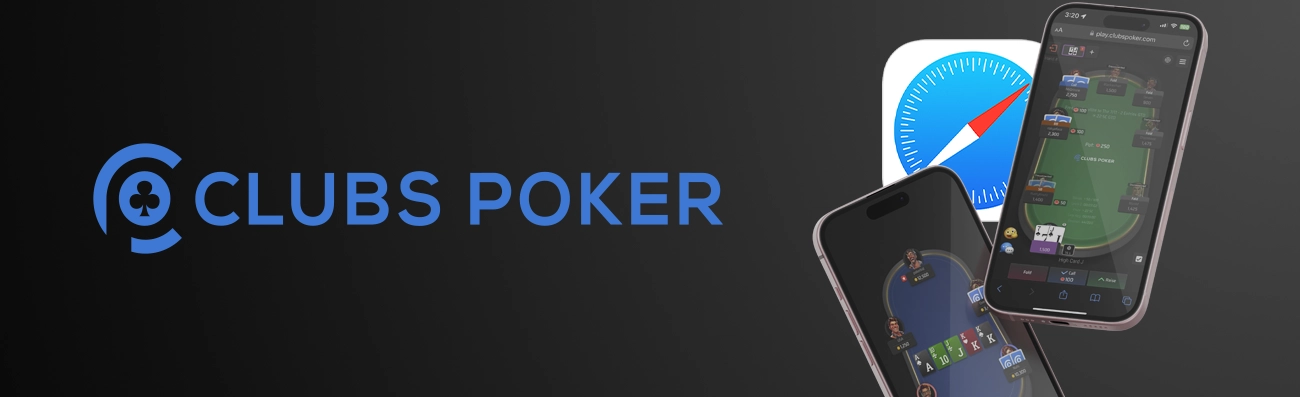
You can easily access Clubs Poker on any iPhone or iPad using the built-in Safari browser. There’s no need to perform Clubs Poker download from the App Store, the app works as a web-based version that runs just like a native application. To get it, you will need to:
- Open Safari on your iPhone or iPad.
- Go to the official Clubs Poker website.
- Log in to your account or create a new one if you’re a first-time user.
- Once the site loads, you can play directly in your browser or add it to your Home Screen for faster access.
- Allow notifications if prompted, so you don’t miss tournament updates or club invites.
Access Clubs Poker on Android via Chrome
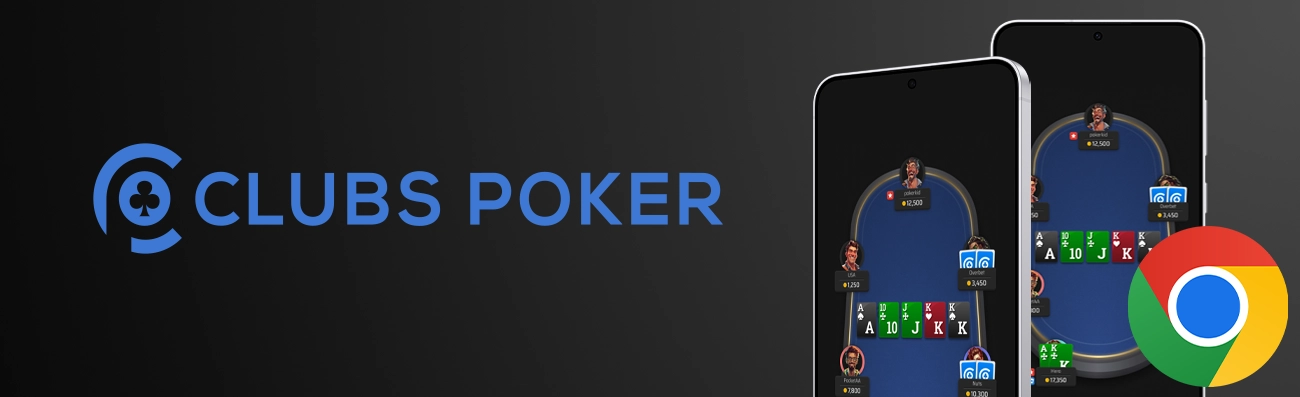
Android users can play Clubs Poker directly through the Google Chrome browser without downloading from Google Play. The web app works smoothly and is optimized for Android devices, providing full access to all poker features. Here is how to get it:
- Open the Chrome browser on your Android device.
- Visit the official Clubs Poker website.
- Log in with your account credentials or sign up if you’re new.
- The mobile interface will automatically adjust to your screen for optimal gameplay.
- You can also add the app to your Home Screen to make launching it even faster.
Add Clubs Poker Shortcut to Your Home Screen
To make access even easier, you can create a shortcut to the Clubs Poker web app on your Home Screen. This allows you to instantly open the app just like a regular poker app.
For iOS (Safari):
- Open Safari and go to Clubs Poker.
- Tap the Share icon (square with an upward arrow).
- Select Add to Home Screen from the list of options.
- Name the shortcut (for example, Clubs Poker) and tap Add.
- You’ll now see the Clubs Poker icon on your Home Screen, tap it anytime to play.
For Android (Chrome):
- Open Chrome and go to Clubs Poker.
- Tap the three dots menu in the top-right corner.
- Choose Add to Home Screen (the option name may vary slightly depending on your Chrome version).
- Confirm by tapping Add.
- The Clubs Poker icon will appear on your device’s Home Screen for quick access.
System Requirements for Clubs Poker Mobile Version
Before accessing the Clubs Poker App on your smartphone, make sure your device meets the minimum system requirements. The web-based version is lightweight and works smoothly on most modern devices, but stable internet and updated browsers are essential for the best experience.
Below is a breakdown of the recommended specifications for iOS and Android users.
| Platform | Minimum OS Version | Recommended Browser | RAM | Internet Connection |
|---|---|---|---|---|
| iOS (iPhone/iPad) | iOS 13 or higher | Safari (latest version) | 2 GB or more | Stable Wi-Fi or 4G/5G |
| Android | Android 8.0 (Oreo) or higher | Chrome (latest version) | 2 GB or more | Stable Wi-Fi or 4G/5G |
How to Access Clubs Poker on Mobile
Accessing the Clubs Poker mobile version is quick and doesn’t require installation from the App Store or Google Play. The app runs directly through your mobile browser, Safari for iOS and Chrome for Android, giving you instant access to your poker clubs, tables, and tournaments anytime. To access it:
Open your preferred mobile browser (Safari for iPhone or Chrome for Android).
Go to the official Clubs Poker website.
Tap Login or Sign Up to access your poker account.
Allow browser permissions (such as notifications) for a smoother gaming experience.
Optionally, add Clubs Poker to your Home Screen for faster access (see instructions above).
Start playing instantly, no downloads or installations required!
Registration Process via Mobile Version
If you’re new to Clubs Poker, registering through the mobile version is fast and user-friendly. You can create an account directly from your smartphone within minutes and start joining poker clubs or private tables right away. To do that, you will need to:
Open your mobile browser (Safari or Chrome) and visit the official Clubs Poker website.
Tap on Register or Sign Up on the main page.
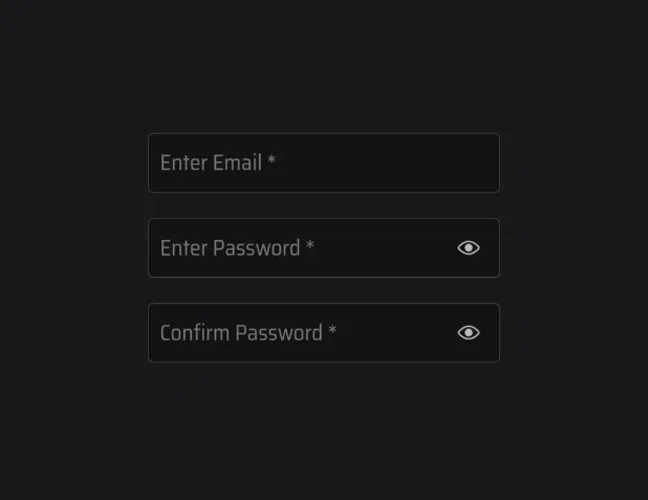
Enter basic information such as username, email address and password.
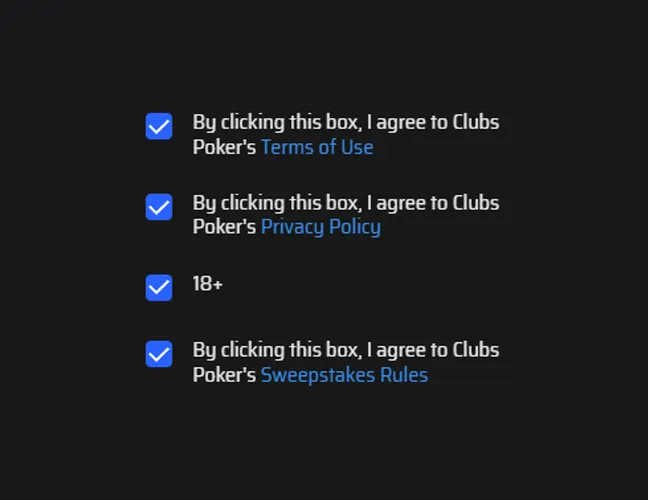
Agree to the Terms of Service and Privacy Policy.
Tap Create Account to complete registration.

Verify your email (check your inbox or spam folder).
Once verified, log in and start exploring clubs, tournaments, and game options.
Clubs Poker Features & Game Types Available on Mobile
The Clubs Poker mobile app offers the full poker experience right from your smartphone. Whether you’re playing for fun or in competitive tournaments, the mobile version includes all the key features of the desktop platform, optimized for smooth performance, secure gameplay, and real-time updates.
Players can enjoy a wide range of poker formats, private club systems, and exclusive promotions, all accessible with just a few taps. Below is an overview of what’s available on mobile in 2026.
- Cash Games (Hold’em & Omaha): Enjoy classic poker action in real-time with No-Limit Hold’em and Pot-Limit Omaha tables. Choose from different stakes, join open tables, or play with friends in private rooms.
- Sit & Go and MTT Tournaments: Compete in fast-paced Sit & Go matches or enter Multi-Table Tournaments (MTTs) with hundreds of players. The mobile interface allows for quick registration, smooth gameplay, and real-time leaderboard tracking.
- Club & Union System for Private Play: Create or join exclusive clubs and unions to play with friends or specific communities. Club owners can set up private tables, manage members, and host special events directly from their phones.
- Leaderboards and Ongoing Promotions: Track your performance on weekly and monthly leaderboards, and take part in ongoing promotions, poker bonuses, and special tournaments. The app automatically updates rankings in real time.
- Multi-Device Sync: Continue your poker sessions seamlessly across devices. Whether you switch from desktop to mobile or tablet, your progress, chips, and club data are instantly synchronized.
Benefits of the Clubs Poker Mobile App
The Clubs Poker mobile app isn’t just a convenient way to play; it’s a full-fledged poker platform designed for modern players. Whether you’re a casual gamer or a serious competitor, the mobile version combines flexibility, speed, and community features that make every session smooth and enjoyable.
Here are the main advantages of using the Clubs Poker app on your iOS or Android device.
- Play Anytime, Anywhere: Access your favorite poker tables and tournaments directly from your smartphone, no downloads or installations required.
- Fast, Lightweight, and Secure: The web-based mobile version loads quickly, consumes minimal data, and ensures secure logins and transactions.
- Full Game Variety: Play Hold’em, Omaha, Sit & Go, and MTT tournaments, all optimized for mobile gameplay without losing any desktop functionality.
- Private Clubs & Unions: Join or create private poker clubs, invite friends, and organize custom games for your community with full control.
- Real-Time Leaderboards & Promotions: Keep track of your performance, climb the rankings, and participate in exclusive promotions directly through your phone.
- Multi-Device Compatibility: Easily switch between your computer, tablet, and mobile device. All your progress, chips, and club data are automatically synced.
- User-Friendly Interface: Clean design and intuitive navigation make it easy for both beginners and experienced players to find and join games in seconds.
Clubs Poker Mobile Version
The Clubs Poker Mobile Version brings the full poker experience to your fingertips in 2026. Designed for both iOS and Android, it allows players to access cash games, Sit & Go tournaments, and MTTs directly through their mobile browsers, with no downloads required. The platform runs smoothly on Safari and Chrome, offering stable performance, intuitive navigation, and a clean interface optimized for smaller screens.
With the mobile version, players can join private clubs, compete in unions, track their standings on leaderboards, and participate in ongoing promotions anytime, anywhere. All progress and account data are synchronized across devices, ensuring a seamless transition between mobile and desktop play. Whether you’re a casual player or a dedicated poker enthusiast, the Clubs Poker Mobile App delivers a fast, secure, and engaging poker experience built for convenience and flexibility.
FAQs About Clubs Poker App
Is the Clubs Poker App safe for real-money poker?
Yes. The Clubs Poker App uses secure encryption protocols to protect user data and transactions. Always play through the official website to ensure safety and fairness.
Do I need to download the Clubs Poker App to play?
No download is required. You can access Clubs Poker directly through your mobile browser (Safari or Chrome) without installing any software.
How can I access Clubs Poker on my mobile device?
Simply open your browser, visit the official Clubs Poker website, log in, and start playing instantly.
Can I add Clubs Poker to my Home Screen for quick access?
Yes. Use the “Add to Home Screen” option in Safari or Chrome to create a shortcut for one-tap access.
Are all Clubs Poker games available on mobile?
Yes, the mobile version supports all major game types including: Hold’em, Omaha, Sit & Go, and MTT tournaments.
How can I join a private club or union from my phone?
After logging in, go to the Clubs section, enter your club ID or invitation code, and tap Join.
Can I deposit and withdraw funds using the mobile version?
Yes. The mobile interface supports secure deposits and withdrawals through the same methods as the desktop version.
What should I do if the Clubs Poker mobile site doesn’t load properly?
Try clearing your browser cache, updating Safari or Chrome, or switching to a stable Wi-Fi or 4G/5G network.
Do I need a separate account for mobile play?
No. You can use the same account on all devices, such as mobile devices, tablets, and computers.
Is the Clubs Poker mobile version available in my country?
Availability depends on your region’s online gaming regulations. Visit the official website to check if Clubs Poker operates in your country.

 PokerListings