
 EN
 DE

Stake.us Casino Mobile App Review
The Stake.us casino app gives players a practical way to access the platform from a phone. Its mobile layout brings the game lobby, rewards, account tools, and Gold Coin play into a format built for quick sessions.
This Stake.us mobile app review looks at the full phone experience, from first access to regular casino use. Players will learn which setup route fits their device, how the app works during play, and what to check before accessing rewards, making purchases, or requesting redemptions.
How to Play Stake.us Casino on Android
For Android users, access to the platform is provided through a Progressive Web App (PWA) in Chrome. There is no separate APK file to install, but the home-screen shortcut gives players app-style access to the mobile lobby, games, rewards, and account tools.
Follow these steps to get the Stake.us app on Android:

Open Chrome on your Android phone.
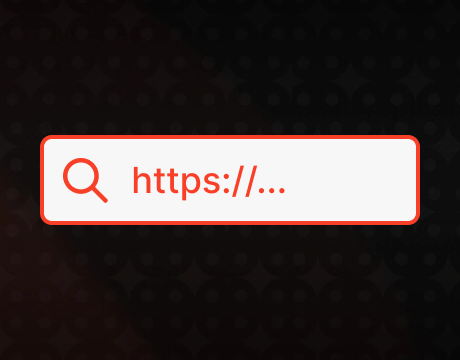
Enter Stake.us in the address bar.
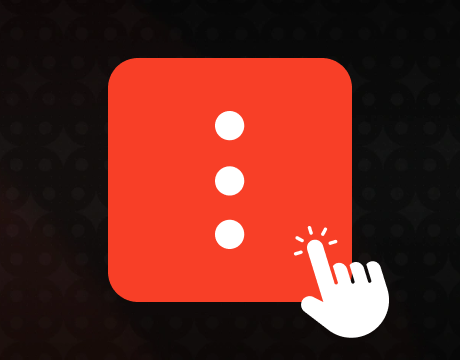
Tap the three-dot menu in Chrome.
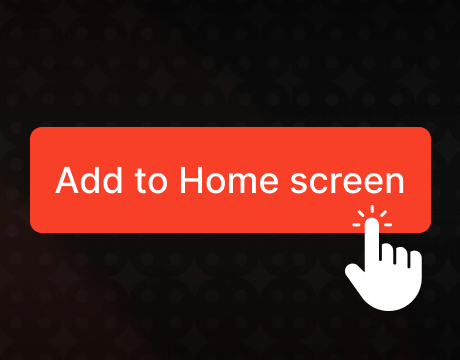
Select Add to Home screen from the menu.
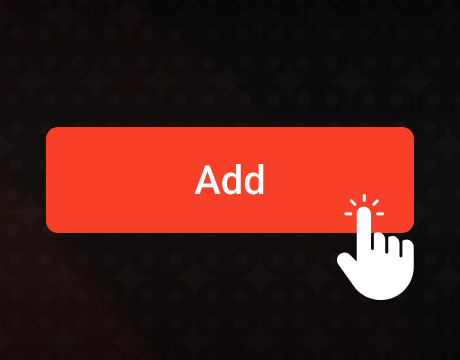
Tap Create shortcut, then choose Add.
Open Stake.us from the new home-screen icon.
Register or log in.
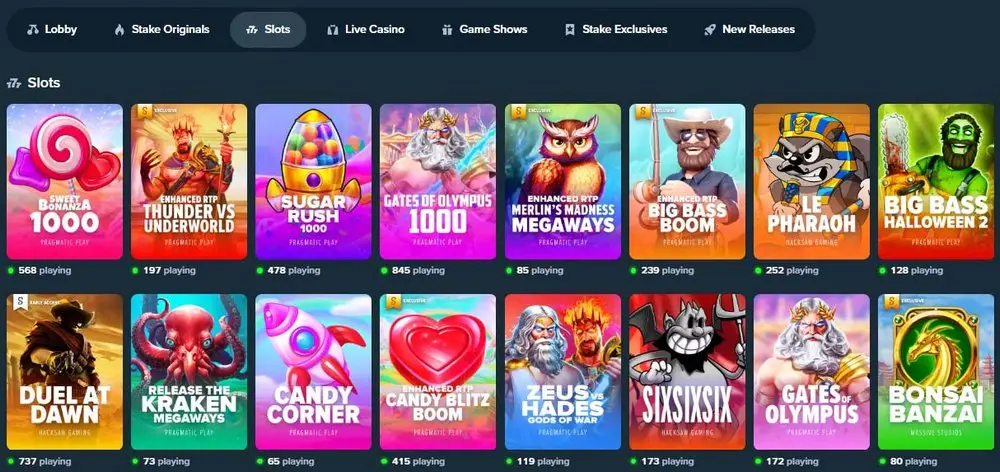
Choose a game from the mobile lobby and start playing.
Download Stake.us Casino App for iOS
For iPhone users, the Stake.us casino app is available through the Apple App Store. After installation, Stake.us opens as a standalone mobile app from the home screen.
iPhone download steps:
Open the App Store.
Search for Stake US – Casino & Slots.

Tap Get next to the app.
Confirm with Face ID, Touch ID, or Apple ID password.
Open the app after the download is complete.

Sign in or create an account.
Stake.us App System Requirements
The Stake.us app is built for casino access on the go, but the device still needs to meet basic technical requirements.
Check the table below before using Stake.us from a phone or tablet:
| Requirement | iOS / iPadOS | Android PWA |
|---|---|---|
| Device type | iPhone or iPad | Android phone or tablet |
| Operating system version | iOS/iPadOS 15.6 or later | Android 10 or later |
| Storage | 46.5 MB for the native app, plus free space for updates | No native app file, but browser cache space is needed |
| Browser support | Not required for native app use | Current Chrome browser |
| Internet | Stable Wi-Fi or mobile data | Stable Wi-Fi or mobile data |
| Display | Standard iPhone/iPad touchscreen | Standard Android touchscreen |
How to Update the Stake.us Casino App
Updating the Stake.us casino app depends on the format used on the device. The iOS app receives updates through the Apple App Store, while the Android PWA refreshes through Chrome. Keep the operating system and browser updated, and use a stable internet connection before opening games again.
For iOS:
- Open the Apple App Store.
- Search for Stake US – Casino & Slots.
- Tap Update next to the app.
- Reopen the app after installation.
- Log in and check that games and promotions load correctly.
For Android PWA:
- Open the Stake.us shortcut from the home screen.
- Reopen the site through Chrome.
- Refresh the Stake.us page.
- Close the PWA window.
- Open Stake.us again from the home-screen shortcut.
- Update Chrome and clear Stake.us site data if the old version still appears.
Registration Process via Stake.us Casino App
Creating a profile in the Stake.us casino app is simple and takes only a few steps from the registration screen. New players can sign up with email or use social options through Google, Facebook, or Kick. Social sign-up is the faster route, but the guide below follows standard email registration because it shows the full account setup process.
Create the profile in this order:
Tap Register in the mobile lobby.
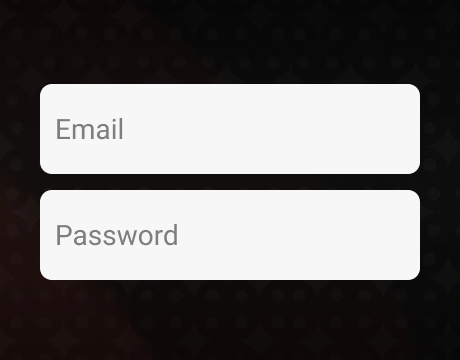
Enter your email address, then create a username and password.

Select your state and enter your date of birth.
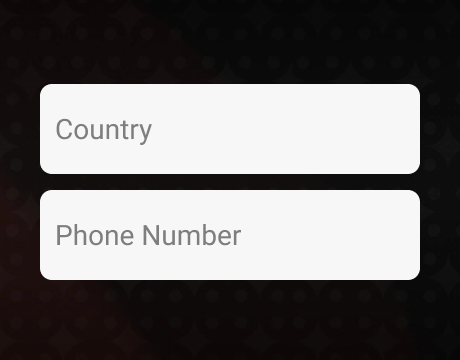
Choose Phone if you want to add a phone number.
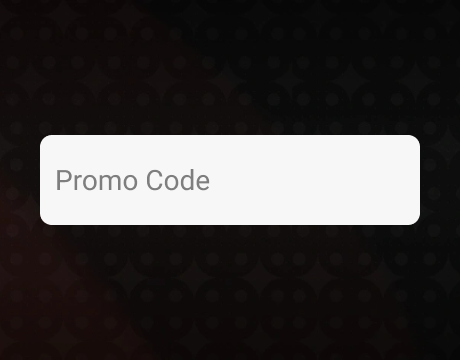
Enter a valid promo code or referral code, if any, in the Referral Code field, then press Continue.
Read the Terms & Conditions, check the agreement box, then press Create an Account.

Complete the Veriff identity check with a valid physical ID document and a smartphone.
Casino Games Available in the App
The Stake.us mobile app gives players access to the same broad casino catalog available on the main site. The lobby brings that range to a phone, from slots and live dealer tables to original instant games. Players can also try titles in free-play mode with Gold Coins before using Stake Cash.
Slot Games
Slots are the largest game category in the Stake.us app, with a strong mix of popular releases, new titles, and provider-filtered game lists. The lobby includes classic reels, video slots, hold-and-win games, cascading formats, multipliers, free spin rounds, jackpots, and feature-heavy releases.
Providers such as Hacksaw Gaming, Twist Gaming, Playson, Booming Games, Titan Gaming, and Massive Studios add different mechanics, pacing, and visual styles. Themes cover fishing, fantasy, western, horror, adventure, animals, and cartoon-style titles.




Table Games
The table games category in the Stake.us app covers classic casino formats in a mobile layout. Players can find roulette, baccarat, poker, and blackjack, with clear rules and standard round structures. The compact selection keeps navigation straightforward on smaller screens, helping players find a preferred format with minimal scrolling.




Live Dealer Games
The live dealer lobby is compact, but it covers the main formats in the Stake.us casino app. Players can find blackjack, roulette, baccarat, Sic Bo, poker variants, and game show titles. Real dealers, streamed tables, live chat, and real-time rounds give this category a land-based casino feel. Each game follows a hosted format, so sessions feel more structured than standard digital titles.





Specialized Games
Beyond the standard casino lineup, the Stake.us app also includes faster game formats. Players can find Stake Originals such as Dice, Mines, Plinko, Crash, Keno, Limbo, and Hilo. Scratch cards, burst games, and feature-spin titles add more variety to this part of the lobby. These games have simple rules and quick rounds, which makes them a natural fit for Gold Coin play.




Bonuses You Can Access in the Stake.us Casino App
The Stake.us casino app gives players access to the same rewards area as the main site. New-player offers, ongoing promotions, and VIP perks can be checked from a phone after account setup and verification. Rewards are built around Gold Coins (GC) and promotional Stake Cash (SC), so the bonus system works differently from a standard deposit bonus.
The main reward types include:
- The welcome bonus gives new players 250,000 Gold Coins and 25 Stake Cash after sign-up and verification.
- The daily login bonus adds 10,000 GC and 1 SC every 24 hours during the initial reward period.
- Daily Races distribute 50,000,000 Gold Coins through coin-based leaderboard play.
- VIP rewards include rakeback, reloads, level-up bonuses, and VIP Boosts for eligible accounts.
- Poker promotions include 1,000,000 SC in Next! Drops and All in or Fold Jackpot payouts for eligible Stake Poker tables.
Purchases & Redemptions via the Stake.us Casino App
The Stake.us casino app supports Gold Coin package purchases and eligible Stake Cash redemptions from a mobile account. Gold Coin packs have fixed prices, and selected packages include promotional Stake Cash as a free bonus.
The table shows the main package prices:
| Package price | Gold Coins included | Promotional Stake Cash |
|---|---|---|
| $20 | 200,000 GC | 20.05 SC |
| $30 | 300,000 GC | Not included |
| $50 | 500,000 GC | 50.12 SC |
| $100 | 1,000,000 GC | 100.25 SC |
| $200 | 2,000,000 GC | 200.50 SC |
| $300 | 3,000,000 GC | 300.75 SC |
After buying coin packages and meeting playthrough and verification rules, players can redeem eligible Stake Cash through the main prize routes below:
| Redemption route | Minimum Stake Cash | Requirement |
|---|---|---|
| Gift card redemption | 10 SC | Eligible Stake Cash balance |
| Crypto redemption | 40–50 SC | Selected cryptocurrency and completed verification |
| Debit card redemption | 50 SC | Eligible Visa or Mastercard debit card |
Security Features of the Stake.us Mobile App
The Stake.us mobile app protects account activity through HTTPS with TLS encryption. This applies to sign-in, account use, purchases, and redemptions. Personal details, passwords, and transaction data are protected by electronic safeguards and controlled account access.
Players can add two-factor authentication (2FA) through Authy or Google Authenticator. The account then requires a verification code generated on a linked device for protected actions. The same 2FA layer applies to redemptions and other sensitive account changes. Alongside these account-level protections, Veriff identity checks help confirm players’ age and location while supporting the platform’s one-account rules.
Mobile Experience in the Stake.us Casino App
The Stake.us casino app is organized for phone use, with game rows, search, and filters placed where players expect them. Categories are clearly labeled, so the lobby does not turn into one long scroll through mixed titles.
HTML5 games open inside the app without extra plugins. Slots, live tables, and Originals load cleanly and respond without noticeable lag during regular sessions.
FAQs About the Stake.us Casino App
Is the Stake.us Casino App available in my country?
The Stake.us Casino app is available in the continental United States and Hawaii, except Washington, New York, Nevada, Idaho, Kentucky, Michigan, Vermont, New Jersey, Delaware, West Virginia, Pennsylvania, Rhode Island, Connecticut, Maryland, Louisiana, Montana, Arizona, Tennessee, California, Illinois, and Indiana. Access is not available in other countries.
Where can I download the Stake.us Casino App for iOS, and how can I play on Android?
iOS users can download the app from the Apple App Store. Android users play through Chrome by adding the site to the home screen instead of downloading a Google Play app or APK.
What games can I play in the Stake.us Casino App?
Stake.us offers slots, table games, live dealer titles, Originals, scratch cards, and quick-play games such as Dice, Mines, Plinko, Crash, Keno, Limbo, and Hilo.
How do I update the Stake.us Casino App?
Update the iOS app through the Apple App Store. To update the Progressive Web App on Android, refresh the site in Chrome, reopen the home-screen shortcut, and clear site data when the old layout remains.
What should I do if the Stake.us Casino App doesn’t work?
Restart the Stake.us app, check your connection, and update the iOS app or Chrome browser. On Android, clear site data and recreate the home-screen shortcut if the Progressive Web App still opens incorrectly.
How do I uninstall the Stake.us Casino App?
On iOS, delete the Stake.us app from the home screen like any other app. On Android, remove the home-screen shortcut and clear Stake.us site data in Chrome if needed.

 PokerListings




Log in to leave a comment
Takes a minute. Your rating counts toward the score.