EN
EN  DE
DE 
Funrize Casino Registration and Login Process
Funrize Casino is a social online casino built around a wide game selection, flexible play formats, and reward features for different types of players. Creating an account is an important step that unlocks the full casino experience, including access to games, bonuses, promotions, player tools, and a single profile for tracking rewards and activity. A completed setup also makes future Funrize Casino login sessions smoother, so players can return to their activity, rewards, and available offers without starting over.
This guide gives a clear overview of how access to the platform works, from Funrize Casino sign up and login to the rewards and platform features that help players get more from their time on the site.
How to Register a New Account at Funrize Casino
The Funrize sign-up process takes only a few steps: players can use the main registration window or continue through Google, Facebook, or Apple. The setup is designed for quick access, so new users can create login details and move toward the casino lobby without a long questionnaire.
Here is how to register at Funrize Casino step by step:

Open the Funrize Casino site and click the green Sign up button in the upper-right corner.
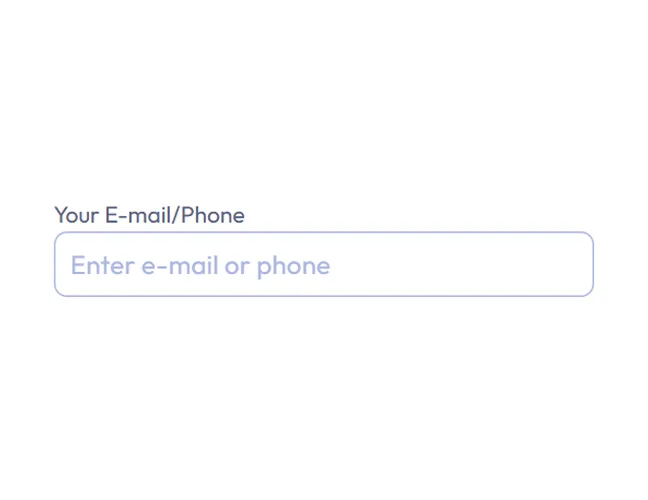
In the registration window, choose email or phone number as the registration method.
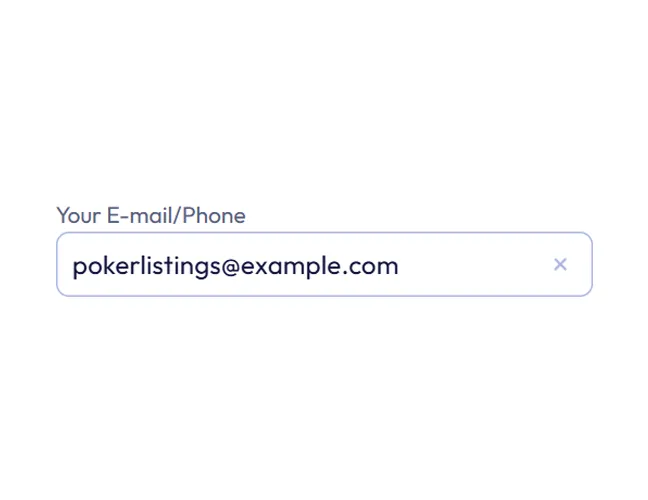
Enter the selected contact detail in the first field.
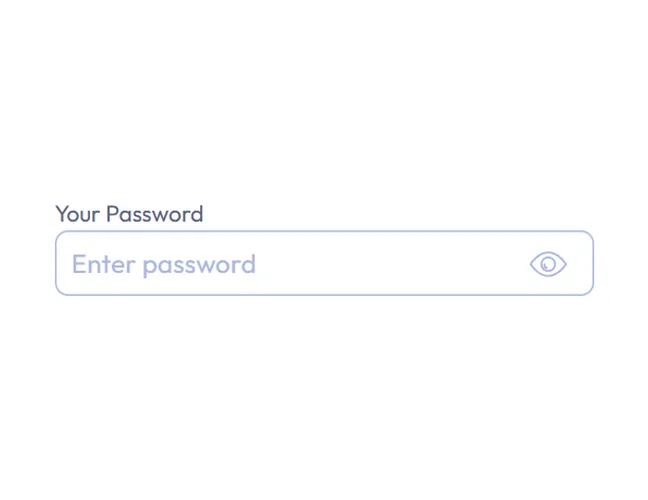
Create a password for the new account.
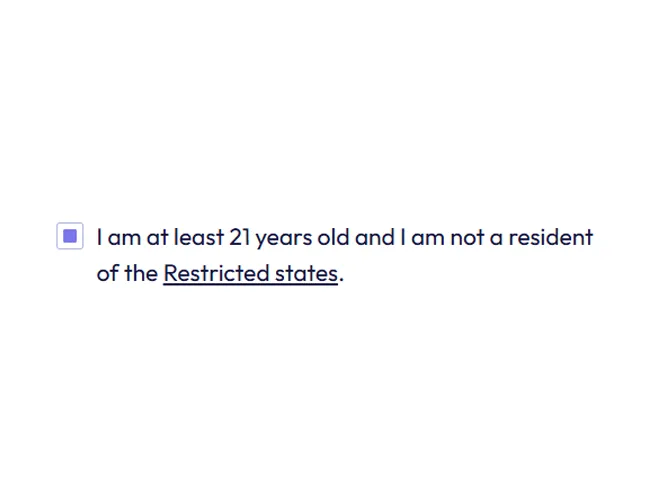
Confirm that you are at least 21 years old.
Tick the boxes to accept the Terms and Conditions, Privacy Policy, Sweepstakes Rules, and Fraud Policy.

Decide whether to opt in to electronic communications from Funrize.

Click Start playing to create the account.

Follow the confirmation step sent to the contact detail used during registration.
Log In to Your Account
Registration keeps access to Funrize consistent after the first visit. Players use the login page to return to their balance, rewards, promotions, profile tasks, and saved settings without creating a new profile.
To complete the Funrize login, follow these steps:

Open Funrize Casino and click the Log in button in the upper-right corner.
Enter the registered email address or phone number.
Type the account password.
Click Log in to access the account.
Players who have connected Google, Facebook, or Apple can use the matching social login option instead.
Account Verification
Funrize separates basic contact confirmation from additional verification requirements. After the first Funrize Casino sign up stage, players can add personal details and verify a phone number to earn extra coins and unlock more reward features.
To continue the setup, players need to:
- Open the account profile and select the profile completion option.
- Enter first name, last name, date of birth, and ZIP code, making sure the details match an official ID document.
- Add a mobile phone number and enter the security code sent by Funrize.
These actions are not required for basic login, but profile completion is needed before buying coin packages and helps unlock more rewards.
Register an Account at Funrize Casino via a Mobile App
Funrize Casino works on mobile through a progressive web app experience rather than a native app, so players can register from a phone or tablet without installing separate software. The mobile Funrize Casino sign up follows the same steps as on desktop and gives access to the platform through the device browser.
To register from a mobile device:
Open Funrize Casino in a mobile browser and tap Sign up.
Choose email or phone number as the registration method, then enter the selected contact detail.
Create a password for the account.
Confirm that you are at least 21 years old.
Accept the Terms and Conditions, Privacy Policy, Sweepstakes Rules, and Fraud Policy.
Tap Start playing and follow the confirmation step sent to the contact detail used during sign-up.
To complete the Funrize Casino app login, enter the email address or phone number used during registration and the password.
Funrize Sign-Up Bonuses & Free Coins and How to Claim Them
Funrize uses two coin systems. Free Coins, also known as Tournament Coins, are for entertainment play: players use them to play games, try different titles, and extend their sessions. Sweeps Coins appear at Funrize as Promotional Entries. They are used in Promotional Mode and can be exchanged for real prizes once the player meets redemption and verification rules.
Funrize Sign-Up Bonuses
Funrize’s welcome bonus offers focus on Free Coins, giving new players a starting balance before they buy any coin package. The main Funrize sign-up reward is a 125,000-Coin Welcome Bonus for a new user who creates a free account.
After registration, early setup rewards increase the balance further: email confirmation grants 10,000 Coins, profile completion adds 15,000 Coins, and phone verification unlocks 25,000 Coins. Together, these rewards total 50,000 Coins and remain separate from purchase-based coin packages.
How to Claim Free Coins and Promotional Entries
Free Coins at Funrize come from several reward paths rather than a single claim action. New users start with the 125,000-Coin Welcome Bonus after joining Funrize, then build the balance further through setup rewards, daily login rewards, wheel prizes, PlayBack offers, and other casino promotions.
Sweeps Coins are handled differently because they are tied to Promotional Mode and prize redemption.
To get these Promotional Entries through coin package offers:
- Complete the Funrize login, then click Buy in the top-right corner.
- Choose a coin package that includes Promotional Entries and review the listed Coins and Entries before payment.
- Select a payment method, such as PayPal or a credit/debit card.
- Complete the payment for the selected package.
- Check the account balances after purchase, since Coins and Entries are credited separately.
Funrize also allows players to obtain free Sweeps Coins through a mail-in request under its Promotional Mode rules. This route requires a handwritten request with the player’s account information and residential details and provides a no-purchase option.
Tips for New Players After Registering at Funrize Casino
After registration, new players should complete a few practical checks before regular play. These steps help unlock rewards, avoid purchase interruptions, and keep access more secure.
Useful tips after registration:
- Finish the profile section early, as Funrize requires these details before players can buy coin packages.
- Add and verify a mobile number early to unlock the related Coin reward.
- Check the Rewards area for daily login rewards, wheel prizes, PlayBack offers, and active promotions.
- Use the settings section to connect Google, Facebook, or Apple for extra sign-in options and set up 2FA.
- Set Responsible Play limits before longer sessions or coin package purchases.
FAQs About the Funrize Sign Up Process
Is Funrize Casino legal in the United States?
Funrize Casino is available in most U.S. states except for Connecticut, Wyoming, Montana, Nevada, Rhode Island, New Jersey, New York, and Tennessee.
Can I register at Funrize Casino if I am under 18?
No. Funrize Casino registration is not available to players under 21, so players under 18 also cannot register. The sign-up form requires age confirmation before account creation.
How do Sweeps Coins work at Funrize Casino?
Sweeps Coins work as Promotional Entries at Funrize and are used in Promotional Mode, where eligible players can play games and redeem prizes after meeting verification and redemption rules.
Does Funrize Casino require ID verification?
Yes. Funrize asks players to enter profile details that match an official ID document. Full identity verification can be completed after the first purchase and is required for prize redemption.
Is there a Funrize Casino mobile app or is it browser-based?
Funrize Casino works through a progressive web app rather than a native iOS or Android download, so players access it from a mobile browser.
Is Funrize Casino available in my country?
Funrize Casino focuses on the United States and is not available worldwide. Access depends on the player’s location and Funrize Casino’s restricted-state rules.
What should I do if I forget my Funrize Casino login details?
Click Forgot password on the Funrize Casino login screen, enter the email address or phone number linked to the account, and follow Funrize’s instructions to reset the password or enter the security code.
How do I close or delete my Funrize Casino account?
Contact Funrize Customer Support to close the account. After closure, the player loses access to the account and any coins or rewards linked to it.

 PokerListings