
 EN
 DE

Zoot Casino Mobile App: How to Play on Mobile (2026)
Zoot gives eligible US players access to its sweepstakes casino experience on both iOS and Android. The Zoot Casino app experience includes the game lobby, Gold Coin and Sweep Coin play, promotions, account features, and prize redemptions from a smartphone or tablet. This guide explains how the Zoot app works on mobile, what players can access, and what to expect from games, bonuses, payments, and security.
How to Play Zoot Casino on Mobile
Zoot Casino works on both iOS and Android as a Progressive Web App (PWA). There is no need to download an APK file or install a separate app from the Apple App Store or Google Play. This makes it convenient to use the casino on different mobile devices without a separate installation.
To start playing on the Zoot mobile app, follow these steps:
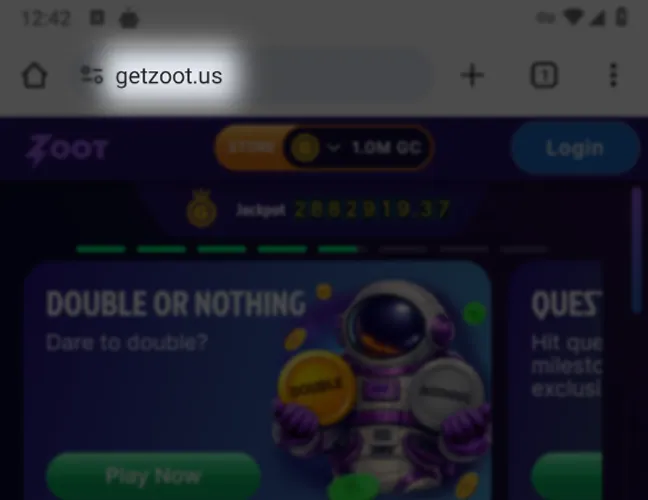
Launch a browser on your smartphone or tablet and go to the site.
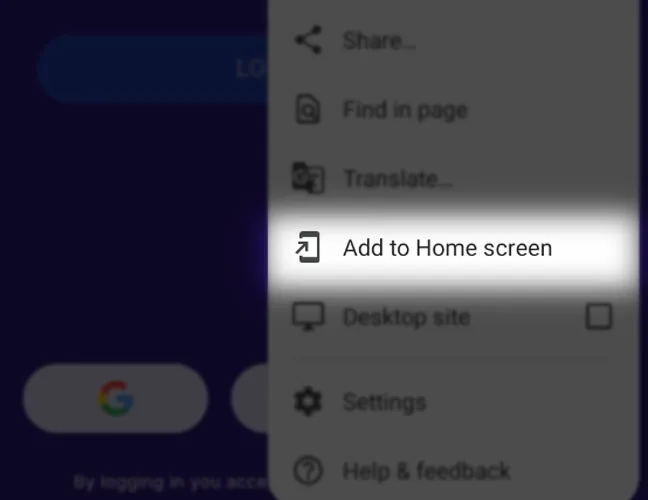
On iPhone or iPad, open the site in Safari, tap Share, select Add to Home Screen, and confirm. On Android, open the browser menu by tapping the three dots and choose Add to Home screen. Zoot will then appear as an icon on your device for quicker access. No APK download or installation from the App Store or Google Play is required.
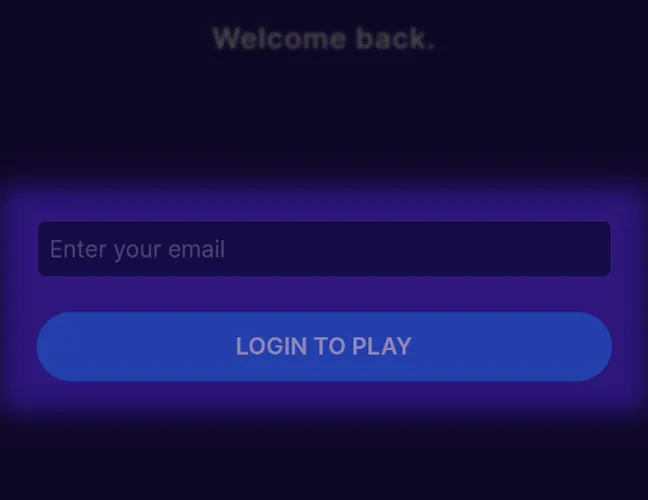
New players can register with an email address and password or continue through Google, Facebook, TikTok, or Discord. Existing users can login with their account details or the same connected service they used when registering.
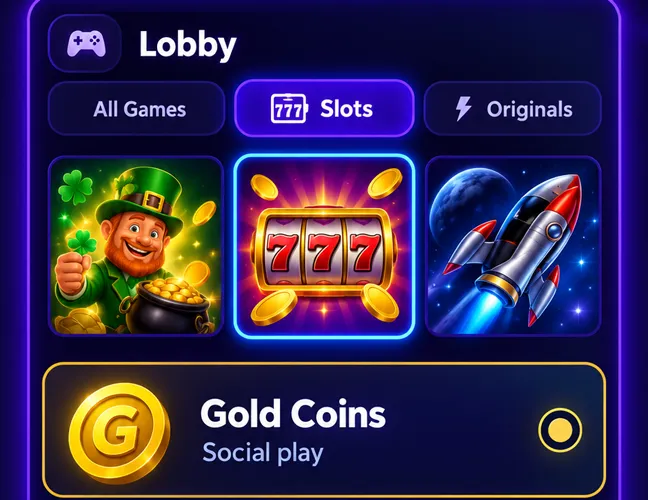
Open the lobby, select a game category and title, then choose Gold Coins for social play or eligible Sweep Coins for promotional prize play.
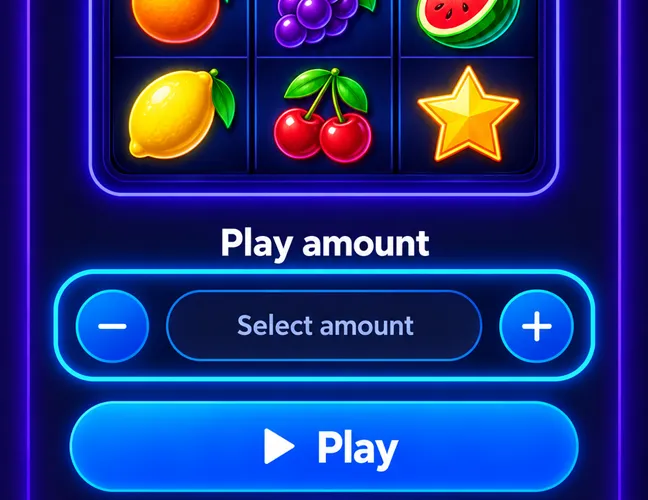
Select one of the available play amounts and launch the online game.
Zoot App System Requirements
The Zoot app works on iPhone, iPad, Android phones, and tablets through a modern mobile browser. For reliable access, use an updated browser, a stable internet connection, and keep location access enabled.
The main compatible setups for using Zoot on mobile are:
| Requirement | iPhone / iPad | Android |
|---|---|---|
| Minimum OS | iOS 11.4+ / iPadOS 13+ | Android 10+ |
| Example devices | iPhone 5s or newer; iPad Air 2 / iPad mini 4 or newer | Google Pixel 2 or newer; Samsung Galaxy S9 or newer |
| Browser | Safari or another modern browser | Chrome, Firefox, Edge, or another modern browser |
| Internet connection | Required | Required |
| Location access | Required | Required |
How to Update Zoot Casino on Mobile
The Zoot PWA uses the current web version of the casino, so there is no separate app update to download. Platform updates become available automatically through the browser.
If Zoot still shows an older version or does not load correctly, follow these steps:
Reload the page or close and reopen the PWA from the home screen.
Install the latest available browser update for your device.
Remove cached files and cookies for Zoot if the problem continues.
Launch the PWA or visit the website again and sign in to load the current version.
Registration Process via Zoot Casino App
Registration works the same through the Zoot PWA and mobile website. To create a Zoot app account, follow these steps:
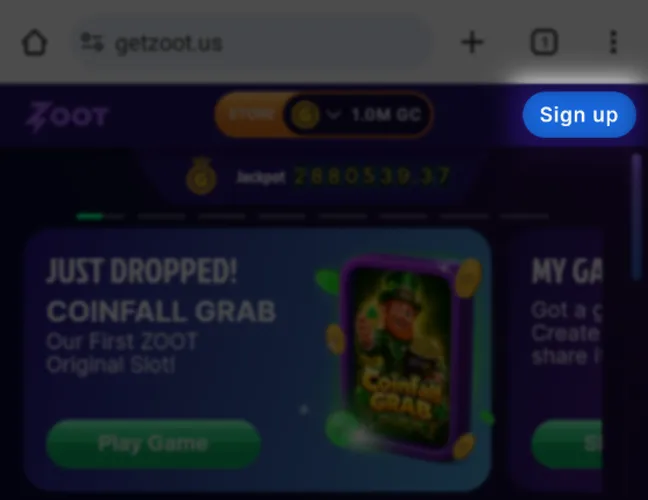
Go to the website and tap Sign Up.
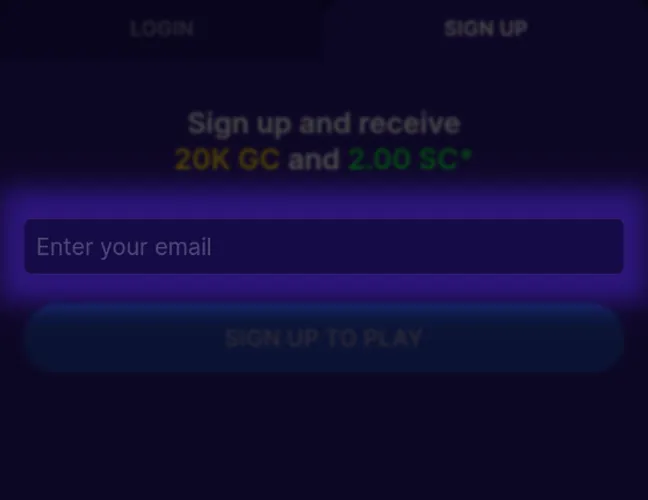
Register with an email address and password, or continue through Google, Facebook, TikTok, or Discord.
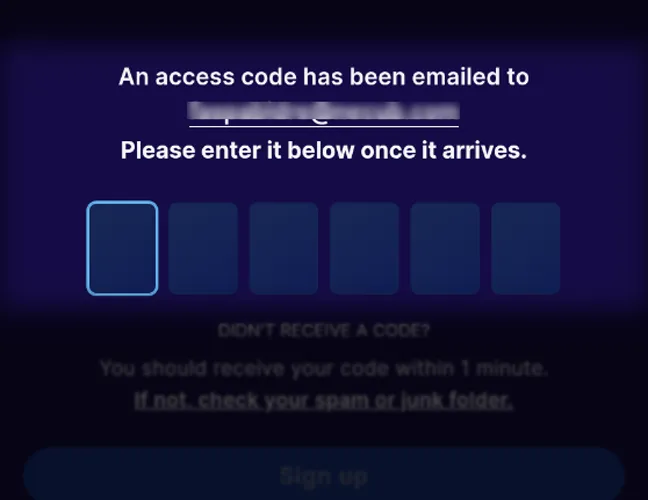
For email registration, enter the verification code sent to your inbox. Then verify your phone number using the one-time code Zoot sends you.
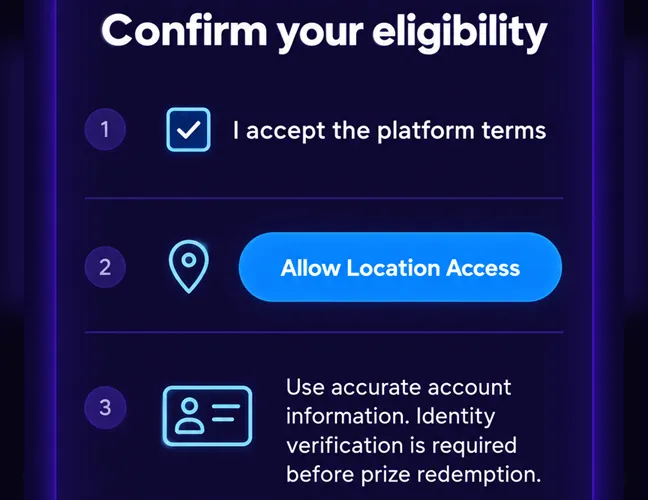
Accept the platform terms and allow location access. Use accurate account information, as identity verification is required before prize redemption.
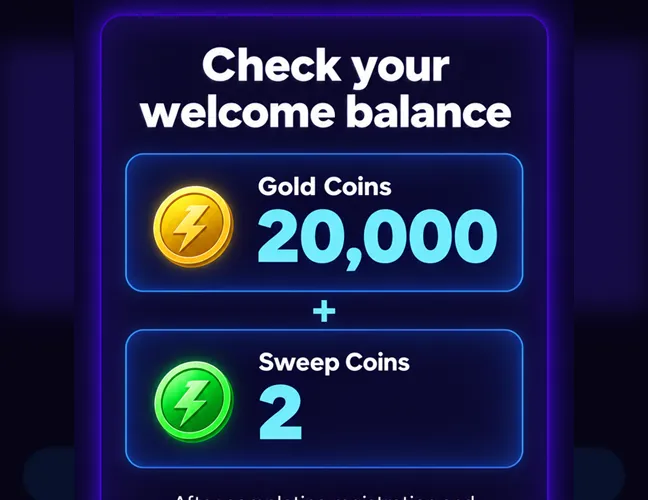
After completing registration and phone verification, 20,000 Gold Coins + 2 Sweep Coins are credited automatically. No purchase or promo code is required.
Casino Games Available in the App
The Zoot mobile lobby includes 1,100+ games across three main categories:
- Slots. Players can choose from classic and modern video slots with themes such as mythology, adventure, and fruit-style games, along with free spins, multipliers, and bonus features.
- Specialized Games. This category includes Zoot Originals and arcade-style titles such as Family BBQ Mines, Skee Ball, Classic Dice, Space Dice, Golf Plinko, and Beer Pong.
- Live Dealer Games. The live lobby features blackjack, roulette, baccarat, craps, VIP tables, and game-show formats, including titles from Evolution.
Bonuses You Can Access in the Zoot Casino App
Zoot combines free rewards with optional Coin Store offers that include Gold Coins and promotional Sweep Coins. Current mobile bonuses include:
- Sign-Up Reward. New players receive 20,000 GC for registering and 2 SC after phone verification, with no purchase required.
- Welcome bonus. Zoot provides purchase-based welcome offers worth up to 50,000 GC + 22 free SC, separate from the free registration reward.
- Weekly Offer. Players can access a recurring paid package with 40,000 GC + 38 free SC.
- Wheel Bonus. This purchase-based promotion provides 60,000 GC + 60 free SC and is separate from the free Daily Wheel.
- Daily Wheel. Players can spin once every 24 hours for a free randomized reward in Gold Coins or Sweep Coins.
- Referral Mega Deal. Referral activity gives access to a separate offer with 20,000 GC + 20 free SC.
Deposits & Withdrawals via the Zoot Casino App
The Zoot mobile casino app uses Gold Coin purchases instead of traditional deposits. Eligible Sweep Coins won through play can be redeemed for cash after the playthrough and KYC requirements are completed.
The main transaction details are:
| Transaction | Methods | Minimum | Maximum / Limit | Processing |
|---|---|---|---|---|
| Gold Coin purchase | Visa, Mastercard, Apple Pay, Google Pay | $1.99 | Packages up to $249.99 | On payment approval |
| Cash redemption | Debit card, direct bank transfer, Skrill | 50 eligible SC = $100 | Up to $1,000 per week | Up to 30 days |
Zoot accepts one cash out request per account every five days. KYC is required before redemption, with additional verification for single or cumulative prizes of $600 or more.
Security Features of the Zoot Mobile App
Zoot protects mobile access through HTTPS encryption, phone verification, and location checks that confirm whether Sweep Coin play is taking place in an eligible state. Account details and prize activity are also monitored for suspicious or prohibited behavior.
Before prize redemption, Zoot requires KYC with a government-issued ID, proof of address, SSN validation, and biometric facial verification. For additional safety, players should access Zoot only through the official website or PWA and avoid third-party APK files or unofficial apps.
Mobile Experience in the Zoot Casino App
The Zoot casino app interface is clean and responsive, with game categories, balances, promotions, and account controls easy to reach on both phones and tablets. Navigation stays simple across different screen sizes, and games open directly from the lobby without extra setup.
FAQs About the Zoot Casino App
In which US states is Zoot Casino available?
Zoot Casino is available in all US states except California, Connecticut, Idaho, Indiana, Louisiana, Michigan, Montana, Nevada, New Jersey, New York, Tennessee, and Washington.
Can I play Zoot Casino without downloading an app?
Yes. Zoot works through a mobile browser on iOS and Android and can also be added to the home screen as a PWA.
What types of games does Zoot Casino offer on mobile?
The 1,100+ game catalog includes slots, Zoot Originals, instant games, and live dealer tables.
Does Zoot Casino update automatically on mobile?
Yes. Because Zoot runs as a PWA, platform updates are delivered through the web version without a manual app download.
Why is Zoot Casino not loading on my phone?
The most common causes are an unstable internet connection, an outdated browser, blocked location access, or stored site data. Reload Zoot, check location permissions, update the browser, and clear the site cache if the issue continues.
How do I clear Zoot Casino data from my browser?
Open your browser’s privacy or site settings, find Zoot, and delete its cookies, cache, and stored site data. This removes the saved session and signs you out; a PWA home-screen icon must be removed separately.

 PokerListings




Log in to leave a comment
Takes a minute. Your rating counts toward the score.