
 EN
 DE

Smiles Casino Mobile App: How to Play on Mobile (2026)
Smiles Casino gives mobile users access to its sweepstakes casino platform through dedicated apps and a mobile-friendly browser version of the site. Players can access more than 900 games, and the Smiles app supports play with both Gold Coins and Smile Coins. Regular promotions also give users opportunities to collect additional coins.
This review covers how the mobile experience works, how to access Smiles Casino on Android and iOS, and what players can expect from the app’s games, bonus offers, payments, and other key features.
Download Smiles Casino App for Android
Android users can install the Smiles mobile casino app directly from Google Play. The installation follows the standard Android process and does not require a separate APK file.
To download Smiles Casino, follow these steps:
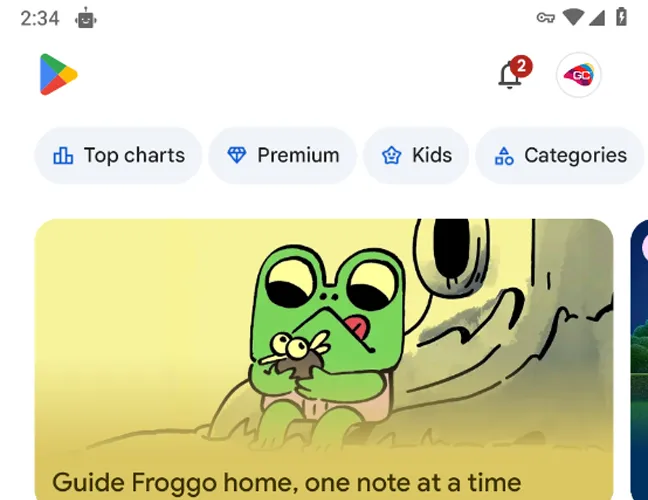
Open Google Play on an Android smartphone or tablet.
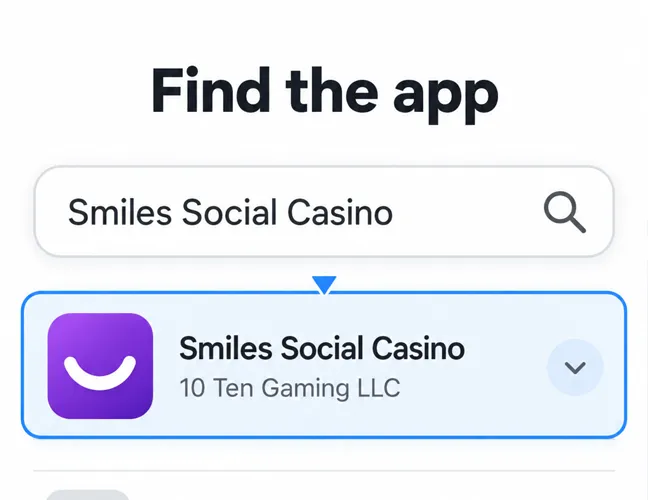
Enter “Smiles Social Casino” in the search bar and select the app from 10 Ten Gaming LLC.
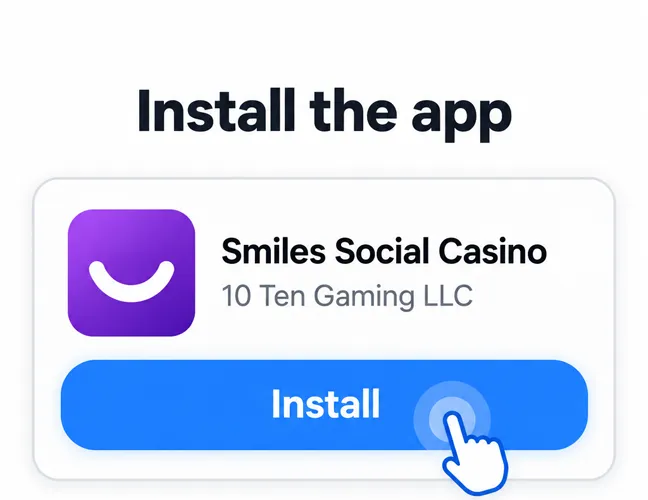
Tap Install and wait for the download and installation to finish.
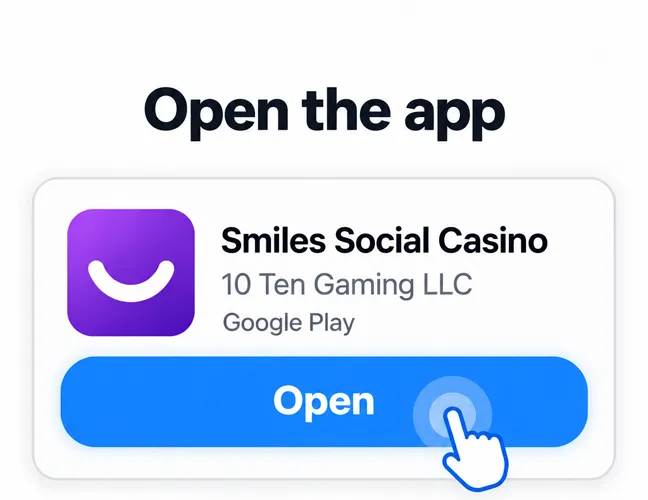
Open the app from Google Play or the device’s home screen.
How to Play Smiles Casino on iOS
iPhone users can download the Smiles Casino app directly from the App Store. To download the app and start playing, follow these steps:
Open the App Store on your iPhone.
Search for “Smiles Social Casino” and select the app from 10 Ten Gaming.
Tap “Get” and confirm the download.
Wait for installation to finish, then tap “Open”.
Log in or create an account and complete the required verification.
Choose Gold Coin or Smile Coin play.
Select a game from the mobile lobby and follow its on-screen controls to begin.
Smiles App System Requirements
The Smiles app has modest hardware requirements on modern smartphones. Before you download the application, make sure your device meets the recommended specifications:
| Requirement | Android | iOS |
|---|---|---|
| Operating system | Android 9.0 or later recommended | iOS 17.0 or later |
| RAM | 2 GB minimum, 4 GB recommended | 4 GB recommended |
| Processor | Modern 64-bit ARM processor | Modern 64-bit ARM processor |
| Storage | 300–500 MB of free space recommended | At least 200 MB of free space recommended |
| Internet connection | Stable Wi-Fi or mobile data | Stable Wi-Fi or mobile data |
How to Update Smiles Casino on Mobile
Keeping the Smiles mobile app updated gives players access to the latest version and helps avoid compatibility or performance issues. Regular updates also include bug fixes, interface improvements, and changes to available features.
Here is how to check for and install an update:
Open Google Play on Android or the App Store on iOS.
Search for “Smiles Social Casino.”
Open the application page in the store.
Tap Update if a newer version is available.
Wait for the update to finish, then launch the app as usual.
Players can enable automatic updates in their device settings to receive new versions without checking the store manually.
Registration Process via Smiles Casino App
Creating an account through the Smiles app gives new players access to Gold Coin and Smile Coin play. Registration includes account setup, contact verification, and basic personal details.
To create an account:

Open the application and tap REGISTER NOW.
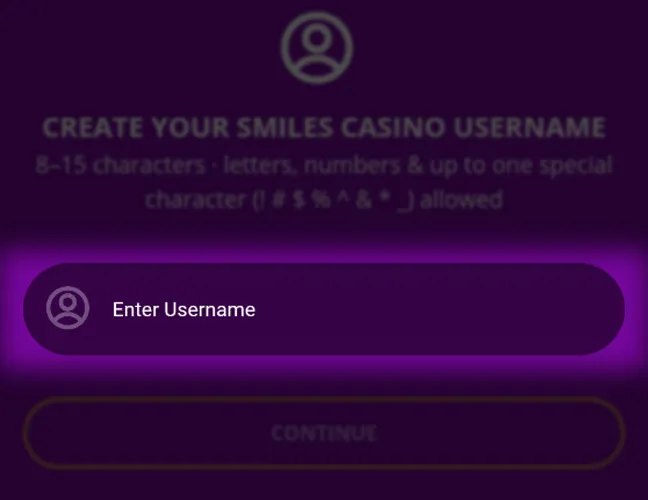
Create a username between 8 and 15 characters long, then tap Continue.
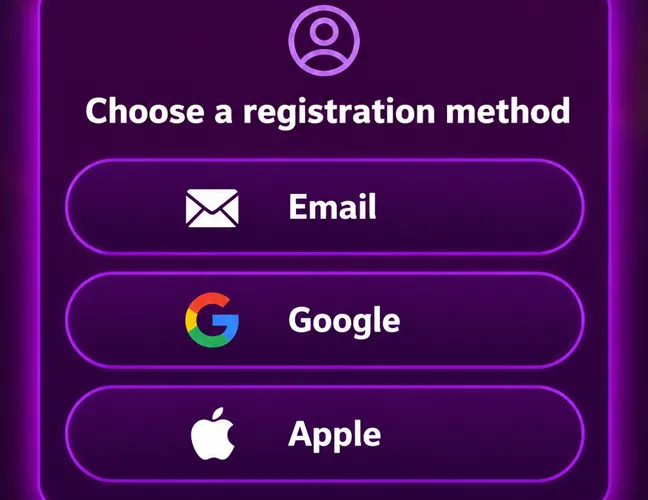
Choose a registration method: Email, Google, or Apple.
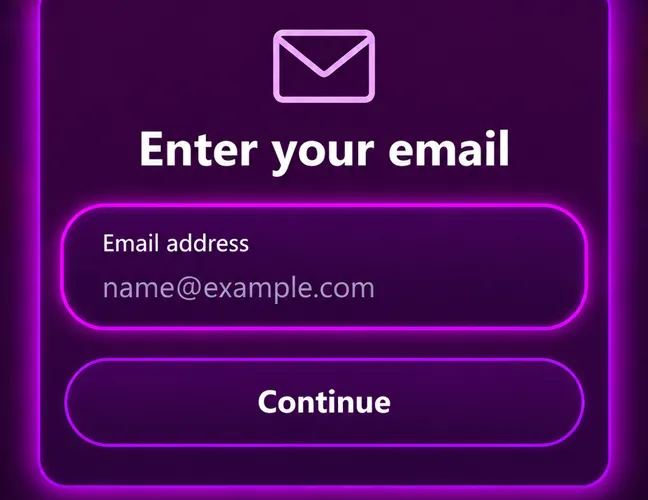
For email registration, enter a valid email address.
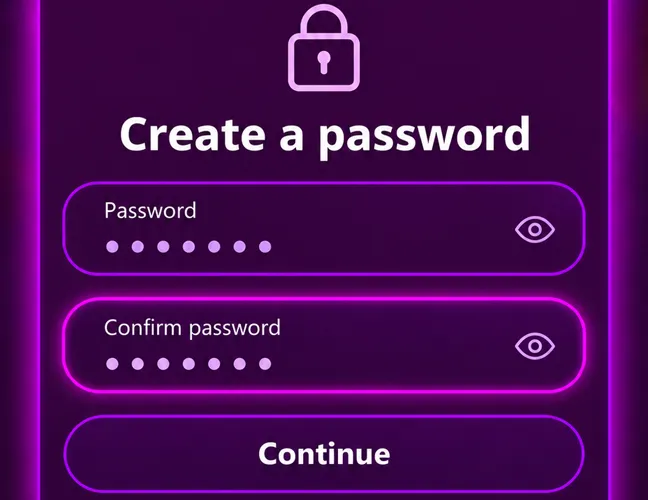
Create a password and enter it again in the Confirm password field.
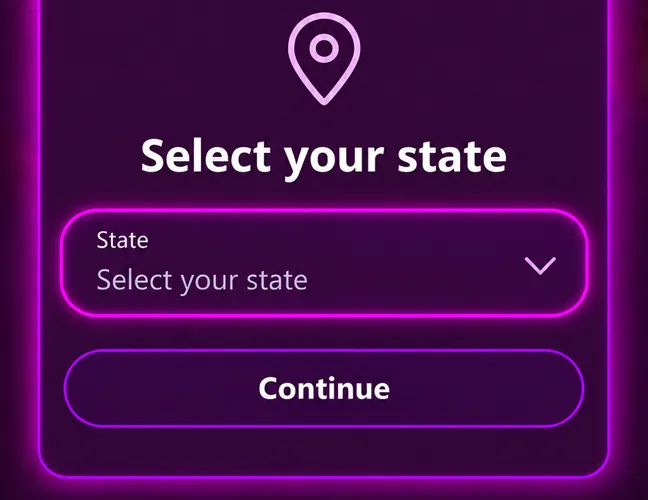
Select your state.
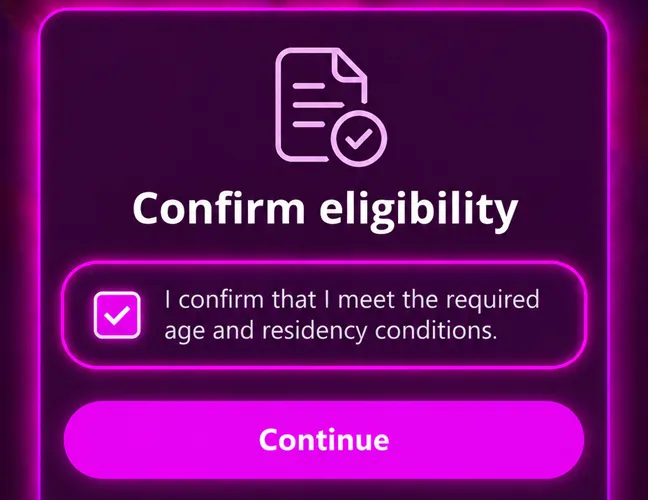
Check the box confirming that you meet the required age and residency conditions, then continue.
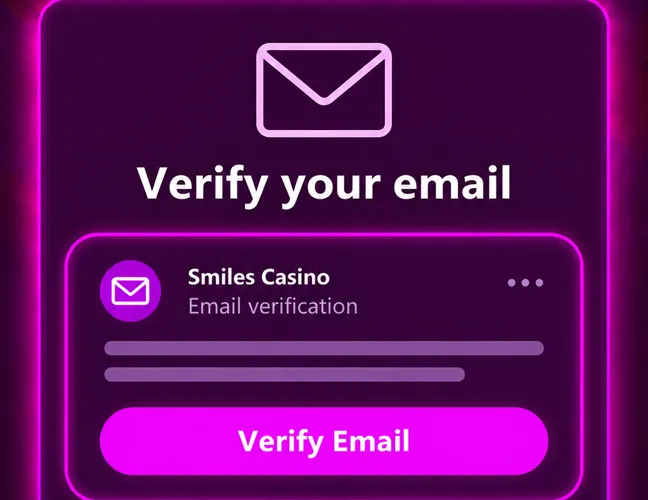
Verify your email address.
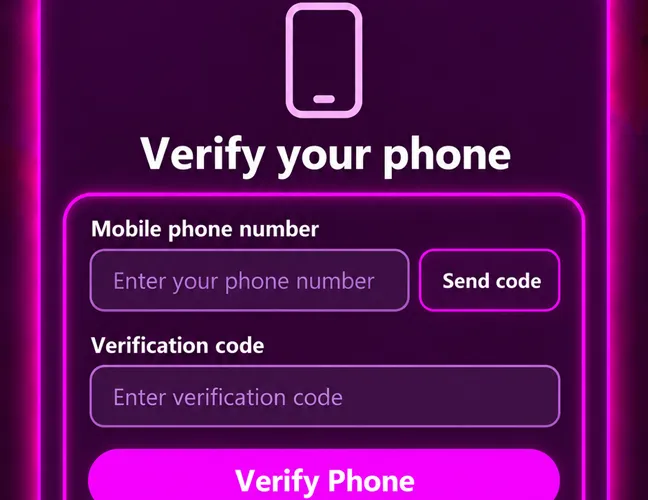
Enter a mobile phone number and confirm it with the verification code.
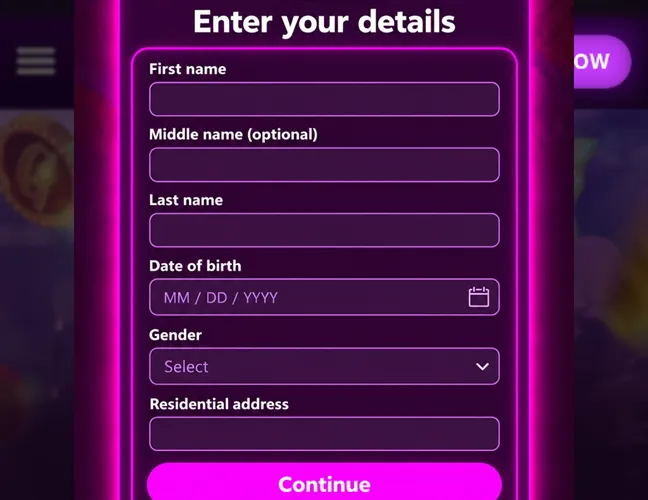
Enter your first name, optional middle name, last name, date of birth, gender, and residential address.
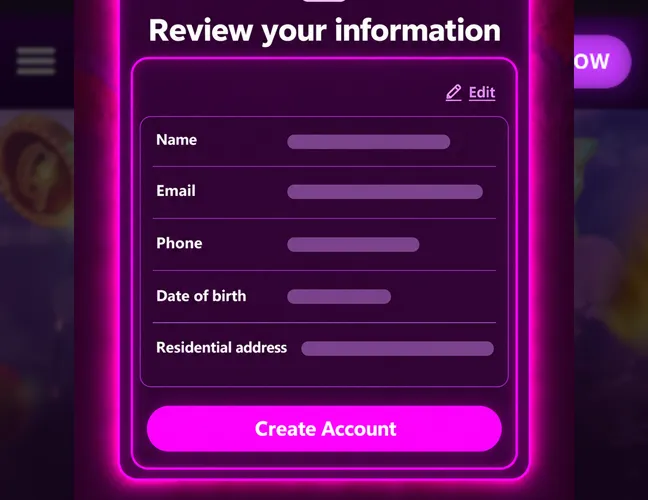
Review the information and finish creating the account.
Casino Games Available in the App
The Smiles app features a catalog of more than 915 casino-style games, with new titles added regularly. The selection includes releases from numerous established providers, including Hacksaw Gaming, Relax Gaming, and BGaming. Their games cover a wide range of themes, mechanics, and visual styles.
Slot Games
Slots make up the largest part of the Smiles Casino catalog and are organized into sections such as new releases, trending games, Hold & Win titles, and classic slots. Available mechanics include traditional paylines, Megaways-style formats, Bonus Buy options, free spins, respins, multipliers, and bonus rounds. Common themes range from fruit symbols and lucky 7s to mythology, fishing, animals, fantasy, and adventure.
Specialized Games
Smiles Casino also offers games outside the standard slot format. The selection includes Plinko-style drops, wheel and pick games, keno, solitaire, arcade-style instant-win formats, and Slingo, which combines slot and bingo mechanics. Gameplay generally involves short rounds and simple actions such as dropping an object, choosing an option, or revealing an outcome. Themes include sports, mythology, fishing, fortune, and classic card games.
Bonuses You Can Access in the Smiles Casino App
The promotions available through the Smiles app include signup rewards, daily bonuses, social media competitions, random prizes, and referral rewards. New players receive 1 million Gold Coins for social play and one Welcome Wheel Spin, which can award up to 50 Smile Coins for sweepstakes play. The exact Smile Coin reward depends on the result of the spin, and the welcome offer is credited after signup.
Daily Rewards are available for regular logins. Players collect a reward each day, and its value increases when they maintain a consecutive login streak. Weekly social media competitions offer free Gold Coins and Smile Coins. Entry requirements vary and include commenting on a post, answering a question, or completing another simple task.
Email subscribers receive information about exclusive offers, free spins, Coin Drops, leaderboard events, personalized rewards, and new game releases. Coin Drops consist of random Smile Coin rewards credited directly to selected player accounts. The referral program awards Smile Coin bonuses for successful referrals and provides additional rewards as more friends join.
Gold Coin Purchases & Prize Redemptions via the Smiles Casino App
Smiles Casino does not use conventional deposits. Instead, players purchase Gold Coin packages through the Coin Store. Each package includes complimentary Smile Coins, but the purchase applies only to Gold Coins because Smile Coins cannot be bought directly. Gold Coins are used for social play.
| Price | Gold Coins | Complimentary Smile Coins |
|---|---|---|
| $4.99 | 1,000,000 GC | 10 SC |
| $9.99 | 2,500,000 GC | 20 SC |
| $19.99 | 5,000,000 GC | 35 SC |
| $49.99 | 15,000,000 GC | 70 SC |
| $99.99 | 35,000,000 GC | 125 SC |
| $199.99 | 80,000,000 GC | 250 SC |
Only Redeemable Smile Coins can be exchanged for cash prizes. Gold Coins and Unplayed Smile Coins are not eligible. Players submit requests through My Account → Redeem.
| Detail | Value |
|---|---|
| Minimum redemption | 100 Redeemable SC / $100 |
| Prize option | Cash |
| Approval time | Within 48 hours |
Security Features of the Smiles Mobile App
The Smiles mobile app uses encrypted connections to protect data transmitted between the player’s device and the platform. TLS 1.3 and AES-128-GCM encryption help prevent personal information, account details, and transaction data from being intercepted or altered during transmission.
Smiles Casino also uses identity checks to protect accounts and meet legal requirements. Verification is completed in stages covering a selfie, a government-issued photo ID, personal details, proof of residential address, and bank information. Gold Coin purchases and prize redemptions are available only through payment methods held in the player’s own name.
Mobile Experience in the Smiles Casino App
The Smiles app presents its game catalog through a scrollable mobile lobby with individual game tiles. Gold Coin and Smile Coin balances are displayed within the interface, and the main navigation provides access to games, promotions, the Coin Store, account activity, and prize redemptions.
Games open directly from the lobby without requiring separate game installations and use controls adapted to a mobile screen. Daily rewards and account notifications appear inside the application, allowing players to manage the main features without leaving the app. Smiles Casino is also accessible through a mobile browser, so installing the application is optional.
FAQs About the Smiles Casino App
In which US states is Smiles Casino available?
Smiles Casino is available in Alabama, Alaska, Arkansas, Colorado, Florida, Georgia, Hawaii, Kansas, Massachusetts, Missouri, Nebraska, New Hampshire, New Mexico, North Carolina, North Dakota, Ohio, Oklahoma, Oregon, Rhode Island, South Carolina, South Dakota, Texas, Vermont, Virginia, West Virginia, Wisconsin, and Wyoming. Players must be physically located in an eligible state to access the platform.
How do I download the Smiles Casino App on Android?
The app is available on Google Play under the name Smiles Social Casino. Check that 10 Ten Gaming LLC is listed as the developer before installing it.
What games are available at Smiles Casino on mobile?
The mobile catalog contains more than 900 games, including slots, Plinko-style games, keno, solitaire, Slingo, and other instant-win formats. New titles are added weekly.
How do I keep the Smiles Casino App up to date?
Enable automatic app updates in the device settings. Updates can also be installed manually from the Smiles Social Casino page on Google Play or the App Store.
Why is Smiles Casino not working on my phone?
Common causes include an unstable internet connection, an outdated app or operating system, insufficient storage, a temporary service issue, and access from a restricted location. Restart the app, check for updates, or use the mobile browser version at smilescasino.com. Contact customer support if the problem continues.
How do I remove Smiles Casino from my iPhone?
Press and hold the Smiles Casino icon on the Home Screen, tap Remove App, select Delete App, and tap Delete to confirm. This uninstalls the app from your iPhone but does not delete your Smiles Casino account.

 PokerListings




Log in to leave a comment
Takes a minute. Your rating counts toward the score.