EN
EN  DE
DE 
Sixty6 Casino Registration and Login Process
Sixty6 Casino is an online social casino where players can enjoy casino-style games with virtual coins, including Gold Coins and Sweeps Coins. The site is built for easy access from desktop and mobile browsers, with free coin offers, promotions, and account tools available after registration.
This guide explains how to get started with Sixty6 casino from the first sign-up step to the login process. You will learn how to create a new account, access your profile, complete verification, claim available free coins, and start playing online without registration or sign-in issues.
How to Register a New Account at Sixty6 Social Casino
The Sixty6 sign up process starts with a short registration form. New users can create an account with an email address and password, or use one of the available social sign-in options. Here are clear instructions for the sign up process:

Go to the official Sixty6 Casino website from a desktop or mobile browser. Use the “Registration” button on the homepage to open the sign-up form and start creating your account.
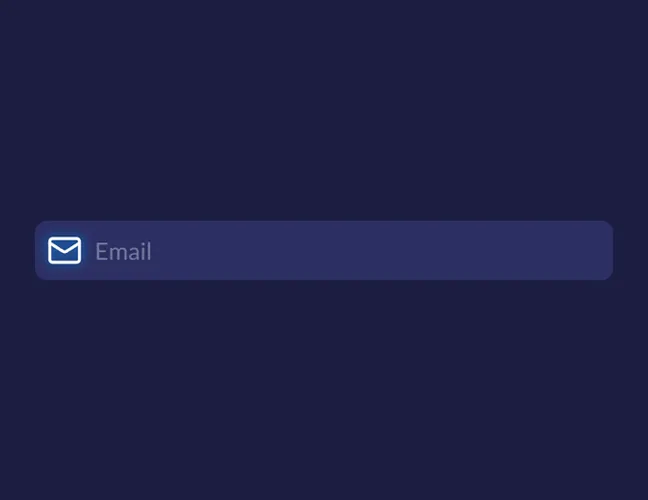
Type an active email address that you can access. Sixty6 Casino uses this email for account confirmation, password recovery, promotion updates, and important account messages.
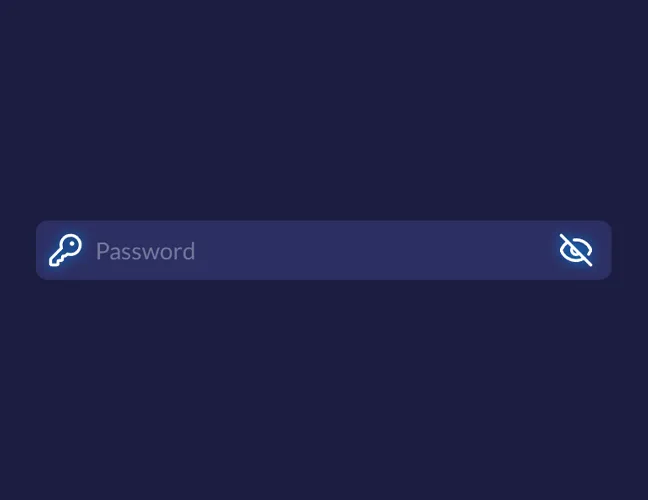
Choose a password that is difficult to guess and different from passwords used on other sites. The registration form includes a password field and an option to show or hide the password while typing.
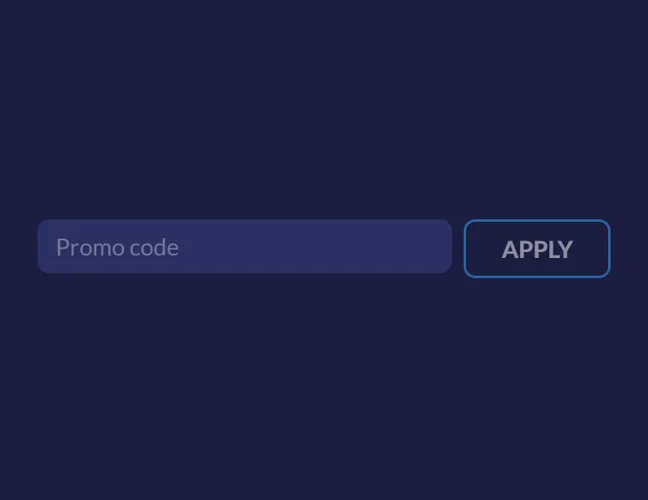
The form includes a promo code option for users who arrive with a valid code. This step is optional, so you can continue registration without a code.
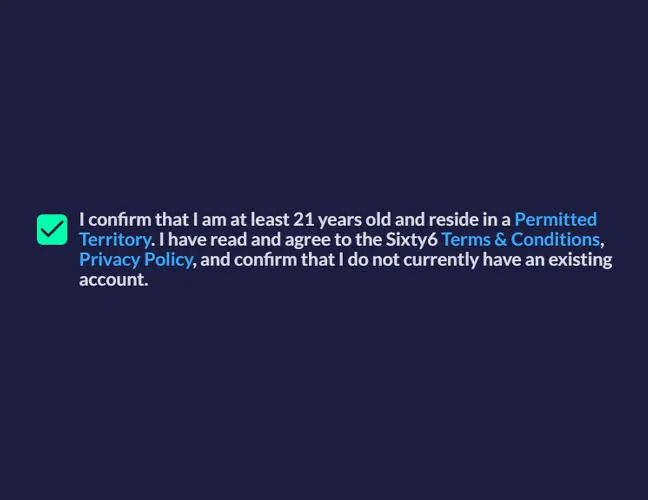
Before continuing, users must confirm that they are at least 21 years old and reside in a permitted territory. This step is part of the basic account setup and should be completed with accurate information.
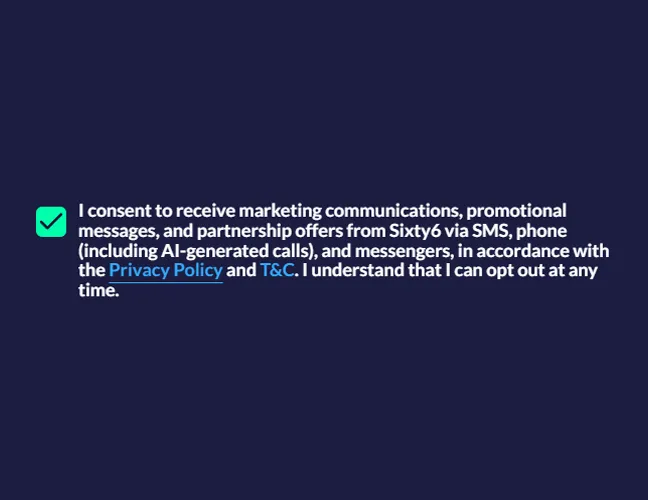
Read and accept the Terms & Conditions and Privacy Policy before submitting the form.
Click the “Continue” button to submit the form.
Login to Your Account
After registration, the Sixty6 login process is straightforward. You need to use the same access method selected during registration. Here is the step-by-step guide for the Sixty6 casino login:
Visit the Sixty6 Casino website and click “Log In”.
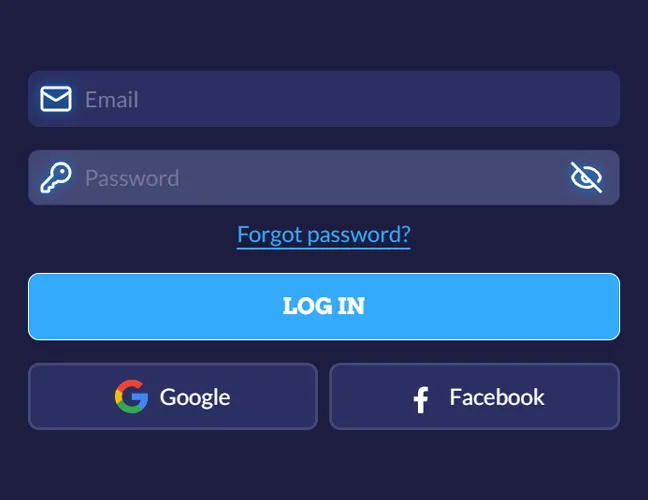
Use the email address and password connected to your account. If you registered through Google or Facebook, choose the same option on the login form.
After a successful Sixty6 Casino sign in, you can view your coin balance, check available promotions, manage account details, and play online games.
If you forgot your Sixty6 login details, click the password recovery link on the login page. Enter the email address connected to your account, then follow the reset instructions sent to your inbox. After creating a new password, return to the platform and log in with the updated details.
Account Verification
Account verification helps Sixty6 Casino confirm that users meet the platform rules and can access account features safely. Some checks happen right after registration, while others appear later when a user updates personal details, claims certain rewards, and requests prize-related actions.
Here are the verification types you can expect:
- Email verification. Sixty6 Casino asks users to confirm the email address linked to their account. This basic step helps activate the profile, protect access, and make password recovery easier if login details are forgotten.
- Identity verification. The platform also asks users to complete identity checks to unlock full access to site services. This includes submitting a government-issued photo ID, proof of address, and other documents requested by the platform.
To avoid delays, enter accurate information when you register and keep access to the email address linked to your account. If verification is requested, follow the instructions inside your profile.
Register an Account at Sixty6 Casino via Mobile App
Mobile registration works almost the same way as desktop registration. Android users can download the Sixty6 Casino app from Google Play using the link in the site footer, while iOS users can install the PWA version. Players can also register through the mobile browser because the platform is fully adapted for mobile devices.
Here are the step-by-step instructions for the mobile registration:
Use the Android app, the iOS PWA, or the mobile website. Each option leads to the same account setup process.
Open the registration form from the main mobile screen.
Add the required account information, confirm the basic terms, and enter a promo code if you have one. The Sixty6 sign up steps are the same as on desktop.
Submit the form to finalize registration. After that, you can log in from the app, PWA, or mobile browser and start using your account.
Sixty6 Sign-Up Bonuses & Free Coins and How to Claim Them
Sixty6 Casino gives new users a welcome offer of up to 735,000 GC + 68 free SC after registration. This total combines a no-deposit sign-up reward, an Extra 120% match bonus on selected first-purchase packages, and ongoing free coin offers available after the account is created.
The main Sixty6 Casino bonuses and free coin options work like this:
- No-deposit welcome bonus. New users get 75,000 GC + 2 free SC after creating an account and confirming their email. This part of the welcome offer is free and does not require a first purchase.
- Extra 120% match bonus. Players who want to reach the full welcome value can use the boosted first purchase of up to 660,000 GC + 66 free SC.
- Daily refill. Players can log in once per calendar day to claim 2,000 GC + 0.2 SC. This daily reward is available through the account rewards area and does not require a promo code.
- Fortune Wheel. The daily wheel gives users another way to collect promotional rewards after sign-in. Open the wheel, spin it, and check the prize added to your balance.
To claim these offers, complete registration, sign in to your account, and open the rewards section. Select the available bonus, follow the on-screen steps, and check your coin balance before you start to play.
Tips for New Players After Registering at Sixty6 Casino
After registration, take a few minutes to set up your account properly. This helps you avoid login issues, claim rewards on time, and use Gold Coins and Sweeps Coins correctly.
Use these quick tips after your first Sixty6 Casino sign in:
FAQs About The Sixty6 Sign Up Process
Is Sixty6 Casino legal in the United States?
Sixty6 Casino operates as a sweepstakes-style social casino in eligible US states. It does not offer real-money gambling, and access depends on state rules and user eligibility.
Can I register at Sixty6 Casino if I am under 18?
No. Sixty6 Casino requires users to be at least 21 years old.
How do Sweeps Coins work at Sixty6 Casino?
Sweeps Coins are used to play eligible sweepstakes games at Sixty6 Casino. If you win while playing with Sweeps Coins, the winnings can be redeemed for prizes or cash rewards.
Does Sixty6 Casino require ID verification?
Yes. Sixty6 requests identity checks before giving full access to all site services, including redemption-related features.
Is there a Sixty6 Casino mobile app or is it browser-based?
Sixty6 Casino is available through a mobile browser, and Android users can access the app on Google Play. iOS users can use the browser-based version or install the PWA from the mobile site.
Is Sixty6 Casino available in my country?
Open the Sixty6 Casino site from your location to check availability. If the platform is available where you are, you will be able to register and use the account features.
What should I do if I forget my Sixty6 Casino login details?
Use the password recovery option on the login page. Enter the email address linked to your account, follow the reset instructions, then return to the site and log in with the new password.
How do I close or delete my Sixty6 Casino account?
Contact Sixty6 customer support from the account area and request account closure. Use the email address connected to your account and include the details that support needs to identify your profile.

 PokerListings