
 EN
 DE

Horseplay Casino Mobile App: How to Play on Mobile (2026)
Horseplay provides real-money online gaming through a native iOS application and browser-based access on other supported devices. The Horseplay app uses patented Reveal Technology to connect casino-style gameplay with wagers tied to real horse races. The Horseplay Casino app provides eligible players with access to 150+ games, payment options, tournaments, account tools, and promotions on mobile devices. This review covers Android access, iPhone installation, system requirements, updates, registration, games, bonuses, banking, security, and the overall mobile experience in 2026.
How to Play Horseplay Casino on Android
The Horseplay mobile app is not available through Google Play, so Android casino users access Horseplay through a browser. No Horseplay APK is needed, and players should not download the app from third-party sources. Follow these steps to start playing on Android:
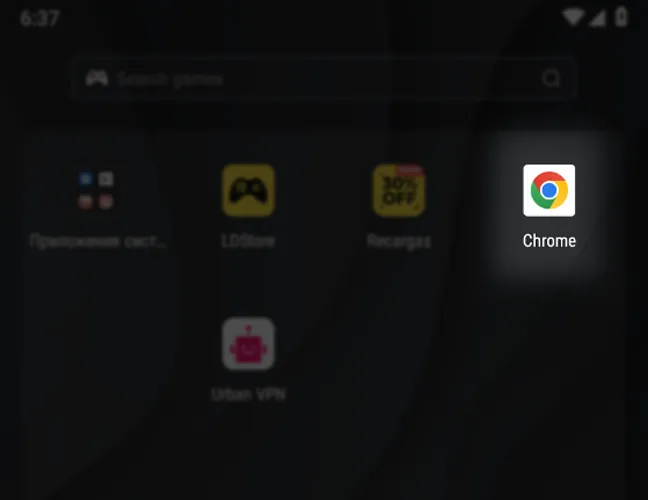
Launch the browser on your Android device.
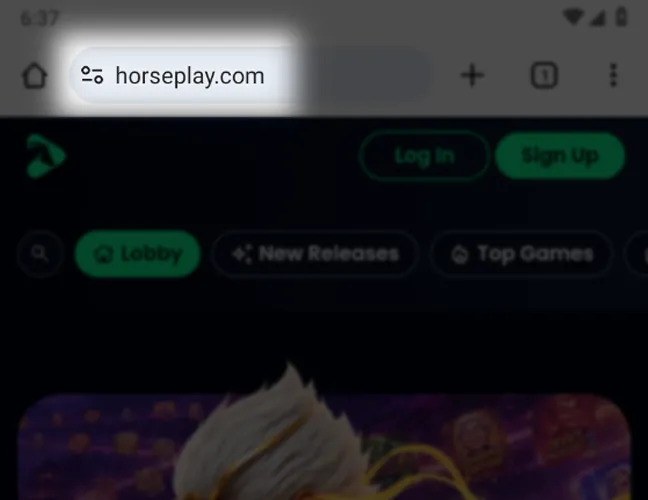
Go to the official Horseplay website.
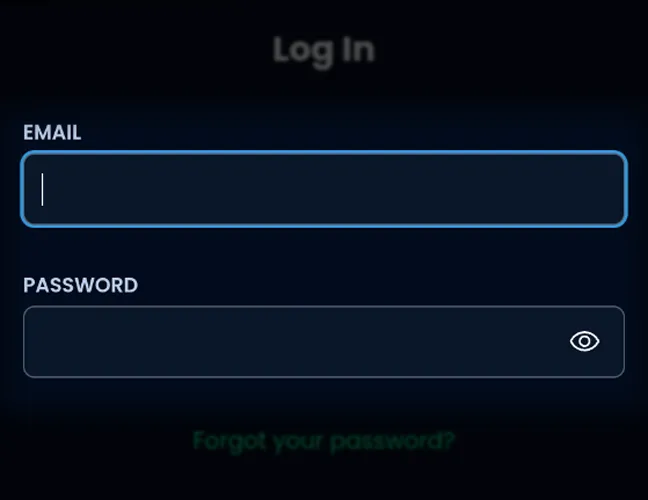
Sign up for a new account or log in.
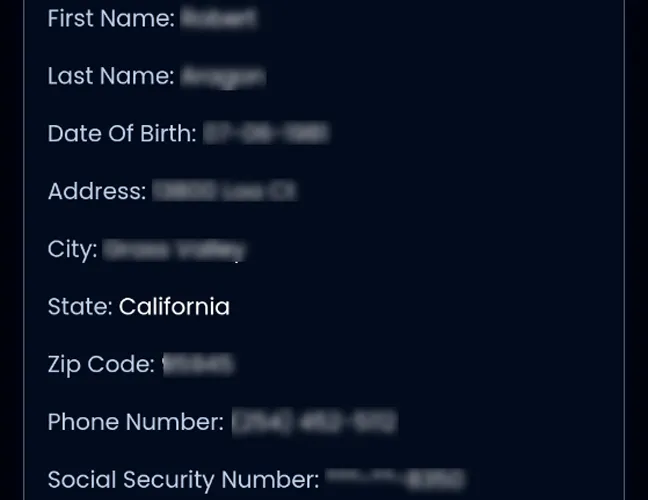
Finish the required account and identity checks.
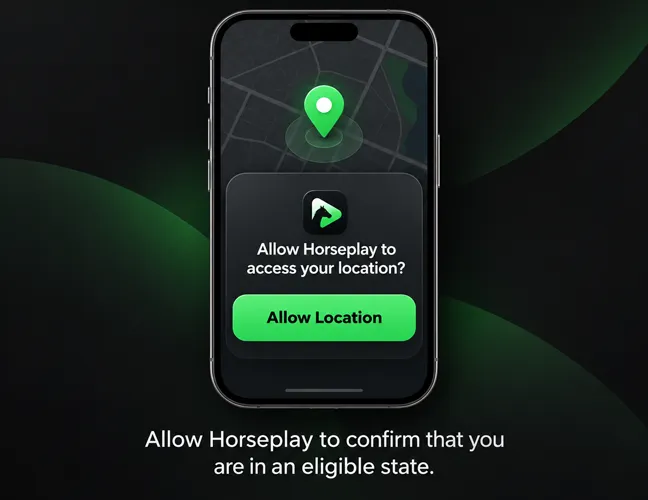
Allow location access so Horseplay can verify your state.
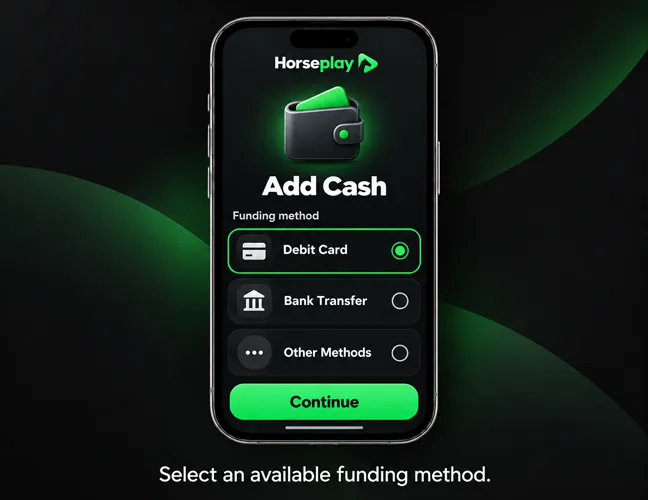
Select an available funding method.

Convert deposited funds into gameplay credits.
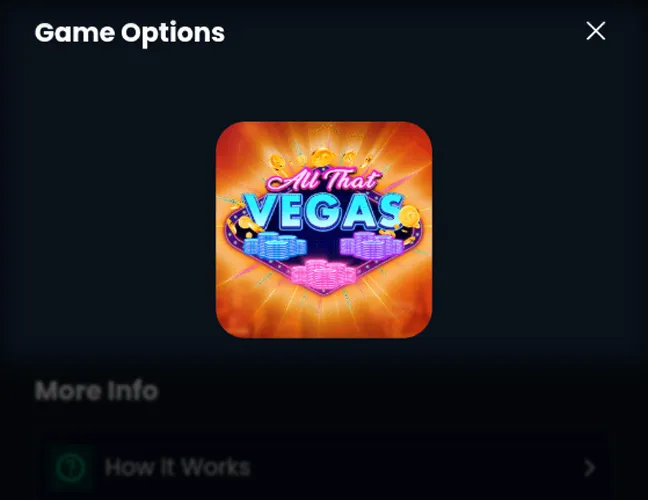
Open an available title and place your wagers.
Real-money play requires players to be 21 or older and physically located in a supported state.
Download Horseplay Casino App for iOS
The Horseplay Casino app is available in the App Store as Horseplay Real Money Games. Game Play Network, Inc. is the developer, and the iOS casino application supports Apple devices including iPhone and iPad. Use these steps to install the app:
Launch the App Store on your device.
Enter “Horseplay Real Money Games” in the search field.
Confirm that Game Play Network, Inc. is listed.
Tap Get to begin installation.
Launch the application after installation.
Sign in or create a new account.
Allow location access for the wagering eligibility check.
Installation is free. Real-money play requires age, identity, location, and state eligibility checks.
Horseplay App System Requirements
The table below shows the main system requirements:
| Platform | Access Type | Minimum Requirement | App Size / Installation | Internet | Location |
|---|---|---|---|---|---|
| iPhone | Native application | iOS 14.0+ | 30.1 MB | Required | Required |
| iPad | Native application | iPadOS 14.0+ | 30.1 MB | Required | Required |
| Android | Browser | Android 10+ with a current browser | No app installation | Required | Required |
How to Update Horseplay Casino on Mobile
Horseplay updates through the App Store on iPhone and iPad. Automatic updates can install new versions, or you can start the download manually from your App Store account page. Use these steps to update Horseplay on Apple devices:
Launch the App Store on your device.
Tap your profile picture.
View the available application updates.
Locate Horseplay Real Money Games.
Tap Update to install the latest version.
Android users do not update Horseplay itself because the platform runs in the browser. Refreshing or reopening the site loads the current web version, while the browser should also stay updated.
Registration Process via Horseplay Casino App
Registration creates an advance deposit wagering account with age, identity, and location checks. The Horseplay app is available to real-money players aged 21 or older in supported states. Follow these steps to create an account and complete the login setup:
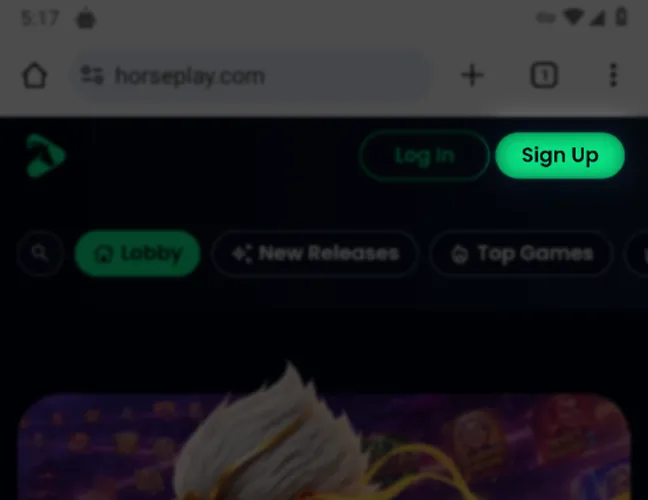
Select Sign Up in Horseplay.
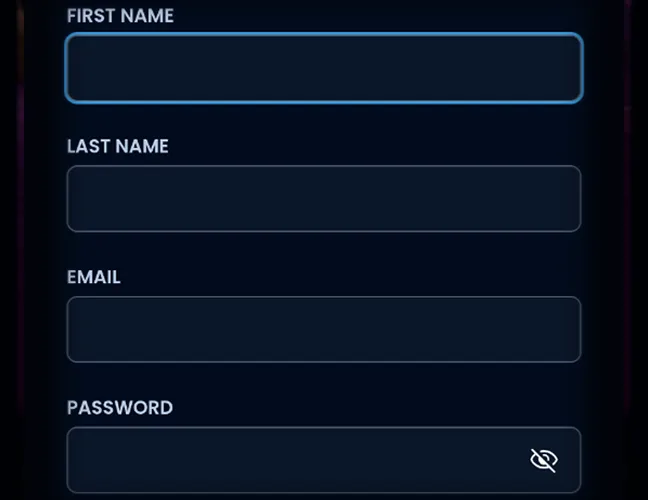
Add your name, email address, and password.
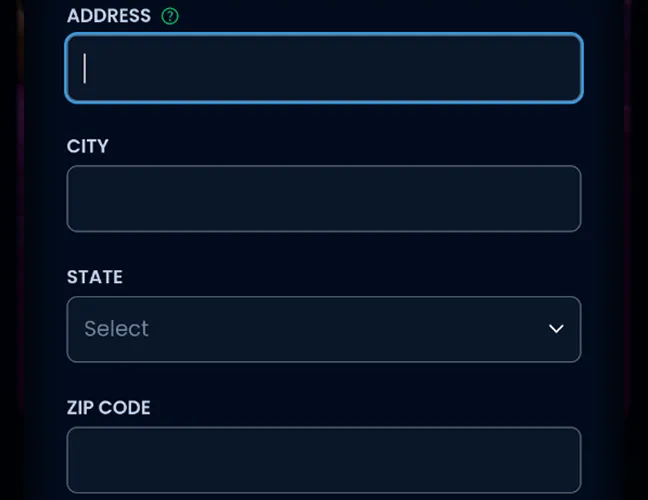
Enter your residential address and ZIP code.
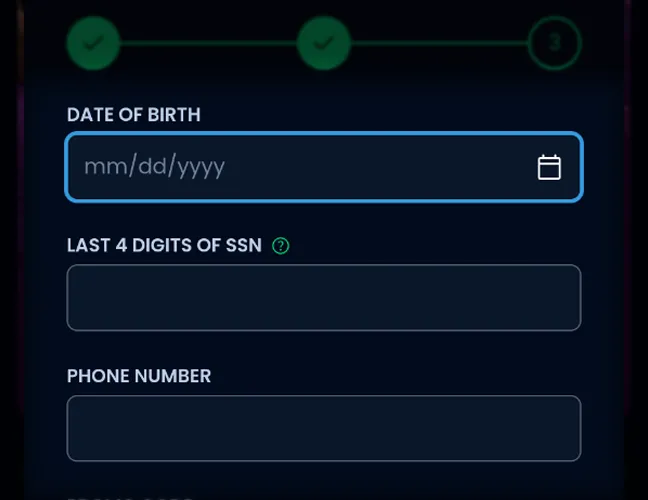
Enter your date of birth and mobile number.
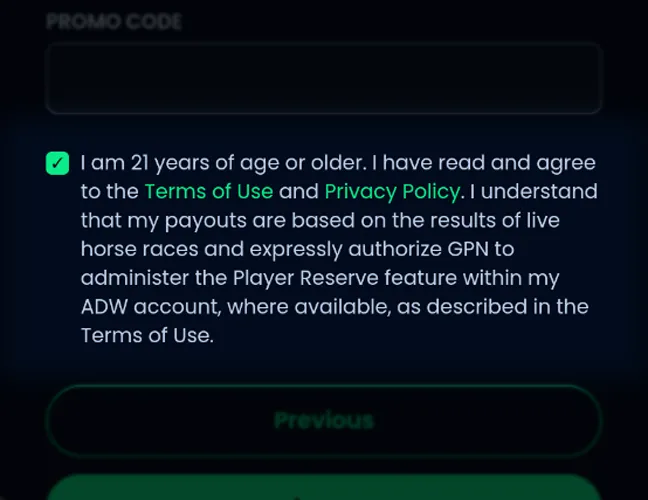
Review the terms and create your account.
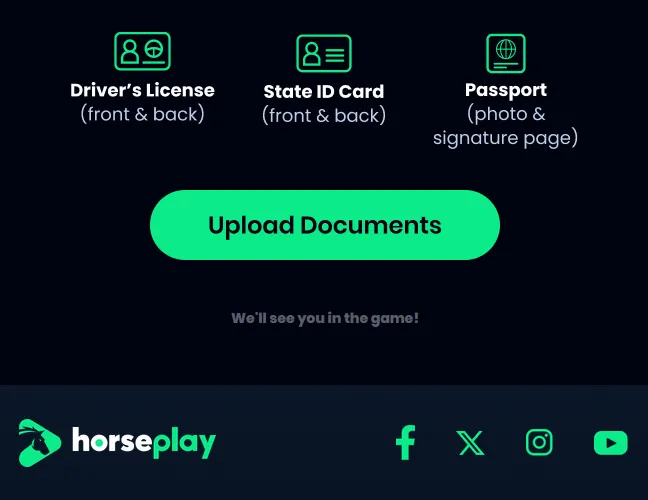
Complete verification using the message sent to your email address.
Allow Horseplay to confirm that you are in an eligible state.
Your account is used for wagering, deposits, withdrawals, and compliance checks. Funding details are added when you make a cash deposit.
Casino Games Available in the App
Horseplay offers more than 150 casino-style titles, but cash results come from wagers tied to real horse races rather than traditional casino RNG outcomes. Reveal Technology presents the race result through different graphical game formats. The main game categories available include:
- Slot-style games.
- Bingo.
- Table and card games.
- Scratchers.
- Pachinko.
- Video poker.
- Keno.
- Arcade-style games.
Horseplay also features titles from third-party game developers, giving players multiple ways to experience race-based wagering.
Slots Games
Horseplay features slot-style titles from multiple third-party developers, but these are not conventional real-money RNG slots. The reels provide the graphical experience, while cash results come from the linked wager on a real horse race. Available titles include Coin Nonet, Charge Bison, Devil’s Treasures, Blazing Scarabs, Fortune Treasure, Hoot Loot, 3 Coin Treasures, Atlantis Thunder, Cherry Cherry, Colossus Fruits, and Golden Bars. Game providers include Magic Horse, Kalamba Games, Caleta Gaming, Spinomenal, Wild Ruby, Joyplay, and Oddsworks.
Specialized games
Reveal Technology supports several formats beyond slot-style games. Horseplay uses the same horse-racing-powered result system across bingo, video poker, keno, scratchers, table and card games, pachinko, and arcade titles. Examples include Plinko Empire, Pixie Riches Bingo, Jacks or Better, Bonus Poker, Double Double Bonus, and Deuces Wild. Each title presents the outcome of an underlying pari-mutuel horse-race wager through its own gameplay format.
Bonuses You Can Access in the Horseplay Casino App
Horseplay combines a first-purchase welcome bonus with recurring promotions. The welcome offer matches 100% of a gameplay-credit purchase from $10 up to $250, with a 10x playthrough requirement and a 30-day wagering period. Current Horseplay rewards include:
- First-Purchase Match. Receive a 100% match up to $250 in Bonus Credits.
- Cashback. Spend at least $20 from Monday through Thursday to receive 15% back on net losses, up to $150, or from Friday through Sunday to receive 10% back, up to $150.
- 24-Hour Showdown. Play eligible Thursday games, with 50 winners sharing $2,650.
- Weekend Riches. Compete Friday through Sunday, with 75 winners sharing $6,500 and a $1,200 top prize.
- New Player Tournament. Compete during your first three days, with 50 winners sharing $2,500 and a $500 top prize.
The match applies to the gameplay-credit purchase rather than the deposit itself. Each promotion has its own eligibility and wagering requirements.
Deposits & Withdrawals via the Horseplay Casino App
Horseplay separates account funding from gameplay-credit purchases. The table below shows supported payment methods and minimum deposit amounts:
| Payment Method | Deposit Allowed | Withdrawal Allowed | Minimum Deposit |
|---|---|---|---|
| Visa | Yes | No | $10 |
| Mastercard | Yes | No | $10 |
| Discover | Yes | No | $10 |
| Instant Bank Transfer | Yes | Yes | $10 |
| Sightline Play+ | Yes | No | $10 |
Winnings go directly to the player’s cash balance. Players withdraw eligible funds by bank transfer after completing any required bonus playthrough.
Security Features of the Horseplay Mobile App
Horseplay verifies player age, identity, state eligibility, and physical location before allowing real-money wagering. Personal information is protected and used to manage wagering accounts, deposits, and withdrawals. The b safe program provides deposit limits, cool-down time-outs, and self-exclusion controls for safer account management.
Mobile Experience in the Horseplay Casino App
The Horseplay mobile app provides straightforward access on iOS, while Android players use the mobile website without installing extra software. Both versions provide access to games, account controls, payments, tournaments, promotions, and responsible-gaming tools. The interface keeps Horseplay’s main features easy to reach, making real-money play practical without a desktop device.
FAQs About the Horseplay Casino App
In which US states is Horseplay Casino available?
Horseplay is live in Alabama, California, Colorado, Delaware, Florida, Kansas, Montana, North Dakota, New Hampshire, New Mexico, New York, Oklahoma, Oregon, Rhode Island, South Dakota, Vermont, Wisconsin, and Wyoming.
How do I download the Horseplay Casino App on iOS?
Open the App Store and search for Horseplay Real Money Games. Tap Get and wait for the installation to finish on your iPhone or iPad.
What games are available at Horseplay Casino on mobile?
Horseplay offers more than 150 casino-style titles, including slot-style games, bingo, video poker, keno, scratchers, pachinko, and arcade formats.
How do I keep the Horseplay Casino App up to date?
iPhone and iPad users can install Horseplay updates automatically or manually through the App Store. Android users do not update Horseplay separately because the site loads the current web version whenever it is refreshed or reopened.
Why is Horseplay Casino not working on my phone?
Check your internet connection, enable location services, and confirm that you are physically in a supported state. iPhone users should update Horseplay and iOS, while Android users should update their browser and reload the site.
How do I uninstall the Horseplay Casino App from my iPhone?
Touch and hold the Horseplay icon, select Remove App, tap Delete App, and confirm deletion.

 PokerListings




Log in to leave a comment
Takes a minute. Your rating counts toward the score.