EN
EN  DE
DE 
Crown Coins Casino App: How To Download for iOS and Android
The Crown Coins Casino app brings social casino-style entertainment directly to your smartphone, giving players easy access to slots, daily rewards, raffle features, free Sweeps Coins, and promotions without having to visit a real-money casino. The app is free to play and designed for smooth mobile gaming, quick loading times, and a simple interface for leisure play.
Whether you want to launch the app, spin free slots, collect coins, or enjoy short gaming sessions on the go, you can put the app on your device for convenient one-tap access. This Crown Coins sweepstakes casino app review explains how to download and install the app on iPhone and Android devices so you can start playing safely and easily.
Download Crown Coins Casino App for iOS
Getting the Crown Coins mobile casino app on an iPhone or iPad is quick and straightforward. The platform is available for iOS through a dedicated iOS app, allowing players to download the app directly from the Apple App Store. Before downloading, make sure your device is updated to the latest iOS version and has a stable internet connection for the best performance.
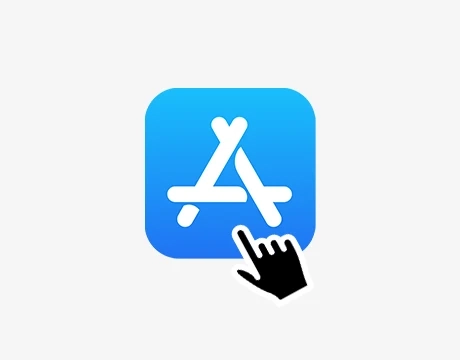
Open the iOS App Store on your iPhone or iPad.
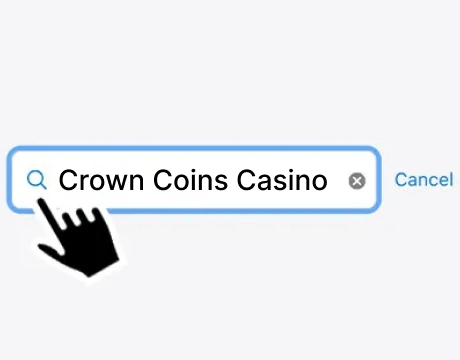
Type “Crown Coins Casino” into the search bar.
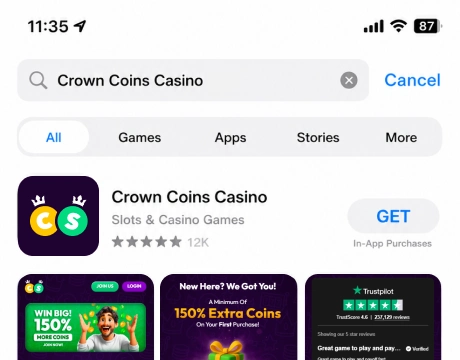
Find the official Crown Coins Casino App in the results list.
Tap the Get button.
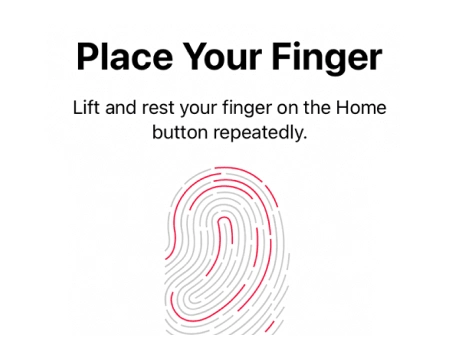
Confirm the installation using Face ID, Touch ID, or your Apple ID password.
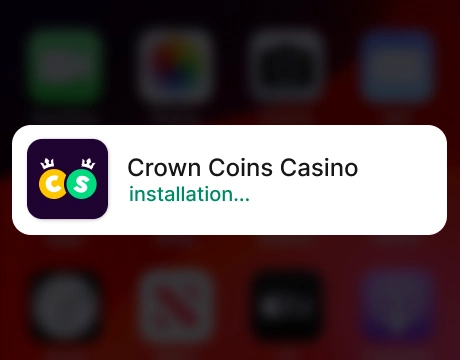
Wait for the app to finish downloading and installing automatically.
Open the app from your home screen and log in or create a new account to start playing.
Download Crown Coins Casino for Android
Crown Coins Casino is available on Android as a mobile-friendly progressive web app, meaning players do not need to download a traditional dedicated Android casino app from Google Play. Instead, Android users can open the official Crown Coins website in their mobile browser and add it to their home screen for an app-like experience. While iOS users can play via a dedicated app, Android access is handled through the PWA format. The progressive web app is designed for smooth navigation, responsive gameplay, and secure account access, making it easy to enjoy free social casino-style entertainment on the go in 2026.
Open Google Chrome on your Android smartphone or tablet.
Visit the official Crown Coins Casino website.
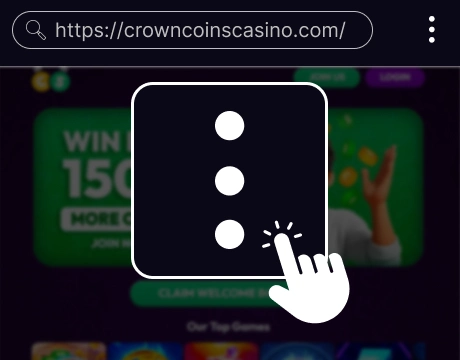
Tap the three-dot menu in the top-right corner of the browser.
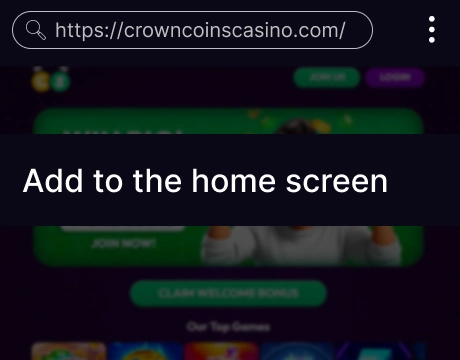
Select Add to Home screen.
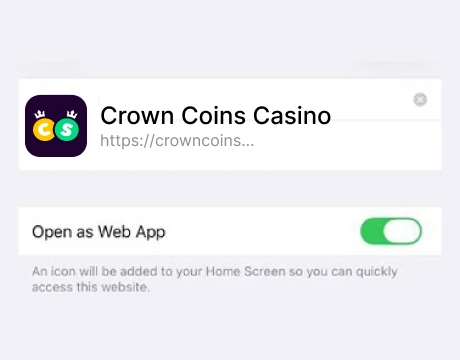
Confirm the shortcut or PWA installation.
Open Crown Coins from your Android home screen.
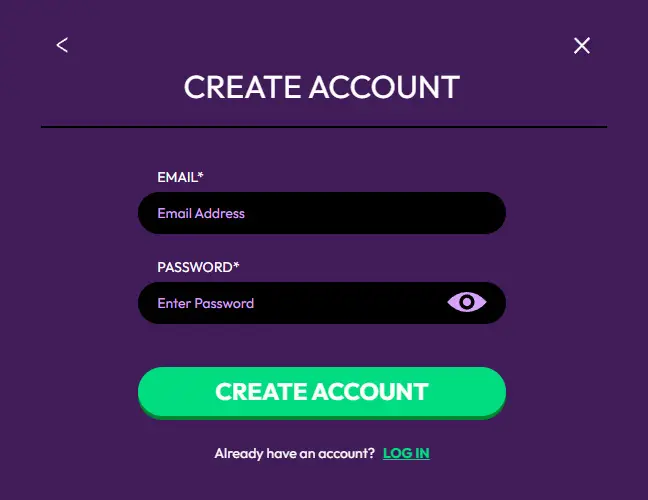
Log in or create an account to start playing.
Crown Coins Casino App System Requirements
Before using Crown Coins Casino on mobile, players should check that their device supports smooth and stable gameplay. In 2026, iOS users can access the platform through the mobile app, while Android users can play through the PWA version by adding the official website to their home screen.
| Requirement | iOS App | Android PWA |
|---|---|---|
| Operating System | iOS 14.0 or later | Android 10.0 or later |
| Device Compatibility | iPhone & iPad | Android smartphones & tablets |
| Storage Space | Minimum 250 MB | Minimal storage for shortcut and cached data |
| RAM | 3 GB or higher recommended | 3 GB or higher recommended |
| Internet Connection | Wi-Fi or mobile data | Wi-Fi or mobile data |
| Access Source | Apple App Store | Official Crown Coins Casino website |
| Installation Method | Download and install the Crown Coins app | Add to Home Screen / Install App via Chrome |
| Browser Requirement | Not required for app use | Latest Google Chrome recommended |
| Processor | Modern Apple chipset | Quad-core or better |
| Screen Resolution | HD display recommended | HD display recommended |
| Security Support | Face ID / Touch ID supported | PIN, password, fingerprint, or face unlock |
How to Sign Up and Log In to the Crown Coins App
Getting started with the Crown Coins Casino app is quick and easy for new players. New users can register using popular sign-up methods like Apple, Google, Facebook, or email, making the process convenient for both iOS and Android devices.
Sign-Up Process
Creating an account on the Crown Coins Casino App is straightforward and only takes a few steps. The registration process is optimized for mobile users and includes multiple sign-up methods for added convenience and faster access.
Open the Crown Coins Casino app on iOS or the Crown Coins Casino PWA on Android.

Tap the Register button on the welcome screen.
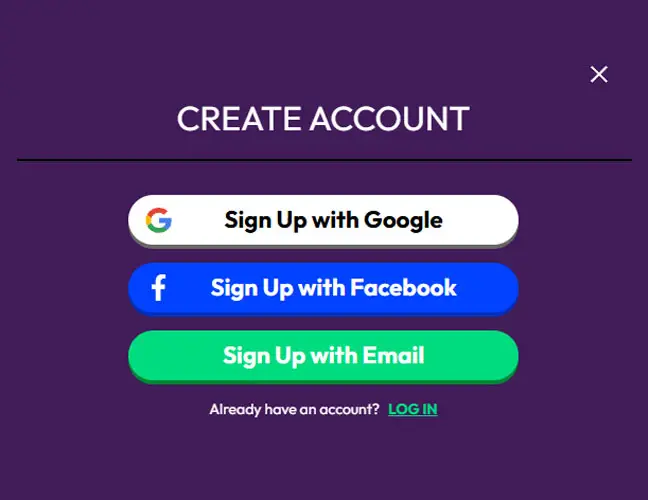
Choose one of the available registration methods: Apple, Google, Facebook, Email
Enter the required account details if registering by email.

Verify your email address using the confirmation code sent to your inbox.

Wait for the confirmation message indicating that your account was created successfully.
Logging In to Your Account
Once you’ve created an account, logging into the Crown Coins app is easy. Players can access their free social casino profile using the same method they chose when registering, such as Apple, Google, Facebook, or email.
Open the Crown Coins App on your iOS or Android device.
Tap the Log In button on the main screen.
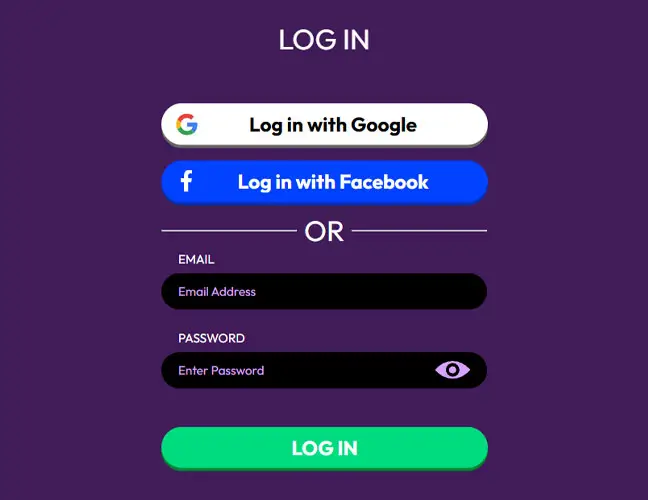
Enter your registered email address.
Type in your password.
Use the eye icon if you want to check the password before submitting.
Tap the green Log In button.

Wait for your account dashboard to load.
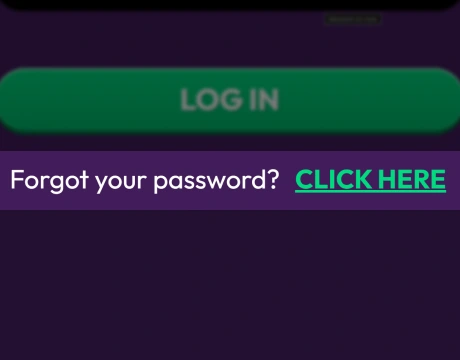
If you cannot remember your password, tap Forgot Password and follow the reset instructions.
For Apple, Google, and Facebook logins, you simply need to tap your preferred option, provide the required permissions, and wait for the process to finish automatically.
Common Issues & Troubleshooting
Most players can create and access their Crown Coins Casino App account without problems, but occasional technical issues may appear during registration or login. One of the most common problems is entering an incorrect email address or password, which can prevent access to the account. Players should double-check spelling, capitalization, and saved autofill details before trying again.
Another frequent issue involves verification emails not arriving immediately. In this case, users should check spam or junk folders and ensure the correct email was used during registration. Slow internet connections can also interrupt the sign-up process or cause loading delays inside the app. Restarting the app or switching to a stronger Wi-Fi connection often fixes this problem.
Casino Games Available in the Crown Coins Casino App
The Crown Coins Casino App offers a wide variety of mobile-friendly games designed for casual entertainment and quick gameplay sessions.
Slot Games
The main highlight of the Crown Coins Casino app is its slot machines, offering hundreds of titles for mobile players. The app includes classic fruit machines, video slots, jackpot games, and modern themed games inspired by adventure, fantasy, and treasure hunts. Popular games feature colorful graphics, bonus rounds, free spins, and interactive animations designed specifically for touchscreens. Many slots are developed by renowned providers like Pragmatic Play, Microgaming, and Hacksaw Gaming, ensuring smooth operation on both iOS and Android devices.

Instant Win / Mini Games
The Crown Coins Casino app also includes a collection of instant-win games and mini-games designed for short, leisurely gaming sessions. These games feature simple mechanics, quick rounds, and user-friendly controls that work especially well on mobile devices. Scratch card-style games, spinning wheels, and quick-tap bonus games are popular options for players looking for entertainment without long gaming sessions. Mini-games are lightweight and load quickly, making them ideal for playing during short breaks or while traveling.

New & Seasonal Releases
To keep the platform fresh, the Crown Coins Casino App regularly adds new and seasonal game releases throughout the year. These updates often include holiday-themed new slots, limited-time events, live game shows, and special promotional games connected to seasonal celebrations such as Halloween, Christmas, or summer festivals.
Bonuses You Can Access in the Crown Coins App
The Crown Coins Casino App includes several mobile bonuses and loyalty rewards that players can access directly through the app. New users can receive an instant welcome bonus after verifying their email address, including 100,000 Crown Coins (CC) and 2 Sweep Coins (SC) without requiring a purchase.
Daily login rewards are another major feature inside the app. Players who sign in for seven consecutive days can collect up to 275,000 Crown Coins and 5.5 Sweep Coins through the streak system. Combined with the welcome reward, this gives users access to a total of 375,000 CC and 7.5 SC simply for registering and checking in regularly.
The app also features the Crown VIP Club, where players earn loyalty points while playing games. VIP levels range from Entry and Bronze all the way to Diamond, Emerald, and the invite-only Dynasty tier. Higher levels unlock bigger rewards, exclusive offers, and additional mobile promotions for active players.
Purchases & Redemptions via the Crown Coins Casino App
The Crown Coins Casino app offers several secure payment methods, allowing players to purchase virtual coin packs and manage Sweep Coins redemption requests for real prizes directly from their mobile devices.
The mobile store includes multiple coin pack options, ranging from smaller bundles like 40K Crown Coins for $1.99 to larger packages such as 2M Crown Coins for $99.99, including bonus Sweep Coins with qualifying purchases. The minimum amount for redemption is 50 Sweep Coins, with the maximum amount varying by method.
| Payment Method | Purchase Speed | Redemption Time |
|---|---|---|
 Visa
Visa
|
Instant | 1–5 business days |
 Mastercard
|
Instant | 1–5 business days |
 American-express
|
Instant | 2–5 business days |
 Apple-pay
|
Instant | Not supported for redemptions |
 Skrill
|
Instant | 1–3 business days |
 Online-banking
|
1–3 business days | 3–7 business days |
Security and Fair Play on the Crown Coins Casino App
The Crown Coins Casino App is designed with player security and fair gameplay in mind, helping users enjoy mobile entertainment in a safe digital environment. The app uses encryption technology to protect personal information, account details, and payment transactions across both iOS and Android devices. Secure login options such as password protection, biometric authentication, and account verification features add another layer of protection for mobile users.
To support fair play, the platform partners with established game providers known for using certified random number generator (RNG) systems. These systems help ensure that slot outcomes and instant-win results are generated randomly rather than manually controlled.
FAQs About the Crown Coins Casino App
Is the Crown Coins Casino App available in my country?
The Crown Coins Casino app is available in many regions, but access may vary depending on local laws and platform restrictions. Players should check the official website or app store availability in their country before downloading.
Is it safe to play games on the Crown Coins App?
Yes, the app uses encryption technology, secure login systems, and protected payment methods to help keep user information safe.
Can I download the Crown Coins App for free?
Yes, the Crown Coins Casino app is free to download on supported iOS devices and is available as a PWA for Android.
Do I need to register separately for the mobile app?
No, existing players can log into the app using their current account details. New users can create an account directly inside the mobile app using email or social login options.
Are all Crown Coins bonuses available for mobile users?
Most bonuses, including welcome rewards, daily login bonuses, and VIP promotions, are available through the mobile app.
What should I do if the Crown Coins App doesn’t work or crashes?
Try restarting the app, checking your internet connection, or updating the app to the latest version. If problems continue, reinstalling the app or contacting customer support may help resolve technical issues.
How can I uninstall or reinstall the Crown Coins App safely?
Delete the Crown Coins Casino App through your device settings or remove the Android PWA (web-based app) shortcut from your home screen. To reinstall safely, download the iOS app from the Apple App Store or access the official Crown Coins website again on Android.

 PokerListings