
 EN
 DE

Chanced Casino App: How to Play on Mobile (2026)
The Chanced Casino app gives iPhone and Android users mobile access to thousands of free-to-play casino-style games, including slots, table games, and live dealer content. Players can also claim daily rewards, access promotions, manage their accounts, and use Gold Coins or Sweeps Coins through the same online social casino experience in 2026.
Download Chanced Casino App for Android
The Chanced casino app download for Android is available directly through Google Play under Gold Coin Group LLC. The official version provides access to slots, live tables, rewards, promotions, account tools, and other social casino features without using an external APK file.
Follow these steps to install Chanced safely:
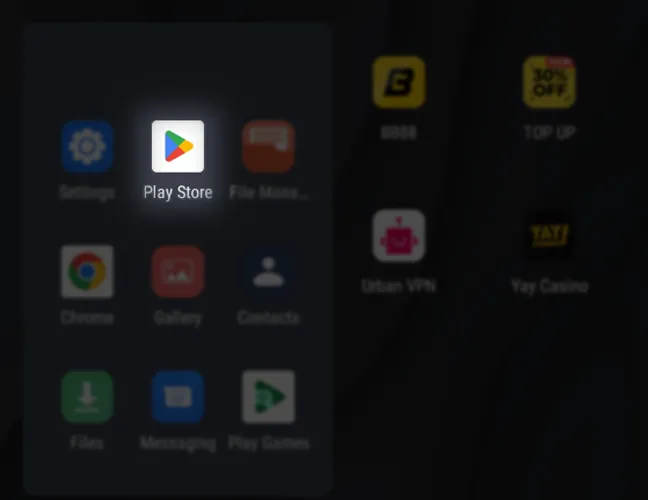
Open Google Play on your Android phone or tablet.
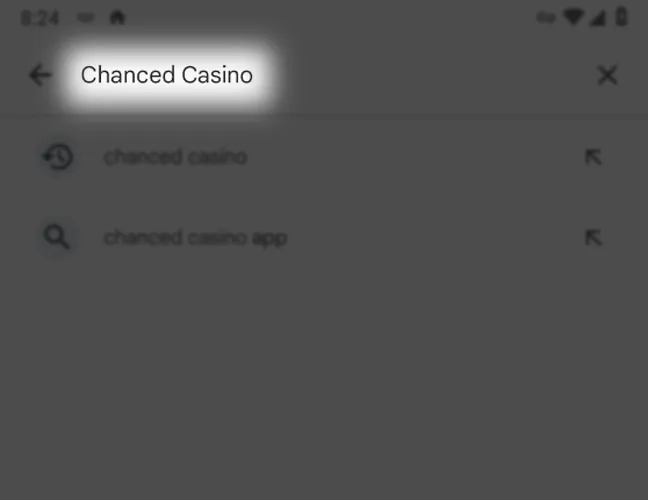
Search for Chanced Casino.
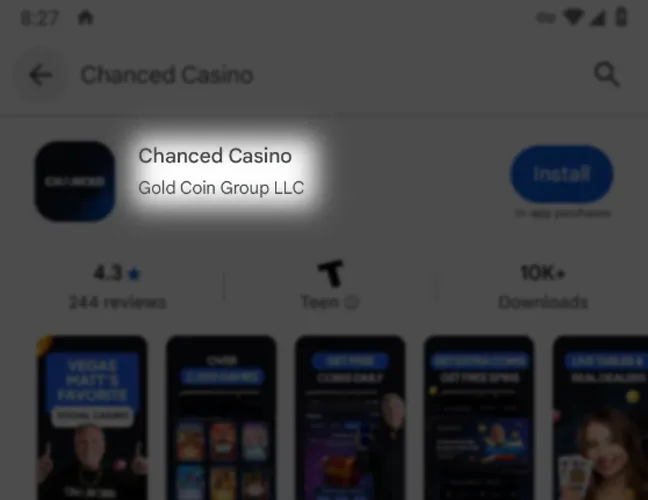
Confirm that Gold Coin Group LLC is listed as the developer.
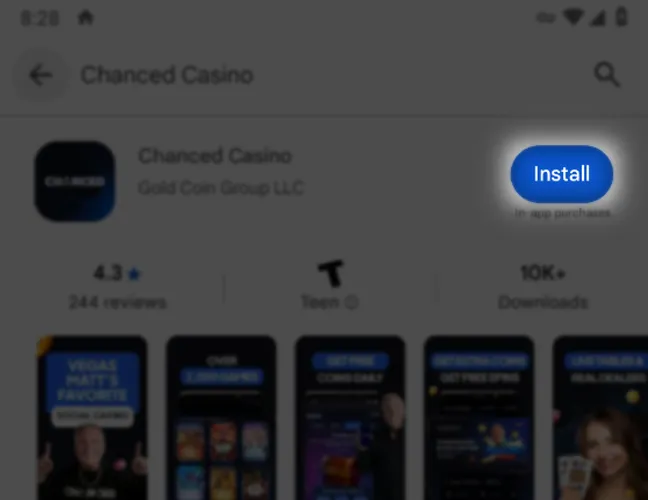
Tap Install.
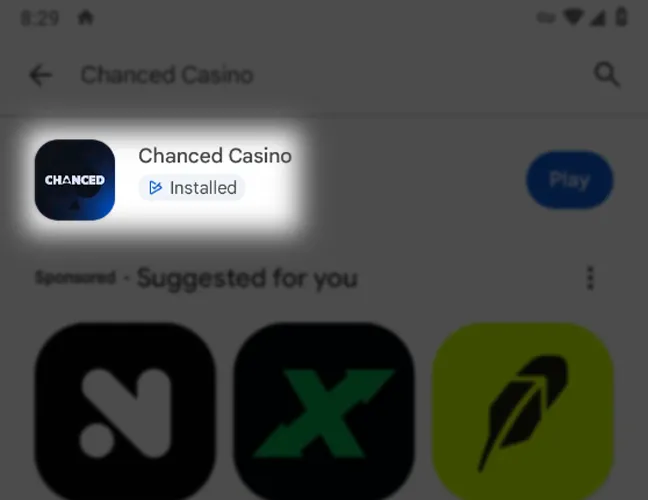
Wait for the installation to finish.
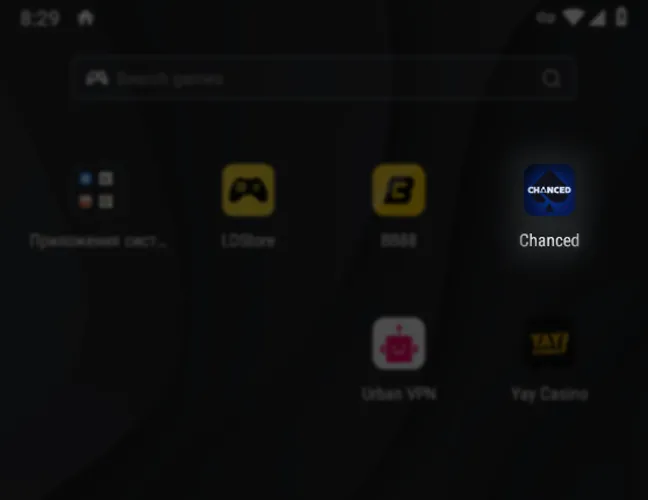
Open Chanced from your home screen or app library.
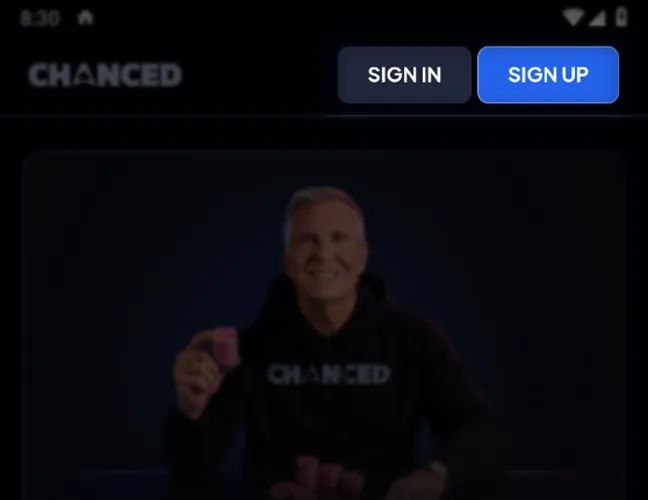
Sign in to an existing account or create a new one.
Download Chanced Casino App for iOS
The Chanced app is available for iPhone and iPad through the Apple App Store. The official iOS version provides access to casino-style games, live dealer content, rewards, promotions, account features, and Gold Coin purchases without requiring a browser installation.
Follow these steps to install casino app on an Apple device:
Open the App Store on your iPhone or iPad.
Search for Chanced Casino.
Select the app published by Gold Coin Group LLC.
Tap Get.
Confirm the installation with Face ID, Touch ID, or your Apple ID password.
Wait for the installation to finish.
Open Chanced and log in or create a new account.
Chanced App System Requirements
The Chanced app supports modern Apple and Android devices, with native installation available through the App Store and Google Play. iPhone and iPad users need iOS/iPadOS 16.4 or later, while Android compatibility is determined by Google Play based on the device and operating system.
| Platform | System Requirement | App Size | Additional Requirements |
|---|---|---|---|
| iPhone | iOS 16.4 or later | 52.7 MB | Apple ID and stable internet connection |
| iPad | iPadOS 16.4 or later | 52.7 MB | Apple ID and stable internet connection |
| Android | Compatible Android device supported by Google Play | Varies by device | Google Play account and stable internet connection |
How to Update Chanced Casino on Mobile
The Chanced casino app updates through Google Play on Android and the App Store on iPhone or iPad. Keeping the latest version installed helps maintain compatibility, security, and access to current features without changing the existing account or balance.
Follow these steps to update the app:
Open Google Play or the Apple App Store.
Search for Chanced Casino.
Select the official app from Gold Coin Group LLC.
Tap Update if a newer version is available.
Wait for the installation to finish.
Reopen the app and log in with your existing account details.
Registration Process via Chanced Casino App
Registration in the Chanced App can be completed directly with an email address. Players must be 21 or older, provide the required account and location details, and accept the Terms of Use before using the platform.
Follow these steps to register with email:
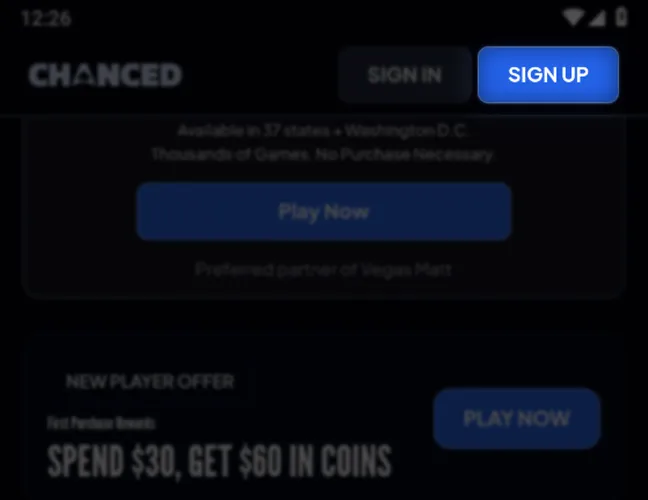
Open Chanced and select Create Account.
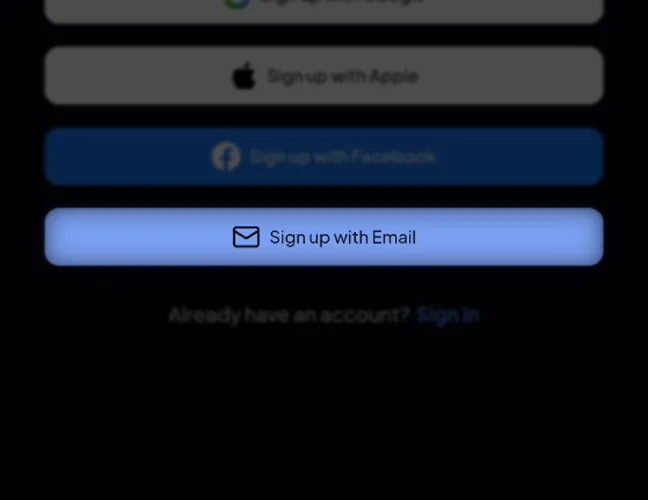
Choose Sign up with Email.
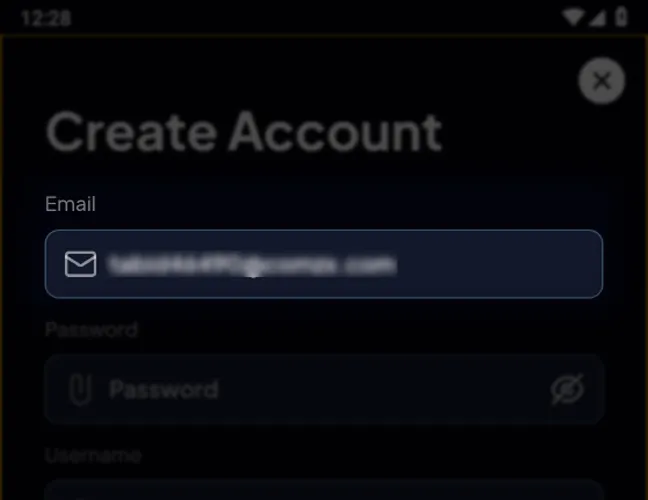
Enter your email address.
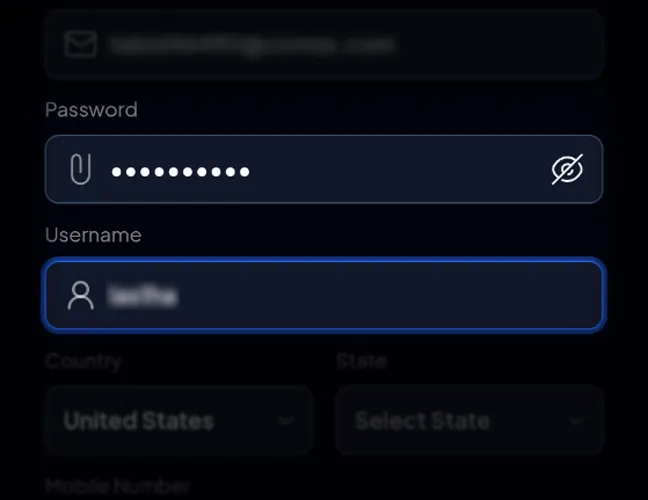
Create a password and username.
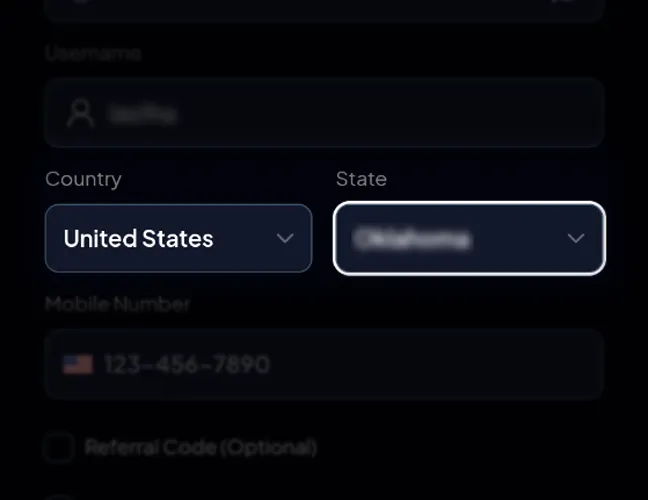
Select your country and state.
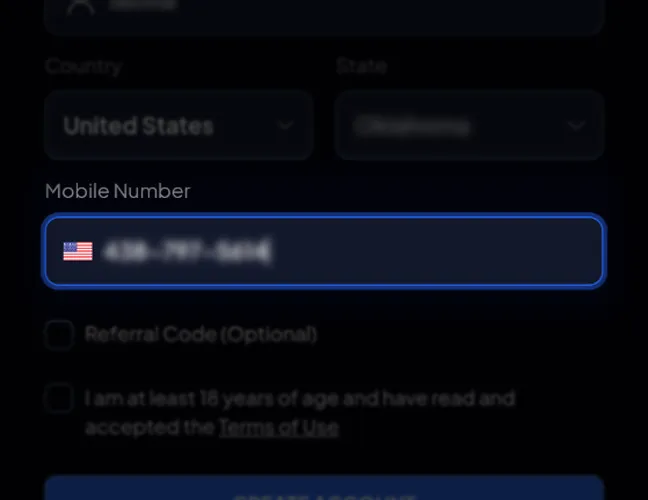
Enter your mobile number.
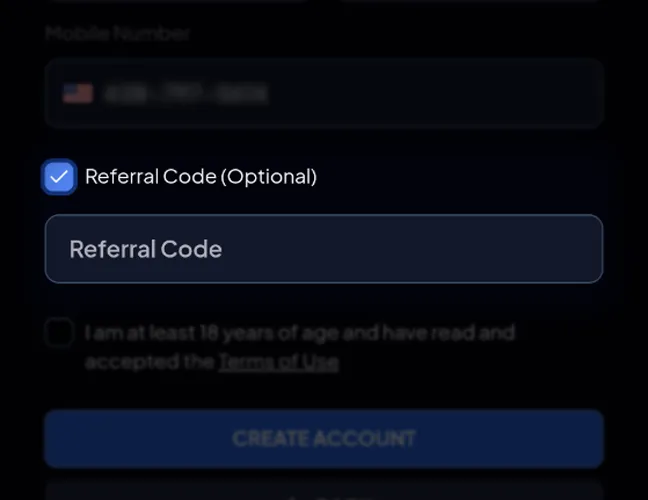
Add a referral code if you have one – this field is optional.
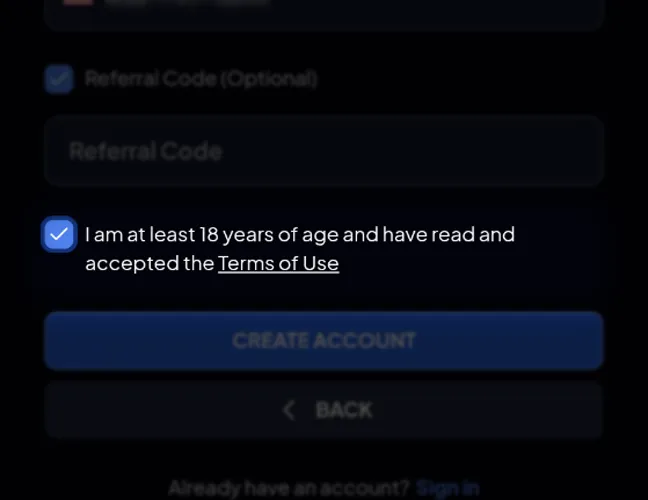
Review the age confirmation and Terms of Use, and proceed only if you meet the 21+ participation requirement.
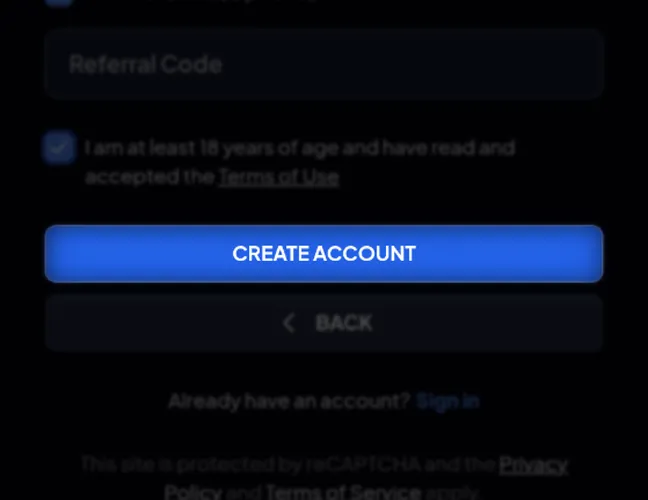
Tap Create Account to complete registration.
Players can also register through Google, Apple, or Facebook instead of using email. Existing users can skip registration and proceed directly to login.
Casino Games Available in the App
The Chanced mobile game library includes 2,000+ casino-style titles, including 80+ live dealer tables, slots, table games, jackpots, and exclusive formats. The app also organizes games into dedicated categories for faster browsing.
Slots Games
Slots make up a major part of the Chanced catalog, with classic-style titles, feature-heavy video slots, jackpot games, and branded releases available across different themes.
Examples include:
- Sugar Teddy: colorful video slot.
- Piggy Brick Bonanza: feature-based slot.
- The Godfather: 3 Pillars of Power: branded slot title.
- Le Fisherman: fishing-themed slot.
- 4 Fire Rockets: multi-feature slot.
- Buffalo Wild Collection: wildlife-themed slot.
- 12 Masks of Fire Drum Frenzy: bonus-focused slot.
Specialized Games
Chanced also provides several game formats beyond standard slots, giving players access to live tables, RNG table games, jackpot categories, and platform-specific content.
Main specialized categories include:
- Live Dealers: live-hosted casino tables.
- Blackjack: digital and live blackjack formats.
- Roulette: multiple roulette variants.
- Baccarat: table and live dealer baccarat.
- First-Person Tables: RNG-based table games with immersive presentation.
- Jackpot Hunt: jackpot-focused titles.
- Power Chance Jackpot: games linked to the Power Chance jackpot feature.
- Dicelab: dice-based games.
- Chanced Races: race-style competitive games.
Bonuses You Can Access in the Chanced Casino App
The Chanced Casino app download provides access to several bonus formats and recurring promotions, from a first-purchase reward to daily activities, jackpots, raffles, and competitive events. A purchase is optional, and players can continue using the platform without buying Gold Coins.
Available rewards include:
- New Player Offer: spend $30 on the first purchase and receive $60 worth of coins.
- Daily Streak Boost: rewards consecutive daily activity.
- Winners Every Day Jackpot Hunt: gives players recurring jackpot opportunities through eligible games.
- Power Chance Jackpot: connects eligible games to an additional jackpot feature.
- 5,000 SC Weekly Raffle: offers 5,000 Sweeps Coins in weekly raffle prizes.
- Races and Challenges: competitive events where eligible gameplay can unlock extra rewards.
Deposits & Withdrawals via the Chanced Casino App
The Chanced Casino app does not use traditional casino deposits and withdrawals. Gold Coin purchases are made in USD through supported payment cards, online wallets, bank or financial accounts. For redemptions, eligible Sweeps Coins can be exchanged for cash prizes or gift cards. Cash prize redemptions are sent to the original eligible payment method used for the Gold Coin purchase or to an approved financial account. A cash-out request requires at least 100 redeemable SC.
| Transaction | Currency | Payment / Redemption Method | Key Conditions |
|---|---|---|---|
| Gold Coin purchase | USD / Gold Coins | Cards, online wallets, bank or financial accounts, and other supported methods | Gold Coins have no cash value and cannot be redeemed |
| Sweeps Coins play | Sweeps Coins | Promotional currency used in eligible games | SC must meet applicable playthrough requirements before redemption |
| Cash prize redemption | Sweeps Coins / USD | Original eligible payment method or approved financial account | Minimum 100 SC; processing can take up to 10 business days |
| Gift card redemption | Sweeps Coins | Digital gift card sent to the registered email address | Gift card redemptions require account and eligibility checks |
| Redemption frequency | Sweeps Coins | Submitted through the account redemption section | Only one prize redemption request may be submitted per account every 24 hours |
Security Features of the Chanced Mobile App
The Chanced app protects online account activity with encrypted data transmission, secure login controls, identity checks, and payment verification. Additional safeguards support fraud prevention, account protection, and prize redemption reviews. Location checks confirm player eligibility, while VPNs and proxies are prohibited for bypassing geographic restrictions. Players can request deletion of personal data and should keep account credentials private, use a strong password, and install updates promptly to maintain access to the latest security improvements.
Mobile Experience in the Chanced Casino App
After completing the Chanced Casino app download, players get a native mobile experience on both Android and iOS, with direct access to thousands of casino-style games, live dealer tables, promotions, rewards, account tools, and Gold Coin purchases. Players can browse game categories, manage their balance, claim eligible rewards, and submit prize redemption requests from a smartphone or tablet. The app keeps the main Chanced features in one interface, making it convenient to switch between games, account management, and promotional content while playing on mobile.
FAQs About the Chanced Casino App
Is Chanced Casino legal in my state?
Chanced sweepstakes play is unavailable in Alabama, California, Connecticut, Idaho, Illinois, Indiana, Louisiana, Maine, Michigan, Mississippi, Montana, Nevada, New Jersey, New York, Tennessee, Washington, and West Virginia.
Where can I find the Chanced Casino App for Android?
The official Chanced Casino app for Android is available through Google Play. Search for Chanced Casino, confirm Gold Coin Group LLC as the developer, and install it without using a third-party APK.
Which games does Chanced Casino offer on mobile?
Chanced offers thousands of mobile casino-style games, including slots, live dealer tables, blackjack, roulette, baccarat, jackpot titles, First-Person Tables, Chanced Exclusives, Dicelab games, and competitive race-style content.
How do I update Chanced Casino on my phone?
Open Google Play on Android or the App Store on iPhone, search for Chanced Casino, and tap Update when a new version is available. Automatic updates can also be enabled.
Chanced Casino App not working – what should I do?
If the Chanced Casino app is not working, check your internet connection, restart the app, install available updates, disable any VPN, restart your device, and reinstall the official app if necessary.
How do I delete the Chanced Casino App from my phone?
On iPhone, press and hold the Chanced icon and select Remove App. On Android, press and hold the icon and choose Uninstall. Removing the app does not delete your account.

 PokerListings




Log in to leave a comment
Takes a minute. Your rating counts toward the score.