Borgata Casino App: Download Guide for iOS & Android
The Borgata casino app delivers a premium gaming experience, offering a vast selection of slots, table games, and live dealer options. Designed for seamless play, the Borgata online casino app ensures secure transactions, user-friendly navigation, and exciting bonuses, making it a top choice for casino enthusiasts on iOS and Android devices.
Download Borgata App for iOS Devices
Follow these simple steps to download the Borgata iOS casino app on your device from the App Store:
Unlock your iPhone or iPad and tap the App Store icon on your home screen.
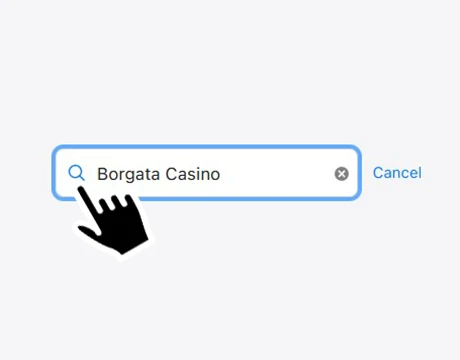
In the search bar, type Borgata Casino and press Search.
Locate the official Borgata Casino app in the results and tap Get.
If prompted, confirm with Face ID, Touch ID, or your Apple ID. The app will download and install automatically.
Once installed, tap the app icon to launch it and start playing your favorite casino games.
Download Borgata App for Android Devices
Follow these step-by-step instructions to download the Borgata casino app on your Android device from Google Play:
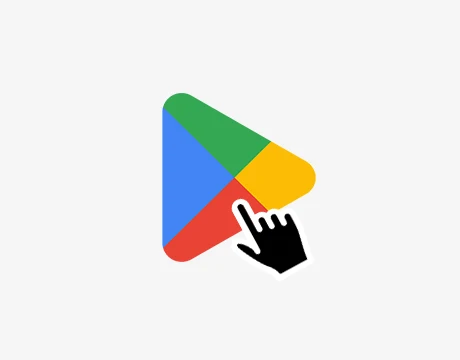
Unlock your Android device and tap the Google Play Store icon on your home screen or in the app drawer.
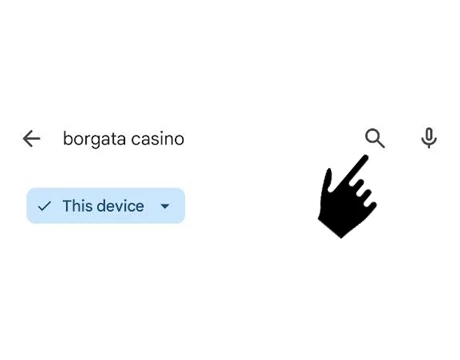
Type Borgata Casino in the search bar at the top and press the search icon.
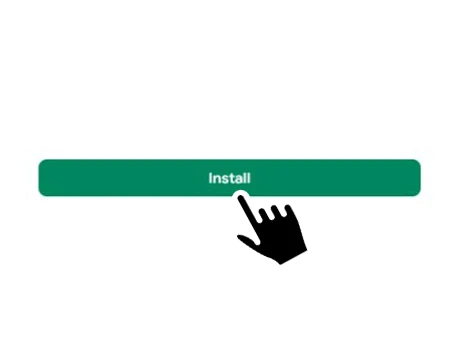
Find the official Borgata Casino app in the results and tap Install.
The app will download and install automatically on your device. Once installed, tap Open or the app icon on your home screen to start enjoying casino games.
Experience seamless and secure gaming on your Android device with the Borgata app. No need to download an APK file – get the app directly from the Google Play Store!
System Requirements and App Updates
To ensure a smooth and enjoyable experience, the Borgata application requires your device to meet specific system requirements. Regular updates are also essential to access the latest features, security enhancements, and bug fixes. Below are the system requirements and tips for keeping the app updated.
| Platform | Minimum OS Version | Storage Space | Version | Price |
|---|---|---|---|---|
| iOS | iOS 16.0 or later | 130.8 MB | 25.09.03 | Free |
| Android | Android 9.0 or later | 124 MB | 25.06.12 | Free |
Borgata Casino frequently releases updates to improve performance, strengthen security, and introduce new features. If automatic updates are enabled on your device, the app will update on its own. There’s no need to manually check for the newest version of Chumba.
How to Sign Up and Log In to the Borgata App
Signing up and logging into the Borgata application is quick and straightforward. Create an account to access a wide range of casino games, bonuses, and features. Whether you’re a new user or returning, follow the simple steps to register or log in and start enjoying the ultimate casino experience anytime, anywhere.
Sign-Up Process
Download and open the Borgata app on your device.
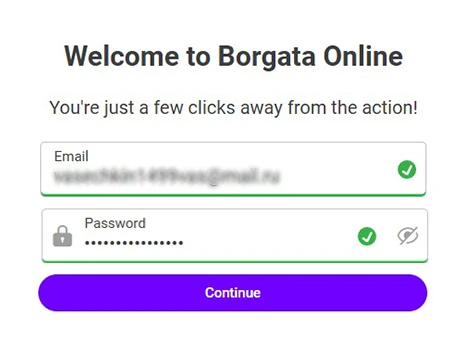
Enter a valid email address and create a strong password for your account.
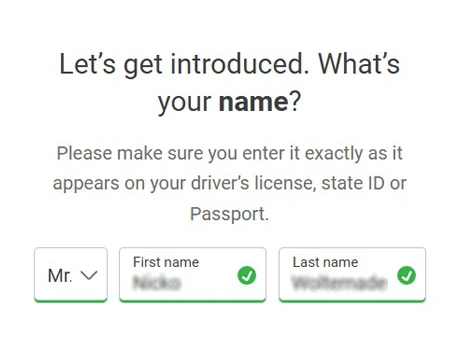
Input your full name as it appears on official documents.
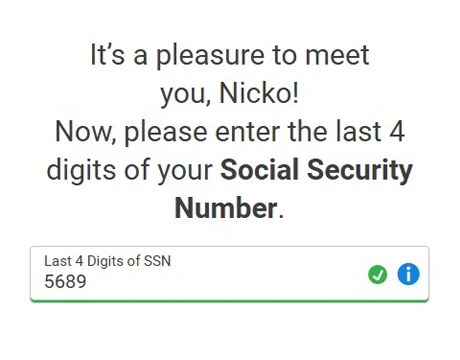
Enter the last four digits of your Social Security Number for identity verification.
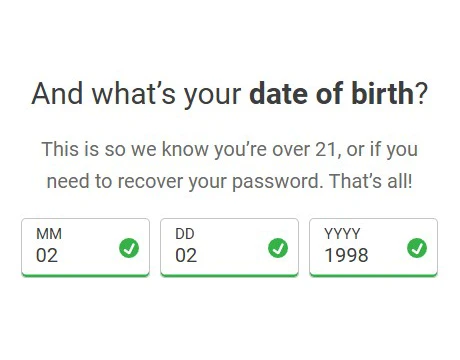
Add your date of birth to confirm you meet the legal gambling age of 21.
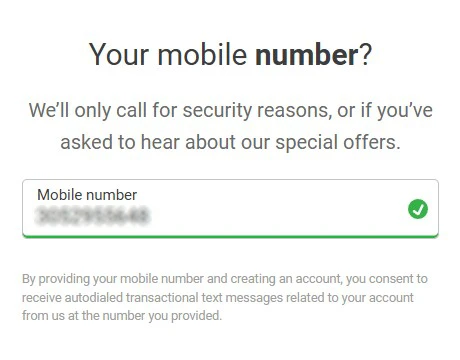
Enter a valid mobile phone number for account verification and communication.
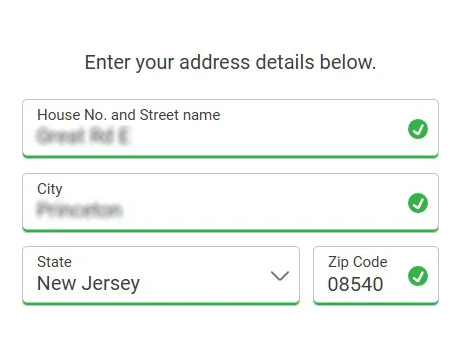
Fill in your current residential address, including city, state, and ZIP code.
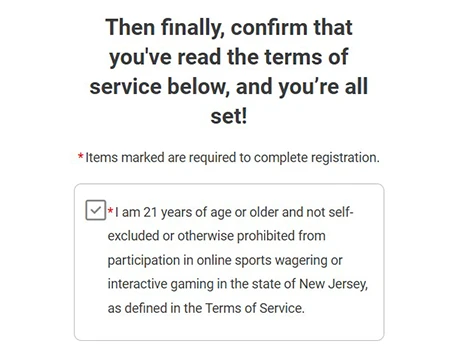
Confirm that you have read and accepted the terms of service.
Logging into Your Account
Launch the Borgata app on your device.
Tap ‘Log In’ on the home screen.
Enter the email address associated with your account.
Type the password you created during registration.
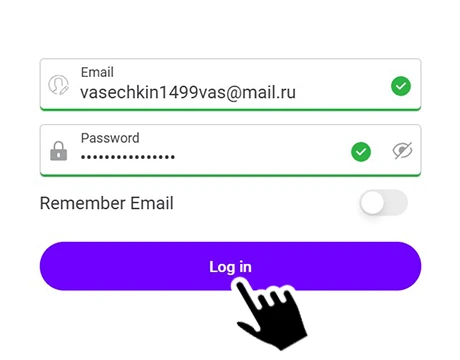
Press ‘Log In’ to access your account.
Common Issues & Troubleshooting
While using the Borgata app, users may occasionally face login problems, verification delays, or unexpected crashes. If you encounter any issues, it’s a good idea to check that your account details are correct and up to date, ensure your device and app are running the latest version, and clear the app cache if necessary.
In most cases, updating or reinstalling the app resolves performance problems, and password recovery or account verification can be completed directly through the app.
Casino Games Available in the Borgata App
The Borgata app offers a wide variety of casino games, bringing the excitement of Atlantic City directly to your device. Here’s what you can enjoy:
- Slot Machines: Spin your way to fun with popular titles like Bison Fury, MGM Riches, and Atlantis;
- Jackpot Slots: Chase big wins with thrilling jackpot games for real money rewards;
- Live Dealer Table Games: Play Roulette, Blackjack, Craps, and Baccarat with professional live dealers in real-time;
- Blackjack: Compete at 14+ tables, including classic, pro, and live blackjack tables;
- Craps: Roll the dice for thrilling real cash wins with every throw;
- Poker: Command 10+ poker tables with variations like Three Card, Ten Play Draw, and Texas Hold’em;
- Roulette: Explore 25+ options, from American Roulette to themed spins like Space Invaders;
- Baccarat: Enjoy 10+ elegant Baccarat experiences, from live tables to first-person games;
- Slingo Games: Try 35+ lively games that creatively combine slots and Bingo for a unique experience.
Bonuses You Can Access in the Borgata App
The Borgata app offers exciting bonuses to enhance your gaming experience and give you more chances to win. Whether you’re a new player or a seasoned pro, there’s something for everyone.
New players are greeted with a generous welcome offer. When you join Borgata casino, you’ll enjoy a 100% Deposit Match of up to $1,000, plus $20 free just for signing up. It’s the perfect way to kickstart your gaming journey and explore the app’s wide range of games.
Poker enthusiasts can take advantage of exclusive bonuses, including Cashback Grinds and Cash Boosted Tables. These offers provide extra rewards for your gameplay, making every hand even more exciting.
With these bonuses, the Borgata app ensures that every player has access to thrilling rewards and opportunities to maximize their winnings. Sign up today and start enjoying the perks!
Deposits & Withdrawals via the Borgata Casino App
The Borgata online casino app provides a variety of payment methods for deposits and withdrawals. Below is a detailed table of the available options:
| Payment Method | Deposit Minimum | Deposit Maximum | Withdrawal Minimum | Withdrawal Maximum |
|---|---|---|---|---|
 Apple-pay
|
$10 | $25,000 | $10 | $10,000 |
 Discover
|
$10 | $25,000 | $10 | $10,000 |
 Mastercard
|
$10 | $25,000 | $10 | $10,000 |
 Visa
Visa
|
$10 | $25,000 | $10 | $10,000 |
 Paywithmybank
|
$10 | $5,000 | $10 | $50,000 |
 Vip-preferred
|
$10 | None | $10 | None |
 Bill-pay
|
$10 | None | $10 | None |
 Paypal
|
$10 | $50,000 | $10 | $10,000 |
 Skrill
|
$10 | $50,000 | $10 | $10,000 |
 Paynearme
|
$10 | $500 | Not Available | Not Available |
 Wire-transfer
|
$10 | None | $1,000 | $2,000,000 |
While most methods have no fees, some may incur charges from issuers, banks, or processors. Withdrawal times vary by method, ranging from minutes for Apple Pay to up to 7 days for Wire Transfers. Be sure to check the specific terms for your chosen method.
Security and Fair Play in the Borgata App
The Borgata app ensures top-notch security with advanced encryption to protect your personal and financial data. It is fully licensed and regulated, guaranteeing fair play across all games. Random Number Generators (RNGs) are used for unbiased outcomes, and live dealer games are monitored for transparency, providing a safe and trustworthy gaming experience.
FAQs About the Borgata Casino App
Is the Borgata Casino App legal in my state?
The Borgata casino app is legal in Connecticut, Delaware, Michigan, New Jersey, Pennsylvania, Rhode Island, and West Virginia.
Can I play live dealer games on the Borgata app?
Yes, the app offers live dealer games, including Blackjack, Roulette, Baccarat, and Craps, for a real-time casino experience.
Does the app offer any exclusive in-app bonuses?
Yes, the Borgata app offers exclusive bonuses, including a generous welcome bonus of a 100% Deposit Match up to $1,000 plus $20 free on sign-up.
How do I uninstall or reinstall the Borgata app?
To uninstall, press and hold the app icon and select “Uninstall”. Reinstall it by downloading the app again from your device’s app store.
What should I do if the app crashes?
Restart the app or your device, ensure your app is updated, and check your internet connection. If the issue persists, contact customer support.

 PokerListings