Poker in The Netherlands
 PokerListings
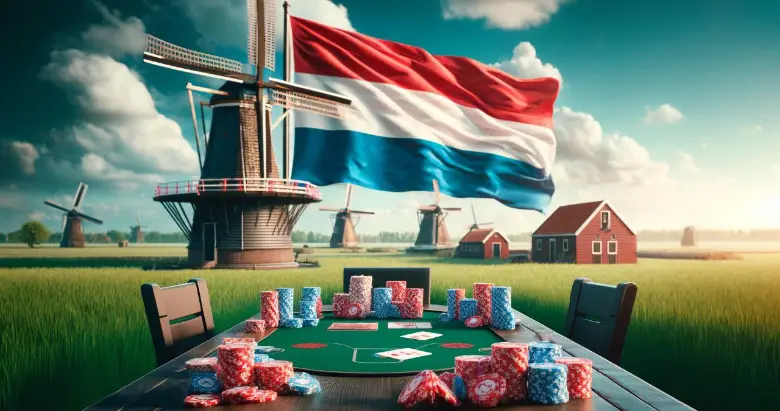
One of the most competitive countries in the world is situated on the west cost of Europe. It’s also one of the smallest and most crowded places on Earth. The Netherlands, with his royal highness King Willem-Alexander, belongs to the wealthiest countries in the world.
However, one thing that makes this country even more known around the world is their competitiveness, commitment, and pure passion for sports. The same goes for poker, online as well as live poker. Where there’s passion for sports, you’ll also easily find gambling.
Throughout the years, poker in The Netherlands has seen tremendous developments in terms of player ranking and results. For one, čive poker really started to kick off when Marcel Luske finished 3rd at a $5,000 Omaha Hi/Lo event for $44,560 during the World Series of Poker in 2002.
Dutch poker also got a boost with the ‘Moneymaker Effect’ in 2003, which sky-rocketed the game’s popularity around the globe. Still, Moneymaker is maybe the only poker moment the world will remember, while The Netherlands focused on something else. Marcel ‘The Flying Dutchman’, known for wearing his sunglasses upside down, finished 13th in that exact same Main Event as Moneymaker. This was the Poker Boom of The Netherlands.
The story doesn’t even end there, as Luske topped his 2003 performance, by taking 10th place in the 2004 WSOP Main Event, and being the runner-up result in a 7-Card Stud event.
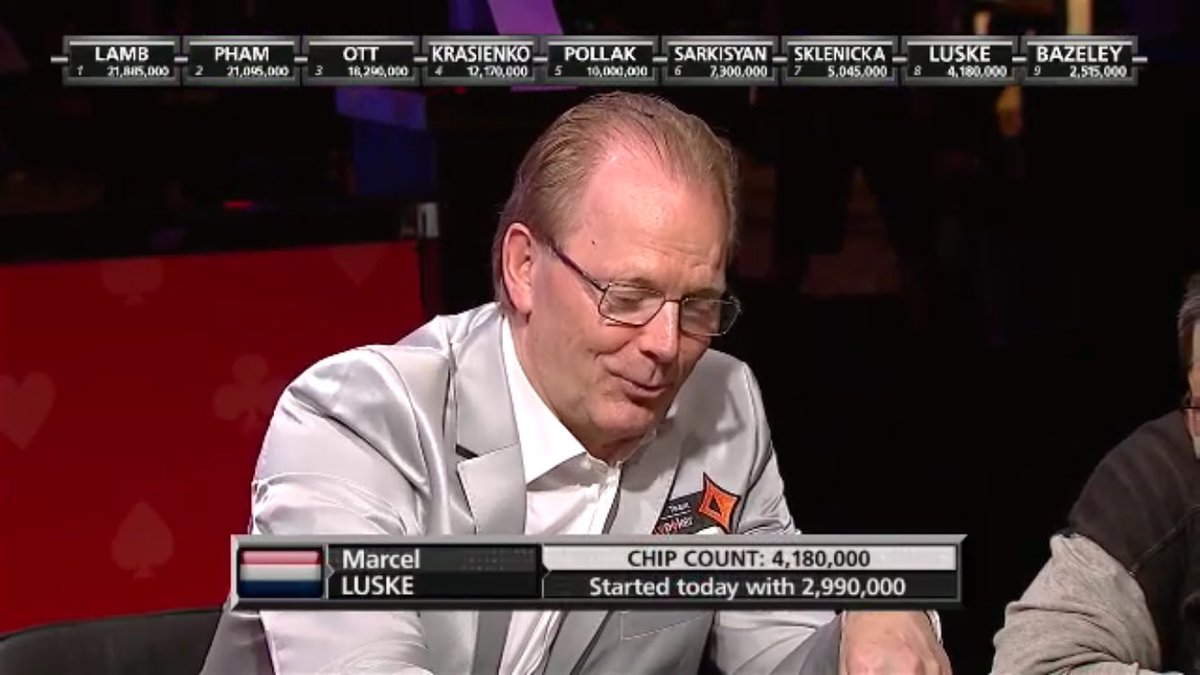

Not long after, he took the lead in the Dutch poker community. He signed a contract as a PokerStars Ambassador, mentored protégé Noah ‘Exclusive’ Boeken, produced a TV show called ‘Veronica Poker’, and got awarded the title of European Player of the Year in 2001 and 2004. To date, Luske has won over $5,000,000 in live career earnings, and is still the #4 on the All-Time Money List inThe Netherlands.
Political Influence
With poker popularity on the rise, the Dutch government started to wonder if poker was actually a game of skill or just pure gambling. The point was raised partially because the only land-based casinos in The Netherlands, known as Holland Casinos, are all state-owned. At the same time, the integrity of online gaming also became a point of debate.

Over the years, poker in The Netherlands has been put in many different boxes. The government decided to define poker as a ‘game of chances’, while advisors requested to include poker in the term ‘bingo games’. During this period, several judges ruled that poker couldn’t be defined as a game of chances and that laws couldn’t s ‘simply follow other countries’ in their rulings on this issue.
If I had to put one remark to this is would be that this does not mean poker isn’t seen as gambling in The Netherlands. On the contrary, poker is a game of chances, which can be influenced by the decisions of the poker player.
Revolutionary Law Chances
The Dutch laws related to gambling and ‘games of chances’ was due to be expired. For years, the government had been discussing what had points needed to be adjusted to let regulate the market. Before the regulation came into effect in October 2021, many online poker operators were given penalties for not following the strict Dutch media regulations.
At that point, it wasn’t allowed to promote any online activities related to gambling. To deter the ‘illegal’ sites, the Dutch government implemented even more restrictions, some related deposit methods. By the time the regulations were passed, many online operators had no choice but to pull the plug on the Dutch gambling market. Operator giants such as PokerStars, 888poker, and partypoker all instantly left the market, leaving online poker players in despair.
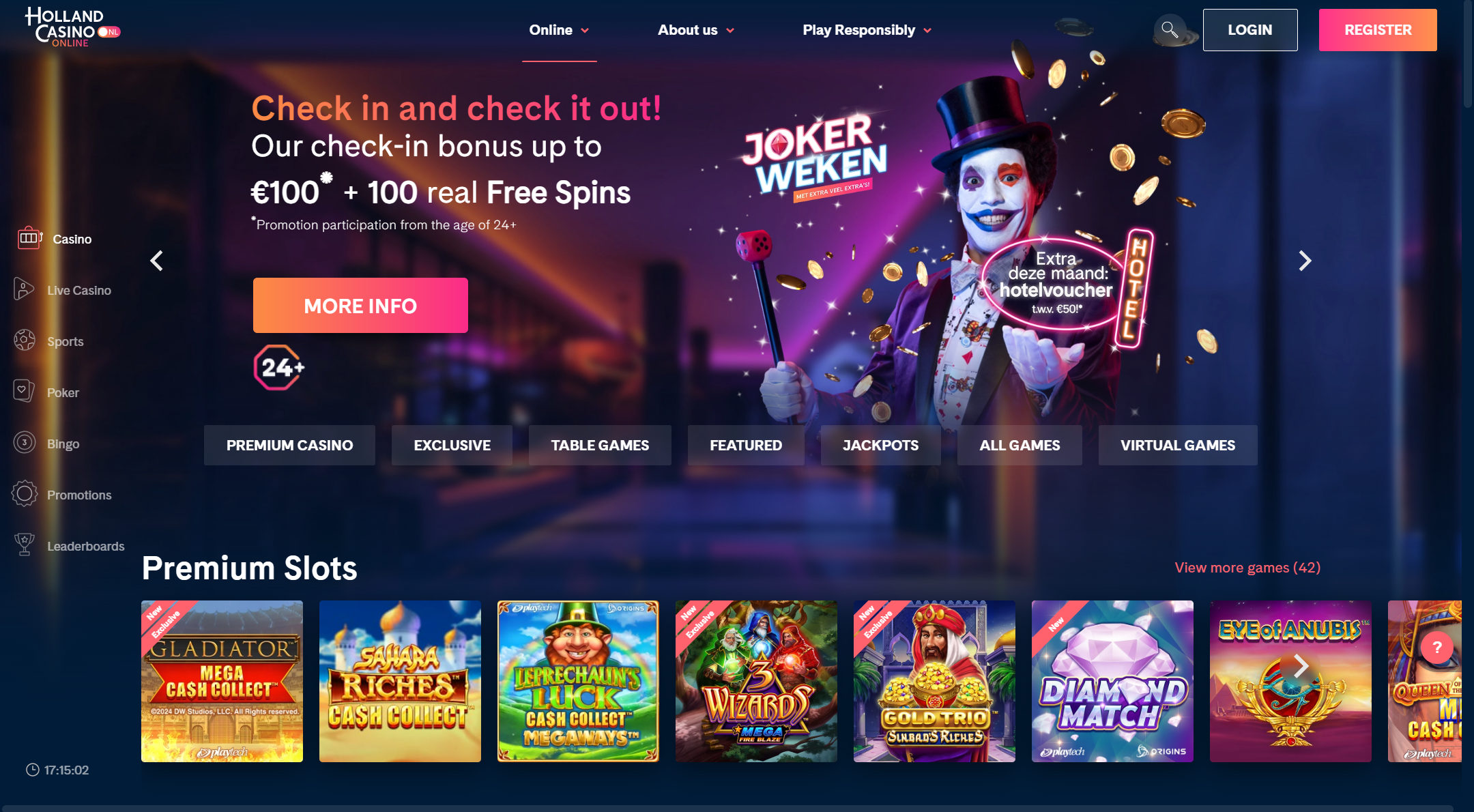
From October 2021, operators such as GGPoker and Unibet did manage to align with the newly introduced regulations. However, another somewhat new player on the market also threw their hat into the online poker ring. Holland Casino, a state-owned casino, with a monopoly on live poker in The Netherlands, also made a step towards the online poker world.


Holland Casino Online was born, operating through the network of iPoker. Where many (semi) professional poker players already had left The Netherlands a long time ago, due to the bad conditions in terms of taxes, it was yet another reason to move abroad for many players. PokerStars, who always had been the player’s favourite, suddenly was not available any longer, and for the pure online grinders it was reason enough to pack their bags and relocate to countries such as Malta, Austria, and the UK.
So, what did these new regulations dictate exactly? The first and possibly biggest change would be that players were going to have to deal with pre-defined deposit limits. Only after proving you were financially secure to gamble, could you be given the option to raise the stakes.
Now, in 2024, there are talks of further specifying these limits by allowing players to deposit a maximum 30% of their total income. One organization that plays a significant role in these discussions is the ‘Kansspelauthoriteit’, an organization that advocates for responsible gambling, mainly by keeping track on all online operators.
Live Poker in The Netherlands
Live poker in the Netherlands is probably best compared to its infrastructure, extremely well-managed and top-quality. The state-owned Holland Casino reflects this, probably best through its locations. The casinos of Holland Casino can be found in Amsterdam-Sloterdijk, Amsterdam Centraal, Utrecht, Breda, Venlo, Leeuwarden, Enschede, Groningen, Nijmegen, Rotterdam, Scheveningen, Valkenburg, and Zandvoort.


Like I said, live poker in The Netherlands has been popular ever since Luske created his very own Dutch poker boom. In the early 2000’s, not much live poker was being offered by Holland Casino. Luckily, as times are changing, so its Holland Casino, who began to offer their poker games daily. In many of the casinos, tournaments are being held frequently, where in other locations cash games are running most of the time.
Live poker tournament series were always in the hands of Holland Casino, which offers the Holland Casino Series nationwide. However, a couple years ago, the casino loosened up and began collaborations with well-known brands such as the WSOP, and the WPT.
What To Visit in The Netherlands?
Apart form poker, the Netherlands also offers a diverse range of activities for visitors. In Amsterdam, visitors can explore museums like the Rijksmuseum and Van Gogh Museum, take a canal cruise, and relax in Vondelpark.
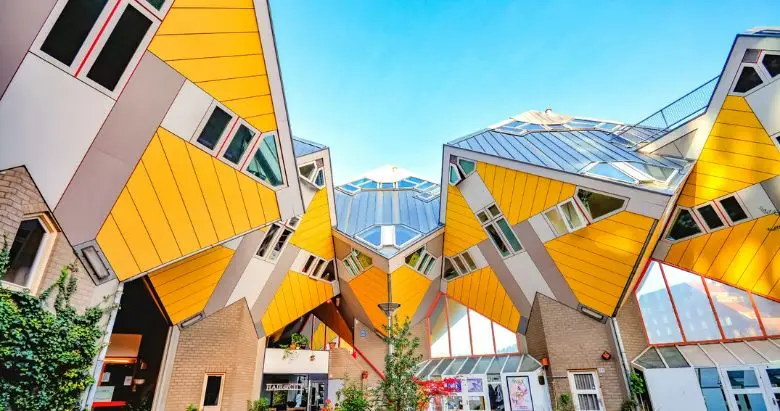
Rotterdam boasts modern architecture such as the Cube Houses, the Market Hall, and the Maritime Museum. The Hague features the Mauritshuis, the Binnenhof, and Scheveningen Beach, where is Holland Casino located as well. Utrecht is known for the Dom Tower, picturesque canals, and the Railway Museum.

The Dutch countryside is home to Zaanse Schans, the Keukenhof Gardens, and the charming village of Giethoorn. Historic cities like Delft, Leiden, and Haarlem offer unique cultural experiences, while the windmills at Kinderdijk and the fairy tale-themed Efteling amusement park provide additional attractions.
Outdoor enthusiasts can explore the Veluwe National Park, bike along extensive cycling paths, or visit the Wadden Sea. Unique accommodations include houseboats in Amsterdam and converted windmills. Culinary delights feature Dutch cheese markets in Alkmaar or Gouda, traditional raw herring, and fresh stroopwafels from markets. These activities showcase the Netherlands’ rich cultural heritage, modern attractions, and natural beauty, offering something for every traveler.
P.S. Ben je uit Nederland? Lees PokerListings in je moedertaal! Open https://www.pokerlistings.nl/
Recommended
-
- $55 Stake Cash + 260K Gold Coins
18+ | Play Responsibly | T&C Apply
-
- 100% up to $2000
18+ | Play Responsibly | T&C Apply
-
- 150% up to 2000$
+18 | T & C apply | Play responsible
-
- 100% up to $1000
18+ | Play Responsibly | T&C Apply
-
- 100% up to $1,000